Written by Benjamin · Founder of LiinkPublished October 9, 2026 · Updated October 10, 2026
A good Discord bio fits in one to three short lines: what you're into, what people can talk to you about, and one useful detail such as your time zone, whether DMs are open, or a link. Discord's About Me holds up to 190 characters, and emojis, Markdown and links all count toward that limit. Pick an example below, swap in your own details, and preview it before you save.
Disclosure: Liink publishes this guide and makes a link-in-bio page builder. Liink is not affiliated with Discord. Discord's help pages were checked in October 2026. Menus and limits can change, so trust the current help page if your app looks different. Every example bio in this guide is original and fictional.
What to put in your Discord bio
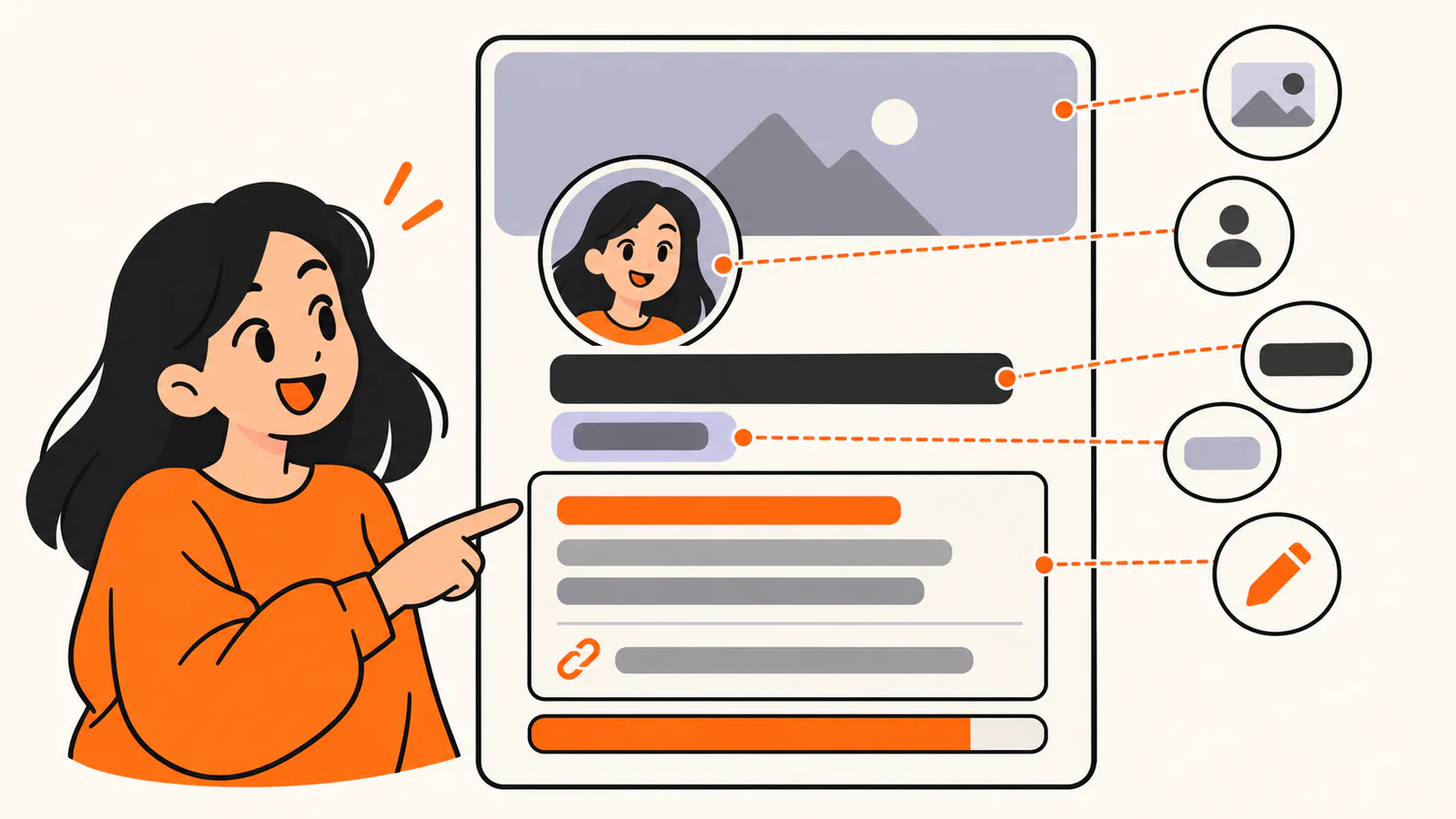
Your profile has separate fields for your display name, pronouns, banner and About Me. About Me holds up to 190 characters, and emojis, Markdown and links count toward it.
Your Discord profile has several fields, and About Me is only one of them. Let each field do its own job and your bio can stay short.
Field
What Discord says
What to put there
Display name
How you appear across Discord when no server or friend nickname is set. It can be 1 to 32 characters, with spaces, special characters and emojis.
The name you want people to call you.
Username
Unique and lowercase, 2 to 32 characters, using only letters, numbers, underscores and periods.
Something short you are happy to share so friends can add you.
Pronouns
A separate Pronouns field in your profile settings.
Your pronouns, if you want to share them, so they don't use up bio space.
About Me
Up to 190 characters, including emojis, Markdown text and links. Unicode characters work too.
What you're into, what to ask you about, one practical detail and at most one link.
Banner
Uploading an image or animated GIF as your banner needs Nitro.
An image that sets the mood, if you have Nitro.
Per-server profile
With Nitro, a different avatar, banner and About Me for each server.
A bio for one community, such as your role there or your commission status.
The About Me box has room for two or three short lines. Give each one a job:
•
Who you are here: a player, artist, developer, moderator, streamer or someone who just likes the memes.
•
What people can talk to you about, play with you or ask you for.
•
One practical detail: your time zone, when you're usually online, or whether DMs or commissions are open.
•
One link or next step, only if it helps people find your work or your server.
Keep it within 190 characters
Discord counts everything in About Me toward the 190-character limit, including emojis, Markdown symbols and links. A web address such as https://example.com/yourname uses 28 characters on its own. Write your bio first, then cut words until it fits with a little room to spare.
Decide who can see it
Your Profile Privacy setting controls who sees your full profile, including your bio. Choose Friends & All Servers, Friends & Small Servers Only (servers with 200 or fewer members) or Friends Only in User Settings > Data & Privacy > Profile Privacy. Your avatar, banner, display name and username stay visible either way, so keep personal details out of all of them.
Steps to write your Discord bio
1.
Decide what you want people to do after reading it: chat, team up, join your server, see your work or leave you alone while you focus.
2.
Write one line about what you're into or what you do, in words a stranger would understand.
3.
Add one practical detail, such as your time zone, your usual hours or whether DMs are open.
4.
Add a link only if it leads somewhere useful, and use the full address starting with https://.
5.
Select View Full Profile to preview it, cut anything you don't need, then save.
Write two or three versions and read them as a stranger would. Keep the one that says the most in the fewest characters.
How to format your Discord bio
Discord says About Me can contain Markdown text, links, emojis and Unicode characters, and its per-server profile guide points to Markdown Text 101 for the syntax. That guide is written for chat messages, and Discord doesn't publish a separate list for About Me, so preview your bio before you save. Every formatting symbol counts toward the 190 characters.
Style
What to type
Characters it adds
Bold
your text
4
Italics
your text or _your text_
2
Underline
__your text__
4
Strikethrough
~~your text~~
4
Spoiler
||your text||
4
Inline code
`your text`
2
Block quote
> at the start of a line, followed by a space
2
Discord's Markdown guide also covers headers (#), subtext (-#), lists and masked links, but its examples are for messages. If you try them in About Me, check the preview and remove anything that doesn't show the way you expect. For links, a full address starting with https:// is the dependable choice.
Emojis and symbols
Emojis and Unicode symbols such as ✦, ☆, ♡ and ➜ work in About Me and make handy dividers. Custom server emojis in About Me need Nitro. Emojis still count toward your limit, so use one or two as accents rather than a whole line of them.
50 Discord bio examples you can copy
Every example below was written for this guide and is fictional. Each one is well under Discord's 190-character limit, so you have room for your own details. Replace anything in [brackets], and keep a claim only if it's true for you.
Short and aesthetic Discord bios
•
✦ quiet mornings, loud playlists ✦
•
collecting sunsets, pixel art and late-night voice chats ☾
•
☁ soft music · strong coffee · slow replies ☁
•
here for the voice chats, staying for the people ♡
•
currently: learning, building, overthinking ✧
•
night owl with a sketchbook and too many tabs open ☆
•
small steps, warm drinks, kind people ✿
Funny Discord bios
•
Professional overthinker. Amateur everything else.
•
I said one more match four hours ago.
•
My sleep schedule is more of a suggestion.
•
Typing… (I'm not. I'm thinking about snacks.)
•
Fluent in sarcasm, memes and apologizing for both.
•
I mute my mic to eat chips. You're welcome.
•
Running on cold pizza and side quests.
Gamer Discord bios
•
Co-op shooters and cozy farm games · EU evenings · Add me if you want a chill duo
•
Support main · I heal, you take the credit · NA nights and weekends
•
Roguelike fan · I die a lot and learn a little each time · Ask me about builds
•
Ranked grinder on weekends, patient teammate always · Happy to help new players learn
•
Strategy games, long campaigns, zero rage quits (mostly) · [time zone] · DMs open for team invites
•
Casual raider · I fish in every game that has fishing · Voice chat on weekends
•
Retro game collector · arcade high-score chaser · If it has pixels, I'm in
Creator and streamer bios
•
Variety streamer · Live Tue, Thu and Sat at 7pm [time zone] · Schedule and clips ➜ [your link]
•
Short videos about budget PC builds · New upload every Friday · Watch ➜ [your link]
•
Podcast host talking about indie games and the people who make them · New episodes on Mondays ➜ [your link]
•
Cozy streams with plants, puzzles and a friendly chat · Mod applications open in #mod-apps
•
Speedrun tutorials for beginners · Routes and notes ➜ [your link] · Questions go in #help, not DMs
•
Making a webcomic one page a week · Start from page one ➜ [your link]
Artist and musician bios
•
Digital illustrator · fantasy creatures and cozy rooms · Commissions closed until [month] · Portfolio ➜ [your link]
•
Pixel artist · sprites, tiles and tiny animations · Open to small game projects
Freelancers and professionals: professional bio examples for websites, proposals and speaker intros.
•
On TikTok too? TikTok bio ideas with 60 examples that fit its 80-character limit.
Discord bio formulas you can adapt
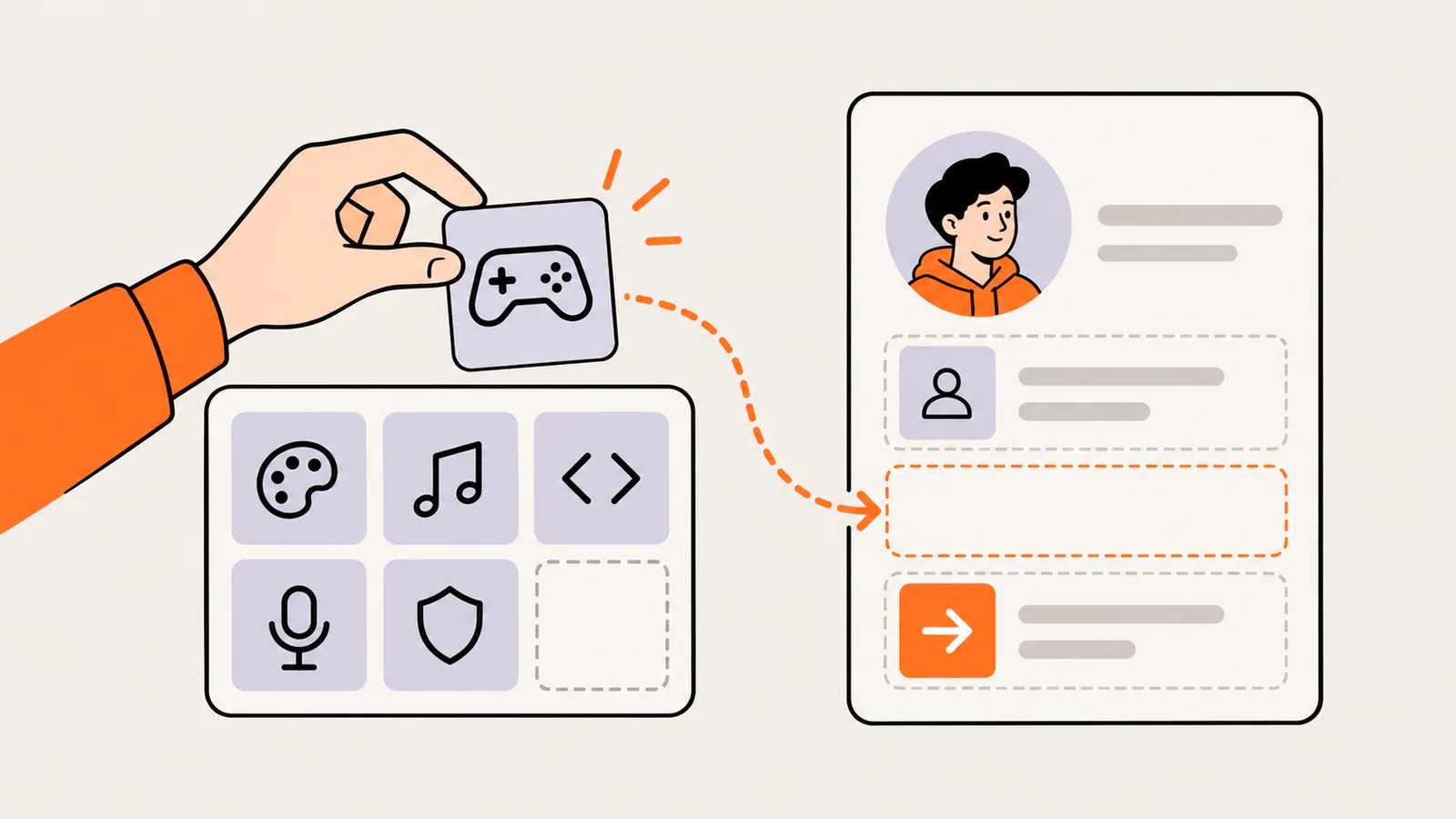
Keep the formula and swap one block, such as gaming, art, music, code, streaming or community, to make the same structure fit you.
A formula gives you a shape to fill in, so you never start from an empty box. Keep the structure, swap one part for your own interest, and check that the result stays under 190 characters.
Formula
Template
Works well for
Vibe + interests
[Vibe or role] · [two interests] · [one small detail]
Short and aesthetic bios
Player card
[Games or genres] · [role or play style] · [region or hours] · [how to team up]
Gamers
Joke + truth
[Funny line about yourself] · [one true detail]
Funny bios
Work + schedule + link
[What you make] · [when it comes out] ➜ [your link]
Creators, streamers, artists and musicians
Status + rule
[What you do] · [DMs or commissions open or closed] · [where to ask instead]
Developers, moderators and anyone who gets lots of DMs
Server + invite
[Your role] of [server topic] · [what members do there] · Join ➜ [your invite link]
Server owners and event hosts
The middle dot (·) and the arrow (➜) are optional. They separate ideas on one line and point toward a link, but plain words work too. If a formula makes you add something that isn't true, pick another one.
How to edit your Discord bio
You can edit your bio on desktop, in a browser or in the mobile app. These steps follow Discord's Custom Profiles help page as checked in October 2026.
On desktop or in a browser
1.
Select the cogwheel at the bottom left of the app to open User Settings.
2.
Select the Profiles tab.
3.
Write or paste your bio in the About Me box.
4.
Select View Full Profile in the profile preview to check how it looks.
5.
Select Save to keep your changes.
On mobile
1.
Tap your avatar in the bottom-right corner of the app.
2.
Tap Edit Profile.
3.
Write or paste your bio in About Me, then tap Save.
Use a different bio in one server
With Nitro, per-server profiles let you set a different avatar, banner and About Me for each server, with the same 190-character limit. On desktop, right-click your avatar in one of that server's text channels and select Edit Per-server Profile. Your main profile stays the same everywhere else. Without Nitro, you can still set a server nickname.
Discord bio mistakes to avoid
•
Fake or disguised links. Discord's safety team warns that link shorteners can hide unsafe websites. Use the full address of a page you control, and open it after you save to check it works.
•
Free Nitro and giveaway bait. Discord says it has never made a bot that offers free products, and messages promising free Nitro behind a link are a common phishing sign. Don't use that wording, even as a joke.
•
Personal details. Leave out your full name, address, school, phone number and anything else you wouldn't tell a stranger. Depending on your Profile Privacy setting, people in servers you share can read your bio.
•
Pretending to be someone else. Discord's Community Guidelines don't allow fake profiles or impersonating an individual, group or organization, and its name rules also rule out posing as Discord staff.
•
Sexually explicit content. The Community Guidelines don't allow it in spaces that can't be age-restricted, and they name bios as one of those spaces.
•
Selling accounts or invites. The guidelines don't allow buying or selling Discord accounts, usernames, servers or custom server invite links.
•
Expired invites. A new server invite lasts 7 days by default. Select Edit Invite Link to change how long it lasts before you add it to your bio, and replace the link if it stops working.
•
Stale details. Update your bio when commissions close, your schedule changes or a link stops working.
Add a link to your Discord bio
To make a link clickable in About Me, paste the full address, starting with https://. For desktop and mobile steps, masked links in messages, Connections and server invites, see our guide to adding clickable links to your Discord bio.
One link is usually enough. Every link uses characters you could spend on your bio, and one clear destination is easier to trust than several.
If you want to share several destinations, a link-in-bio page lets you keep one link in your bio and update the page behind it. Liink is one option: the Free plan includes one public page with unlimited links and QR code sharing, and Pro ($7.99/month or $79.90/year) adds custom domains and detailed analytics. Liink does not write your bio or guarantee clicks.
Frequently asked questions
How long can a Discord bio be?
Your About Me can be up to 190 characters, according to Discord's Custom Profiles page, and emojis, Markdown text and links all count toward that limit. A per-server About Me has the same 190-character limit.
What should I put in my Discord bio?
Say what you're into, what people can talk to you about, and one practical detail such as your time zone or whether DMs are open. Add a link only if it leads somewhere useful.
Can I copy and paste these Discord bios?
Yes. Every example in this guide is original and written to be copied. Replace the parts in brackets with your own details, keep only claims that are true for you, and preview the result before you save.
Can you use Markdown in a Discord bio?
Discord says About Me can contain Markdown text and links. Its Markdown guide shows styles such as bold, italics, underline and strikethrough for chat messages, so preview your bio before you save. The symbols count toward the 190 characters.
Can I have a different bio for each server?
Yes, with Nitro. Per-server profiles let you set a different avatar, banner and About Me for each server. Without Nitro, you can still change your server nickname.
Who can see my Discord bio?
It depends on your Profile Privacy setting: Friends & All Servers, Friends & Small Servers Only, or Friends Only. You can change it in User Settings > Data & Privacy > Profile Privacy.
Do I need Nitro to write a Discord bio?
No. About Me and pronouns are part of every profile. Nitro adds extras such as custom emojis in About Me, an uploaded banner image and per-server profiles.
How do I make a link clickable in my Discord bio?
Paste the full address, starting with https://, into About Me and save. Our Discord bio link guide covers the steps on desktop and mobile and what to check if a link isn't clickable.
Official sources checked
The Discord facts in this guide were checked against these official pages in October 2026:
•
Discord Help Center: Custom Profiles (About Me limit and contents, edit steps, preview, pronouns and Nitro banners), checked October 2026.
•
Discord Help Center: Markdown Text 101 (formatting syntax), checked October 2026.
•
Discord Help Center: Per-Server Profiles (per-server About Me, Nitro and server nicknames), checked October 2026.
Search demand was checked in the Semrush US database on October 7, 2026. Volumes are research estimates, not traffic guarantees. All 50 example bios were written for this guide and are fictional.