What Does “Link in Bio” Mean? A Practical Guide


“Link in bio” means that the link a creator wants you to open is located in the profile section of their social account. Instead of placing a long URL in every post, they direct people to one profile link that can lead to a website, product, video, newsletter, booking page, or a small page containing several destinations.
The phrase is common because captions and video descriptions do not always make every URL clickable. A profile link creates a stable route from short-lived social content to the next action.
The short answer
When someone says “link in bio,” open their profile and look for a clickable website or link below the profile description. The exact location and label vary by platform and app version.
Why people use a link-in-bio page
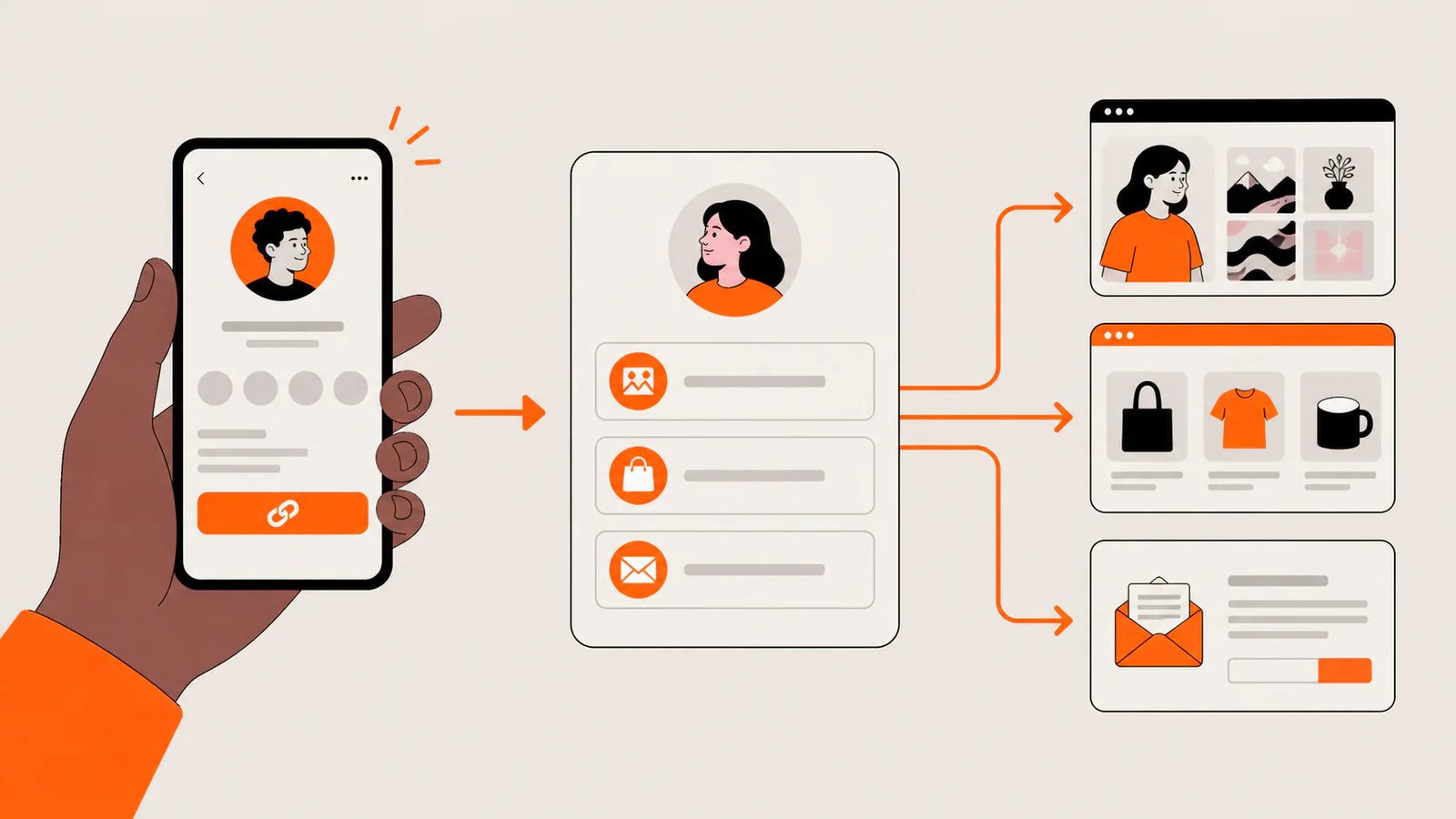
A single destination is enough when every post supports the same offer. But creators, freelancers, musicians, and small businesses often need to share several things at once. A link-in-bio page acts as a compact menu between a social profile and those destinations.
Link in bio examples
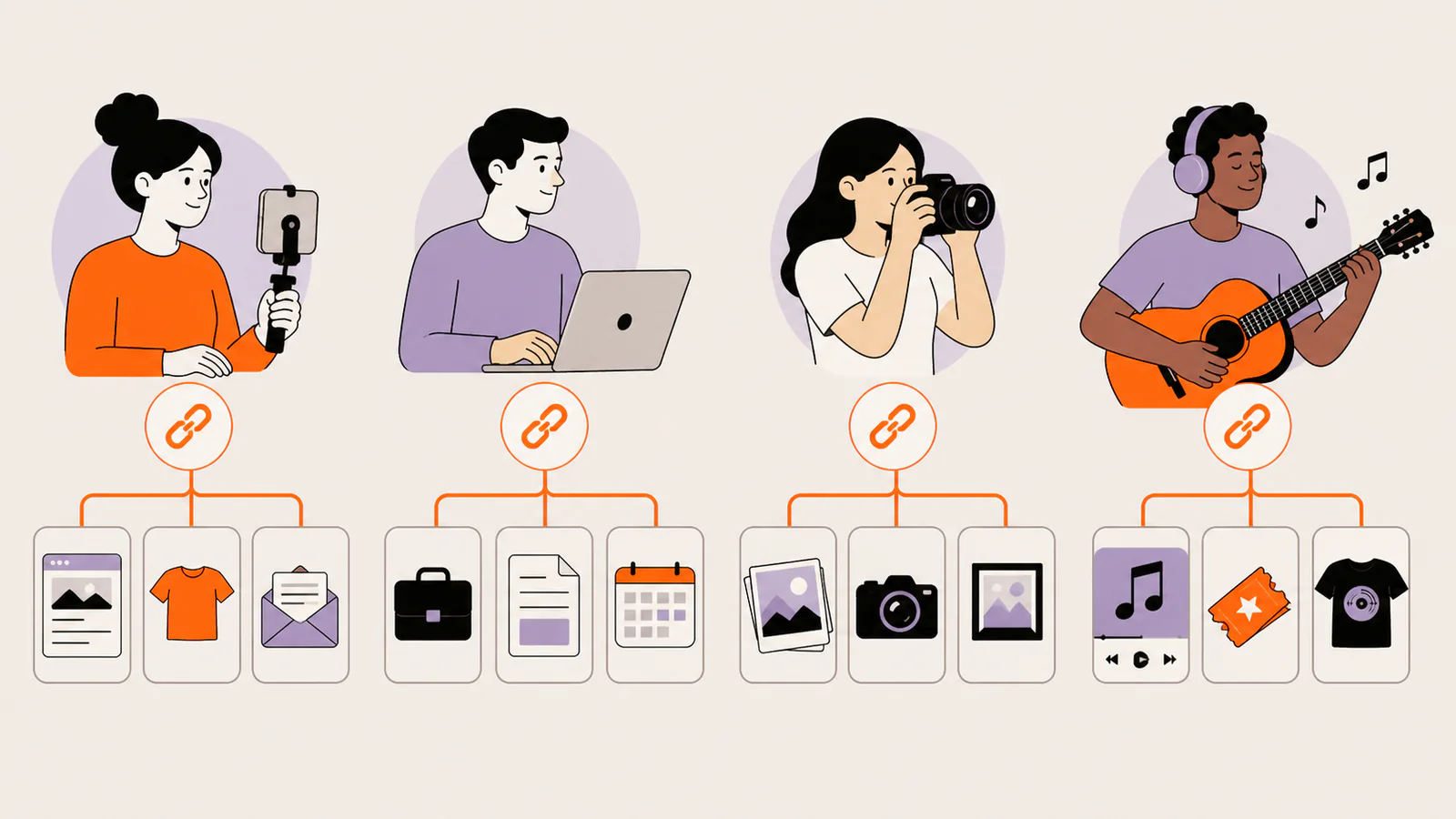
The best page depends on the job it needs to do. These examples show how the same simple pattern changes by audience.
Creator or influencer
Lead with the newest video or collaboration, then include the newsletter, recommended resources, and primary social profiles. Label sponsored or affiliate destinations clearly.
Freelancer
Show the service, one or two proof-rich projects, an external booking link, a CV or portfolio file, and a direct email route. The page should help a prospective client understand the next step quickly.
Photographer
Use image-led cards for selected work, then route visitors to full galleries, an external booking service, a print store, and contact details.
Musician or podcaster
Prioritize the newest release or episode, listening platforms, tour or event information, merchandise, and the mailing-list destination.
What makes a useful link-in-bio page?
Is a direct link better?
Use a direct link when one campaign has one obvious action. Each extra choice creates another decision. Use a link-in-bio page when the profile serves several audiences or when you need a durable home for changing content.
Check a profile link before you trust it
A profile link is public and can lead away from the social platform. Check the destination domain, be cautious with unexpected downloads or payment requests, and do not enter credentials after following a suspicious redirect.
Source: Instagram Help Center — what profile information anyone can see. Accessed July 26, 2026.
Frequently asked questions
Is “link in bio” one link or many?
The social profile contains one clickable entry point in the simplest case. That entry point may open a page containing several links.
Why not paste the URL in the caption?
Some social surfaces do not turn caption URLs into convenient clickable links. A short call to action such as “link in bio” sends people to the profile’s established clickable destination.
Can a link-in-bio page replace a website?
It can replace a simple profile landing page. A full website is still more appropriate for deep navigation, a large catalog, account features, or extensive documentation.
Build your own visual link-in-bio page
Liink lets you arrange profile details, text, image-led cards, links, social profiles, video, audio, email, and file destinations in a responsive visual grid. Start small, put the main action first, and add only the destinations your audience needs.
Create a Liink page, then test it from the social profile where you plan to use it.
Using Discord too? Follow the Discord bio-link guide for current steps, the 190-character limit, and link-safety checks.