How to Add a Link to Your TikTok Bio


To add a website link on TikTok, open Profile, tap Edit profile, then tap Add next to Links and follow the steps. TikTok says a website link is available if you have at least 1,000 followers or a Verified Business Account.
TikTok no longer supports links that open or log you into other social media apps, but you can still link to those platforms' websites. Labels and layout can change by app version, so use the profile editor in your own app as the final source of truth.
Source: TikTok Help Center — adding a website link to your profile. Checked October 9, 2026.
TikTok website-link eligibility
Do not switch account type only to unlock a field without reviewing the effect on music, commercial-content rules, and the features your workflow uses. TikTok’s account options and policies can change, so confirm them inside TikTok before switching.
Steps to add a website to your TikTok bio
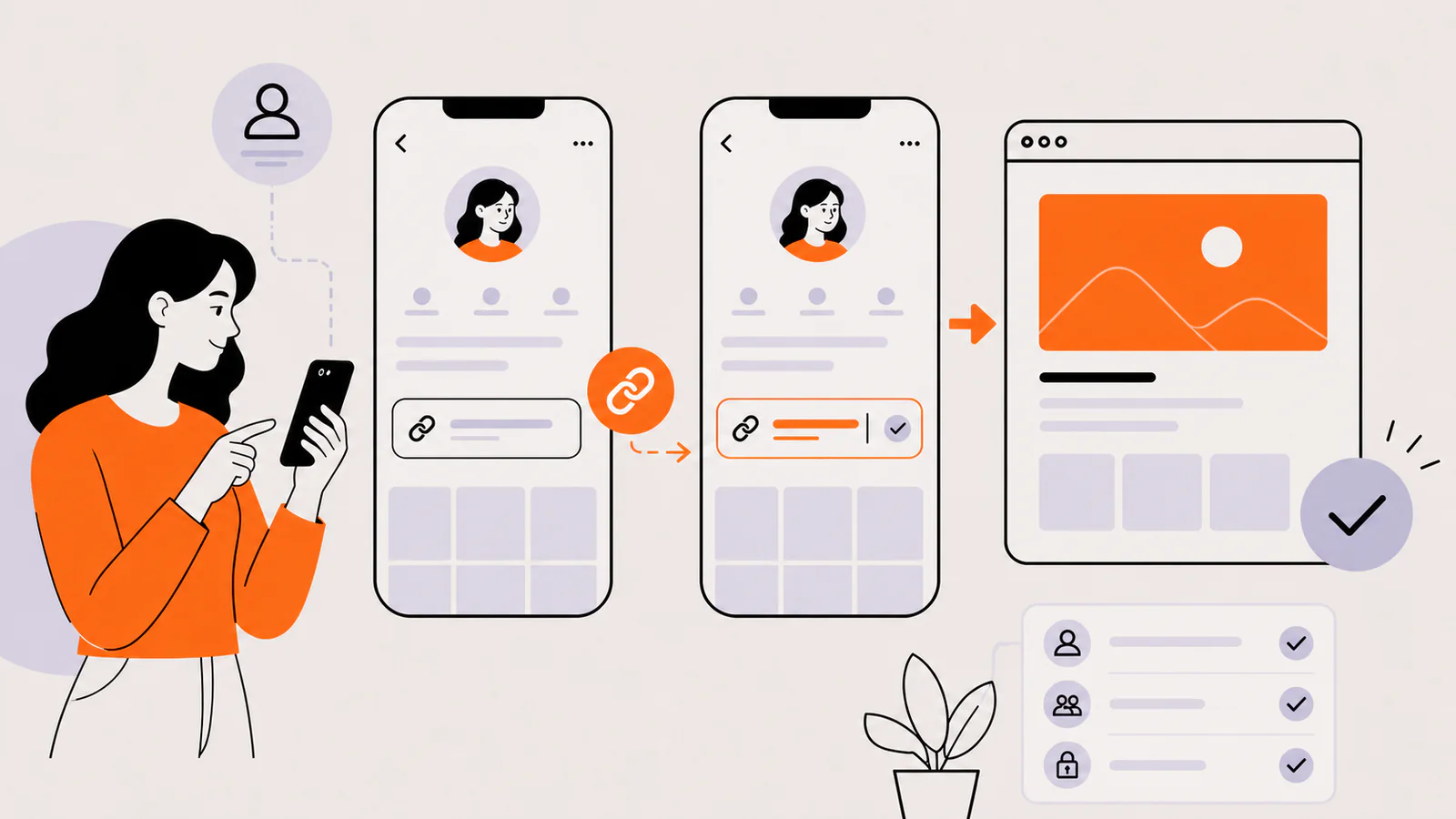
Test the link on the same phone you use for TikTok and, if possible, on another device. Confirm the page loads quickly, fits a mobile screen, and makes the promised next step obvious.
Why the website field may be missing
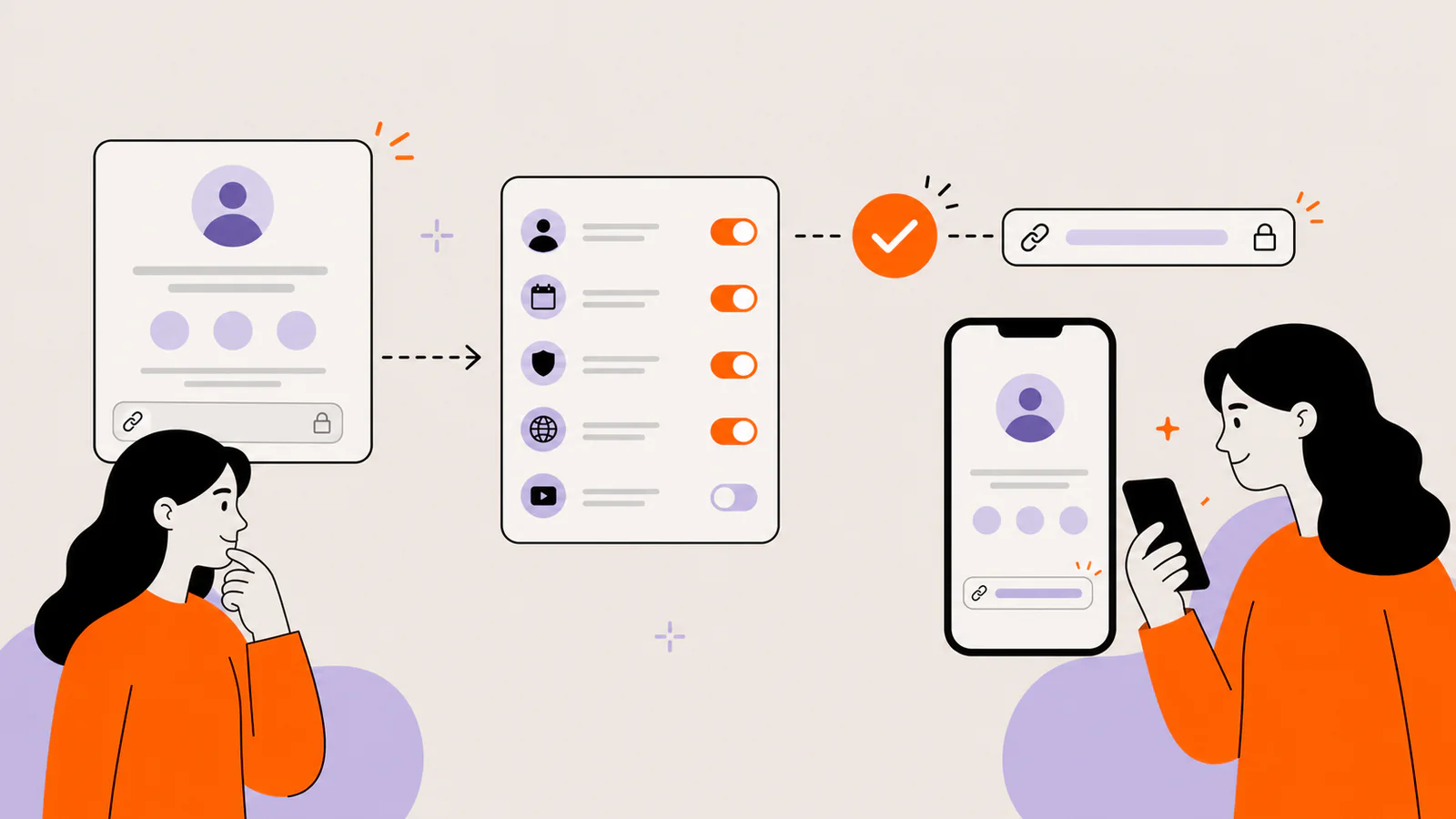
Your personal account has fewer than 1,000 followers
TikTok’s current support page sets a 1,000-follower threshold for non-business accounts. A URL typed as plain biography text is not equivalent to a clickable website field.
Your business account isn't verified
TikTok's help page names a Verified Business Account, not any account with a business label. Check the business account and verification options in your app.
You meet the requirements but can't see Links
Update the TikTok app and restart it. Menus can change between app versions, so look for Links inside Edit profile, and check TikTok Help if it still doesn't appear.
The app is showing an older cached profile editor
After an account or eligibility change, sign out only if you know your login method, then reopen the app. Avoid unofficial workarounds or redirects that ask for TikTok credentials.
What should your TikTok bio link open?
Match the link to the intent created by your videos. If almost every post promotes one launch, link directly to that launch. If your content supports several recurring destinations, use a short social landing page.
Keep the top destination aligned with the video or series that currently sends the most profile visits. Remove expired offers instead of letting the page become an archive.
Write a better TikTok bio call to action
The website field does not explain why someone should tap. Use the biography to set an expectation, such as “Latest tutorial and resource list ↓” or “Portfolio and booking details ↓.” Keep the promise accurate.
Need words for the bio itself? Pick one of our 60 TikTok bio ideas you can copy, each within the 80-character limit.
Common TikTok bio-link mistakes
Frequently asked questions
Do I need 1,000 TikTok followers to add a link?
TikTok says a website link is available with at least 1,000 followers or with a Verified Business Account.
Can I add a link by typing it in my biography?
You can type text, but it may not behave like the dedicated clickable website field. Test the published profile from another account.
Should I link to my homepage or a link-in-bio page?
Choose the narrowest destination that fulfills the promise in your videos. Use a direct page for one campaign and a compact link-in-bio page for several recurring actions.
Create a mobile-ready TikTok destination
Liink can combine a profile header, visual cards, text, sections, links, social profiles, external booking or shop destinations, video, audio, email, and files in one responsive grid. Liink does not change TikTok’s eligibility rules; it gives eligible accounts a focused destination to link to.
Create a Liink page, publish it, and test every link on mobile.
Using Discord too? Follow the Discord bio-link guide for current steps, the 190-character limit, and link-safety checks.