How to Add Clickable Links to Your Discord Bio
To add a clickable link to your Discord bio, open User Settings, choose Profiles, edit your User Profile, and paste the complete HTTPS address into About Me. Save, open your full profile, and click the link yourself. Discord currently allows links in About Me, but the entire section—including text, emoji, Markdown, and URLs—is limited to 190 characters.
Discord's official profile and Markdown documentation was checked August 5, 2026. The interface and link behavior can change, so treat the saved-profile test as the final check. This guide covers a normal user profile; server invite links, bot embeds, channel messages, and per-server profiles are different workflows.
Add a clickable Discord bio link on desktop or browser
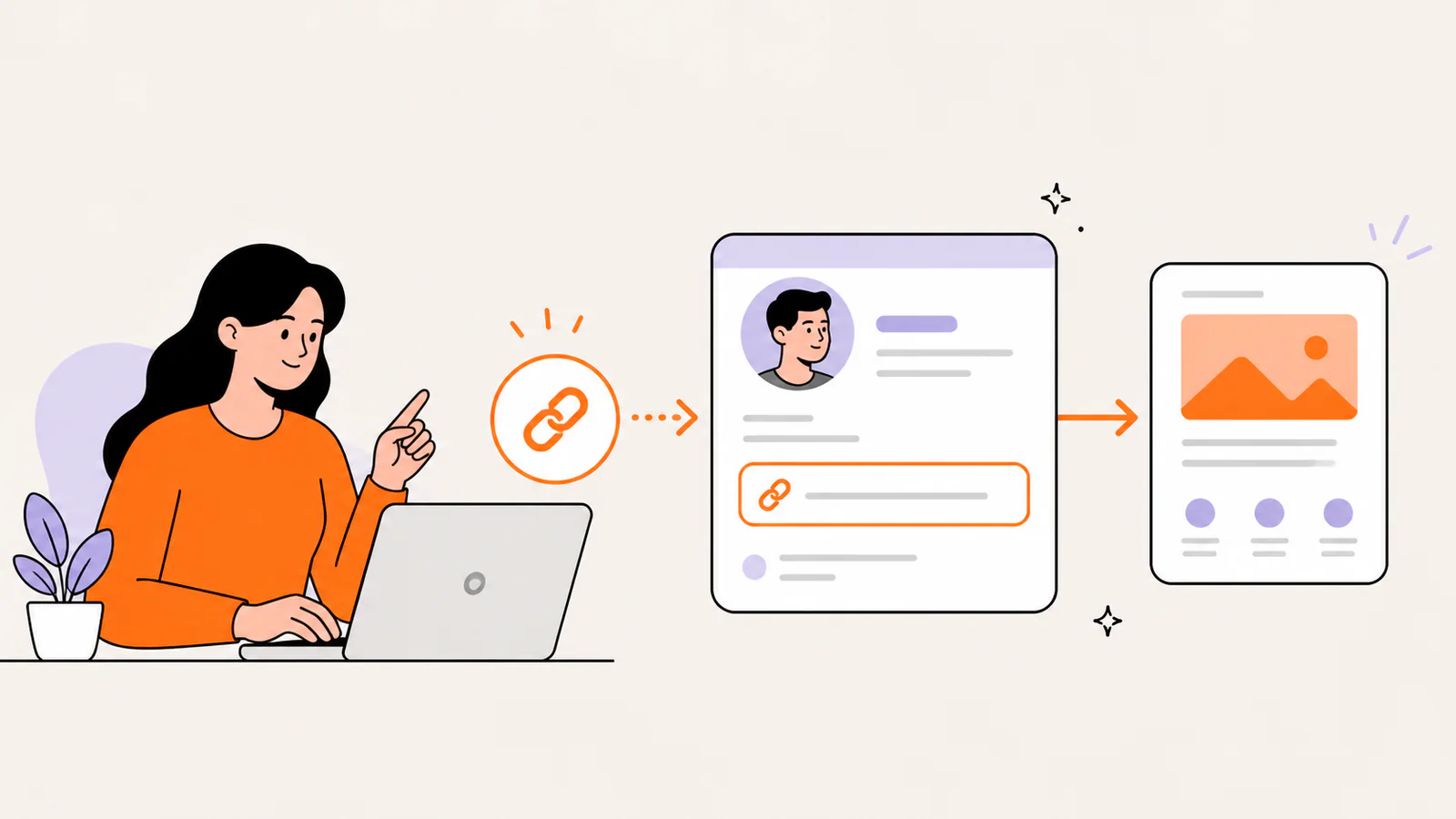
Add the link on iPhone or Android
Use a full URL, not a masked-link assumption
Discord's current profile guide explicitly says About Me can contain Markdown text and links. Its masked-link syntax—display text in square brackets followed by a URL in parentheses—is documented in the separate chat-formatting guide. Because a chat feature is not automatically a profile guarantee, the reliable profile format is a visible, complete HTTPS URL that you verify after saving.
How to fit multiple links inside 190 characters
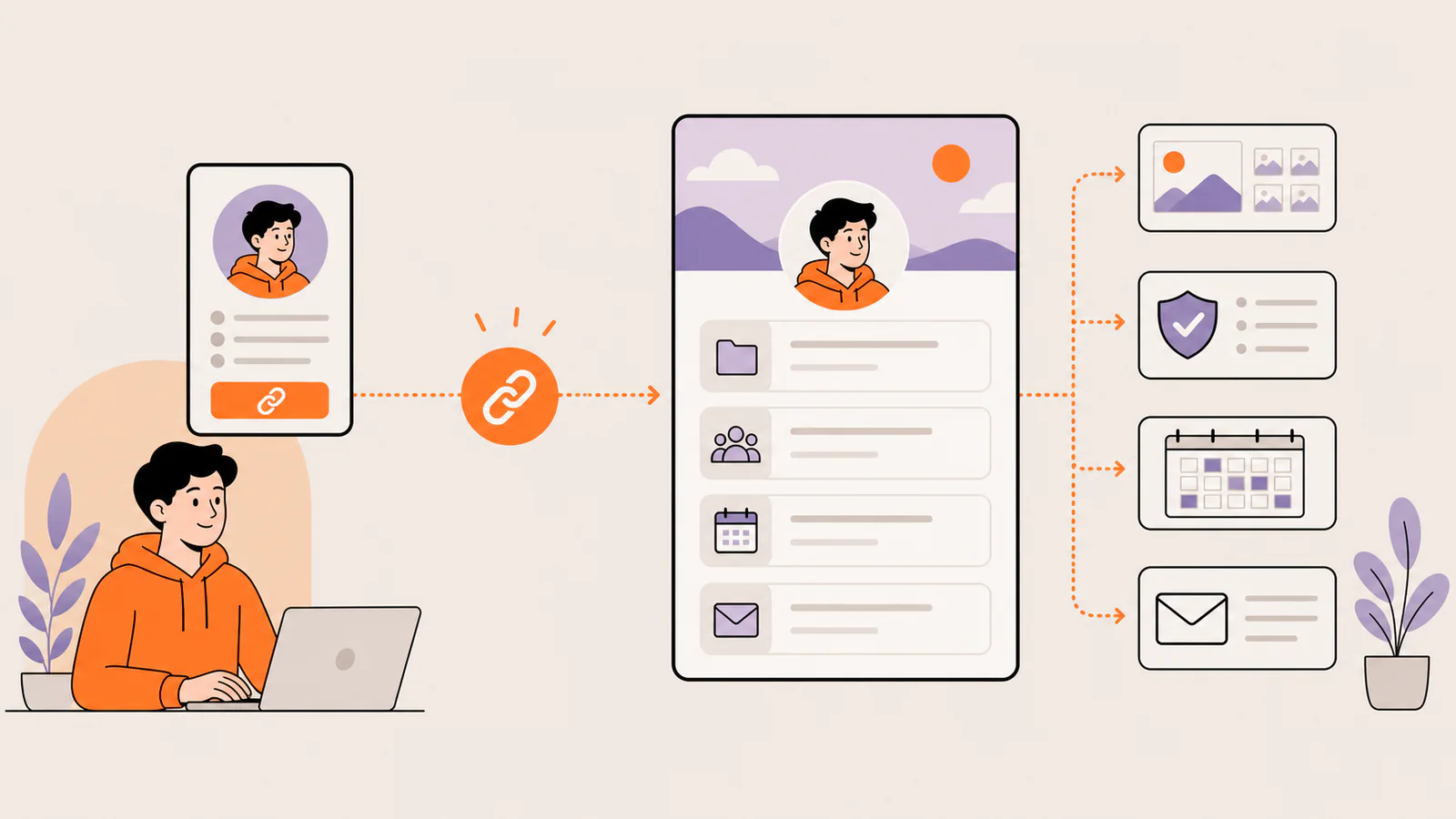
Several full destination URLs can consume Discord's About Me allowance quickly and leave no room to explain who you are. A single public link page is useful when you need to share a portfolio, stream, social profiles, community, booking page, store, or latest project together. The Discord bio still contains one clear URL; the destination page organizes the choices.
Liink can provide that visual destination page with text, sections, image-led cards, social and email links, file links, and supported video or audio embeds. It does not provide a native Discord integration, server management, automatic profile syncing, custom domains, verified public analytics, or guaranteed click growth.
Test the link before sharing your profile
Link safety matters on Discord
Discord warns users about unexpected links, lookalike domains, fake login pages, and QR-code scams. Share a domain you control or trust, make the destination clear, and never ask visitors for a Discord token or password. A profile link should not imitate Discord or create false urgency.
Why is my Discord bio link not clickable?
Frequently asked questions
Can you put a clickable link in a Discord bio?
Yes. Discord's current Custom Profiles guide says the About Me section supports links and Markdown text. Paste a full HTTPS URL, save it, and verify the published profile.
How long can a Discord bio be?
Discord currently documents a 190-character maximum for About Me. That count includes normal text, emoji, Markdown, and links.
Do you need Nitro to add a link?
Discord documents links as part of the normal User Profile About Me editor. Nitro is required for server-specific profiles and selected appearance features, not for the basic global-profile workflow described here.
Can one Discord bio link open several destinations?
A single URL can open a public landing page containing several clearly labeled destinations. Discord still sees and displays one profile URL; the external page organizes the choices.
Official sources checked
Discord Custom Profiles guide — About Me navigation, content types, preview, and 190-character limit; checked August 5, 2026.
Discord Markdown Text 101 — chat Markdown and masked-link syntax; checked August 5, 2026.
Discord Per-Server Profiles guide — server-specific profile behavior and Nitro requirement; checked August 5, 2026.
Discord account-security guide — suspicious-link and fake-login guidance; checked August 5, 2026.
Create one clear destination for your Discord bio
Create a visual Liink page when one verified profile URL is clearer than several cramped destinations. Keep it only if it works well for your audience.
Also see how to add a link to your Instagram bio with current placement and testing steps.
For another social profile, follow the TikTok bio-link guide and check account eligibility before promising a website field.