How to Build a Social Media Landing Page


A social media landing page is a focused mobile page built for visitors arriving from a social profile, post, video, or advertisement. It should confirm they reached the right creator or business, present the promised destination first, and make the next action obvious.
It can be a direct campaign page, a compact portfolio, or a link-in-bio page. The format matters less than the match between the social content and the landing-page action.
Start with one audience journey
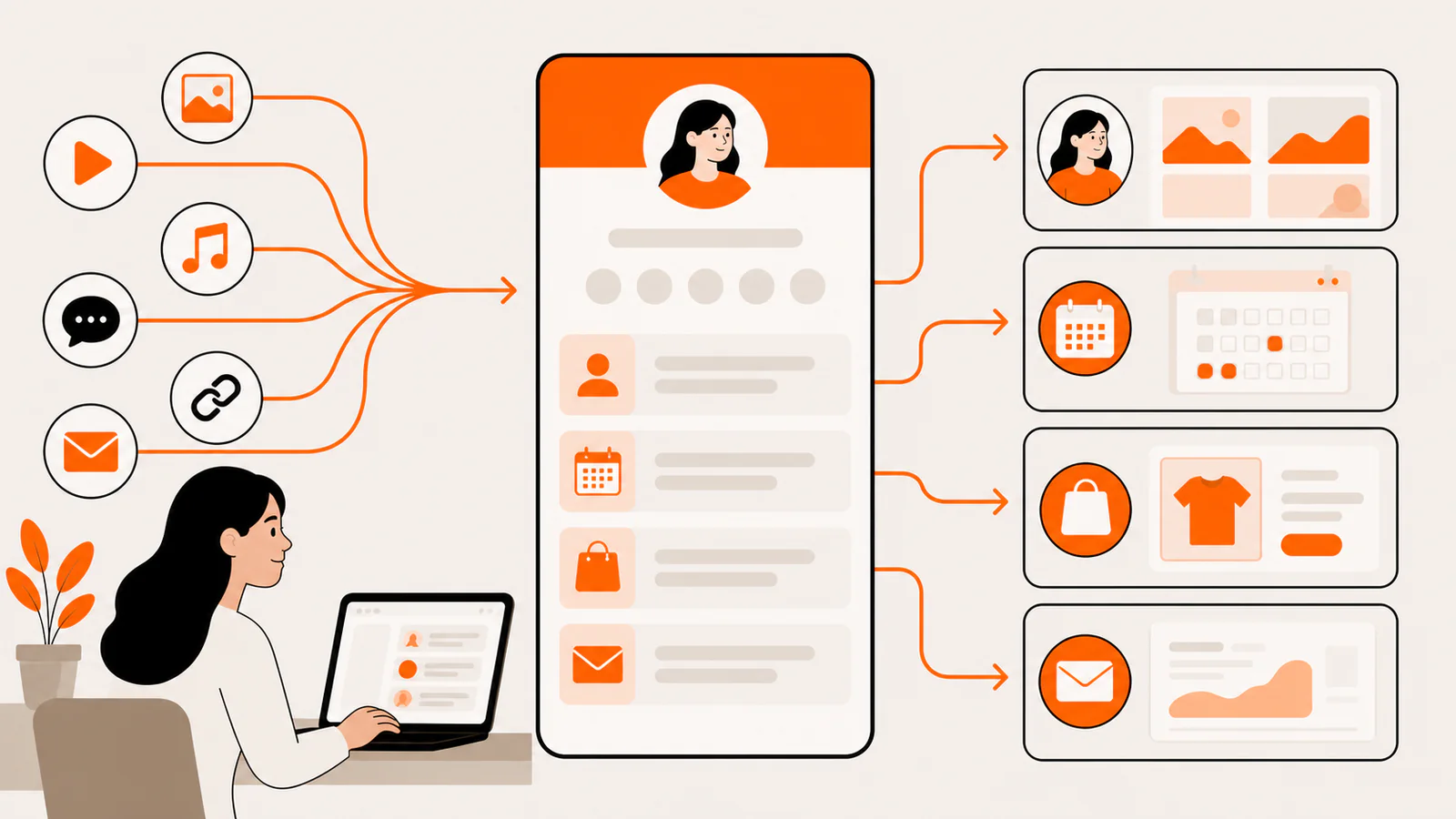
Before choosing colors or blocks, write one sentence: “A visitor arrives from _ because they want _, and the next useful action is ___.” If the sentence contains three unrelated audiences, make separate campaign destinations or choose a clear primary route.
When intent is narrow, link directly to the destination. When the profile represents several recurring journeys, use a compact landing page and keep the primary path visually dominant.
The essential page structure

This order is a starting point, not a requirement. A musician may lead with audio. A photographer may lead with an image. A consultant may lead with a concrete service and project proof.
Choose the right page type
Direct campaign page
Best for one product, event, download, or signup. Remove unrelated choices and continue the exact language used in the social content.
Link-in-bio page
Best for an evergreen profile serving several recurring needs. Keep the list curated and change its top item as current content changes.
Visual portfolio page
Best when visitors need to see the work before choosing a contact or booking destination. Use a few strong examples rather than a complete archive.
Full website
Best for deep navigation, large catalogs, account workflows, or extensive information. Consider a focused social landing page in front of it when the homepage is too broad for mobile traffic.
Write labels that reduce uncertainty
A card label should describe the destination or outcome. Replace “Learn more” with “See the brand photography portfolio,” “Listen to episode 42,” or “View project availability.”
If the social destination is a newsletter, use the Substack link-in-bio setup to separate subscription, lead capture, and measurement.
Design for the in-app browser
Social traffic often arrives inside Instagram, TikTok, LinkedIn, or another embedded browser. The page must work in that constrained view before it earns visual polish.
Measure the journey without misleading yourself
Define success at the destination, not at the page view. A social landing page is useful when it helps qualified visitors complete a meaningful action.
Use privacy-aware analytics and respect the consent and data rules that apply to your audience. Do not claim a conversion came from the landing page unless attribution survives into the destination workflow.
A 15-minute pre-publish checklist
Frequently asked questions
How many links should a social landing page have?
There is no ideal count. Include the smallest set that covers current visitor intent, give one route priority, and remove destinations that no longer earn their space.
Do I need a separate page for every social network?
Not if audiences and intent are similar. Use separate destinations when the promised action, campaign, or audience differs enough that a shared page becomes confusing.
Should the landing page contain my entire portfolio?
Usually not. Show enough selected work to establish relevance, then link to a full gallery or case-study collection.
Start from a focused visual layout
Liink provides a responsive visual grid for text, image-led cards, links, social profiles, media, email, and file destinations. Use external specialist tools for workflows such as booking, commerce, newsletters, or client proofing, and link to them clearly.
Open the freelancer portfolio template, or use the
photographer link-in-bio template when the work should lead visually.
Visual artists can use the artist bio examples and templates to write a factual introduction before organizing portfolio links.
Photographers can use the photographer bio examples and templates for client, profile, press, and gallery versions.