

10 Best Link-in-Bio Tools for Creators in 2026

The best link-in-bio tool depends on the job. Choose Liink for an image-led visual grid; Linktree for a familiar link hub; Beacons for a broader creator-business suite; Carrd for flexible one-page control; Bio Sites for a template-led page in the Squarespace ecosystem; or Milkshake for a mobile-first swipeable card site. Compare the customization controls, analytics and conversion measurement, current pricing and fees, and ongoing maintenance your workflow requires before choosing.
There is no universal winner. This guide is published by Liink, so Liink is not presented as an independent recommendation. Product positioning was checked on July 26 and August 5, 2026, and prices and free plans on October 8 to 10, 2026; verify current features, limits, and pricing before buying.
Quick comparison
This table describes product shape, not every feature or plan. Do not infer that a missing feature is unavailable; product catalogs change.
Link-in-bio tool prices and free plans (October 2026)
List prices from each tool's official pricing page, checked October 8 to 10, 2026. Linktree shows prices in the visitor's local currency (euros from France); the others list US dollars. Card or PayPal processing is extra wherever you sell, and prices change, so check the live page before you pay.
1. Liink: visual profile pages
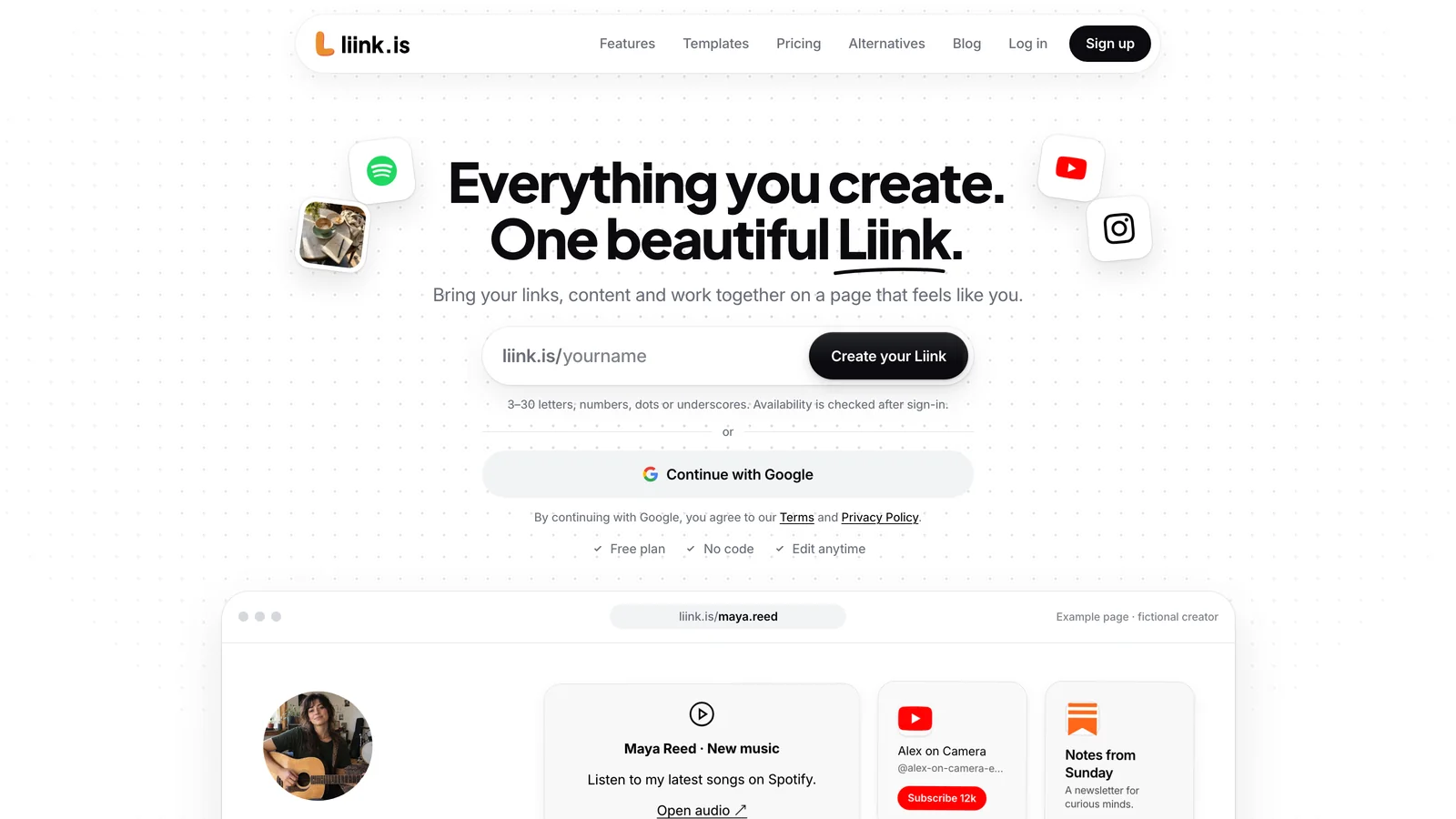
Liink organizes profile details and destination cards in a responsive grid. It supports text, sections, dividers, image-led and standard links, social links, email and file destinations, plus YouTube or Vimeo video, Spotify or SoundCloud audio, and a built-in contact form.
Choose it when the preview matters: a photographer showing projects, a freelancer presenting proof, or a creator mixing visual work with a small number of next actions.
Official product page: Liink
2. Linktree: a familiar dedicated link hub
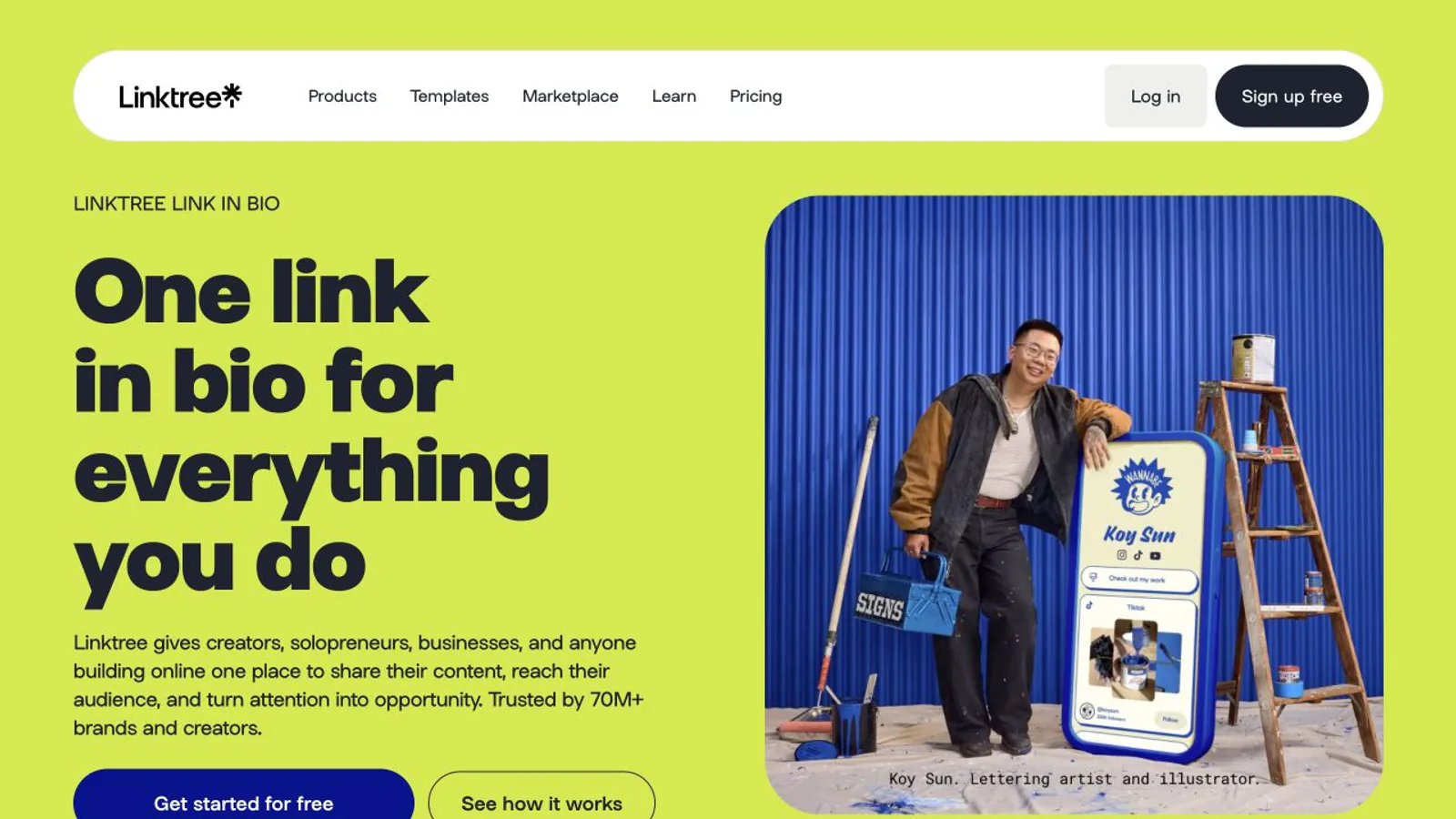
Linktree is a dedicated link-in-bio platform with a widely recognized profile-link format. Its public site positions the product around sharing links, content, and commerce from one place.
It is a practical benchmark if you value familiarity or want a straightforward hub. Review the current editor, plan limits, data options, and visual control directly rather than choosing on brand recognition alone.
Official product page: Linktree. Accessed July 26, 2026.
3. Beacons: a broader creator-business suite
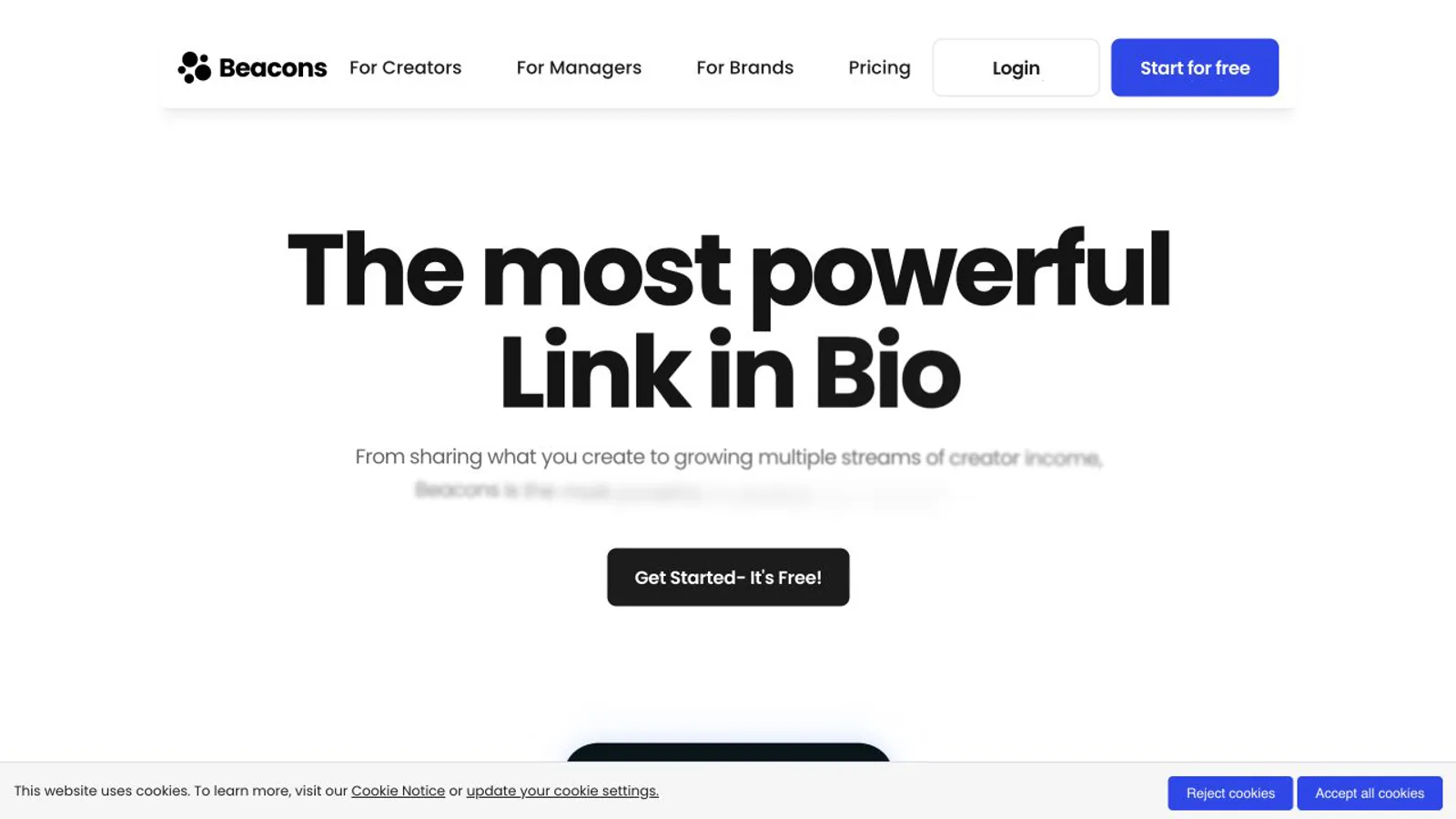
Beacons positions itself as an all-in-one creator platform, with the link-in-bio page sitting alongside other creator-business tools. That broader scope can be useful if you want adjacent workflows under one account.
The tradeoff is evaluation complexity: compare the specific features you will use, their plan boundaries, export options, and the maintenance burden rather than counting the number of tools listed. For a focused comparison of the two platforms' features, fees, and migration considerations, read Beacons vs Linktree.
Official product page: Beacons. Accessed July 26, 2026.
4. Carrd: a flexible one-page site builder
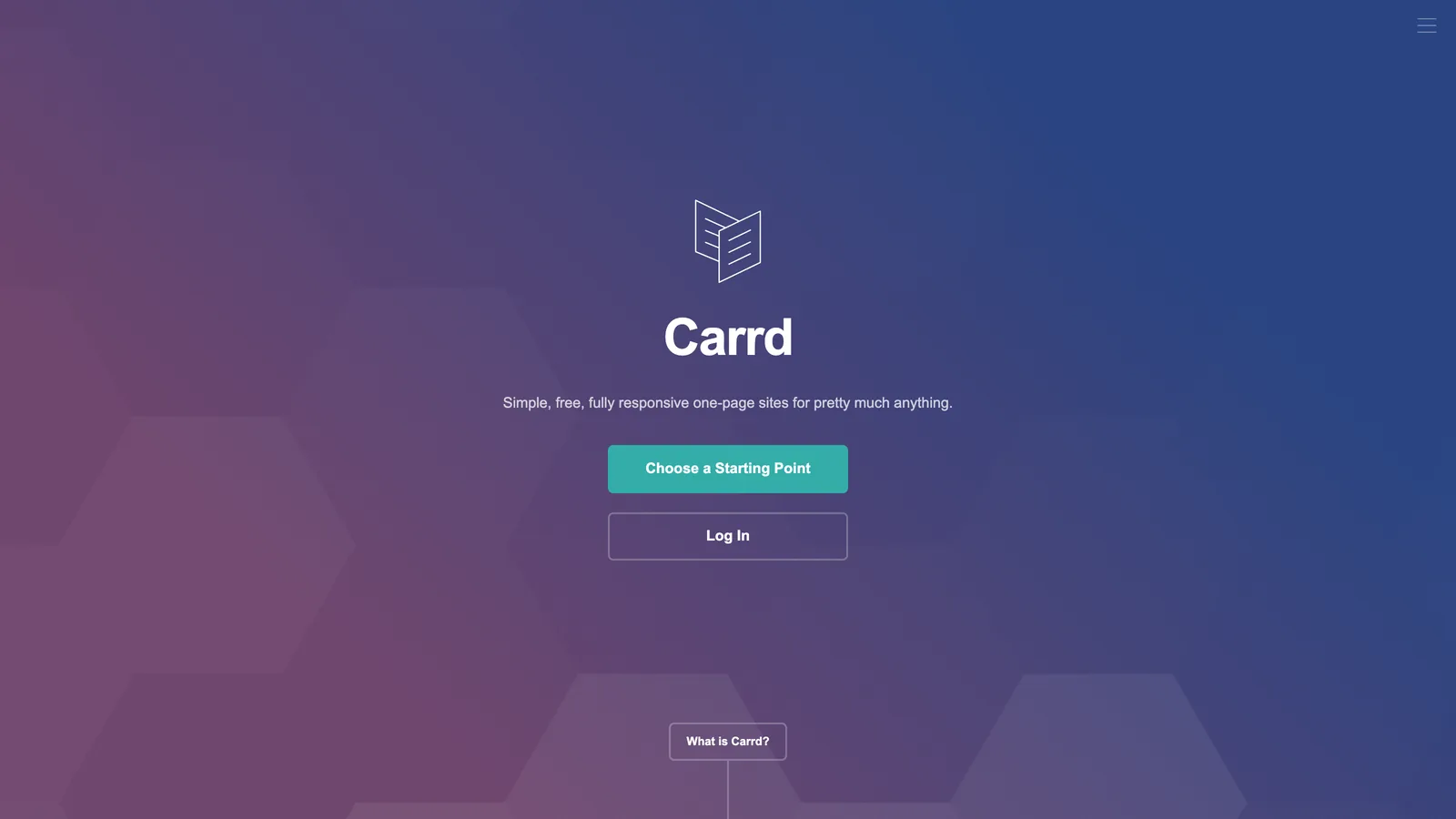
Carrd is a general builder for simple, responsive one-page sites. It can serve as a profile landing page, but its scope is broader than the classic stack of bio links.
Choose this direction if page-layout flexibility matters and you are comfortable designing the information hierarchy yourself. Compare publishing, forms, custom-domain, and embedding requirements against the current plan details.
Official product page: Carrd. Accessed October 10, 2026.
5. Bio Sites: a template-led bio site
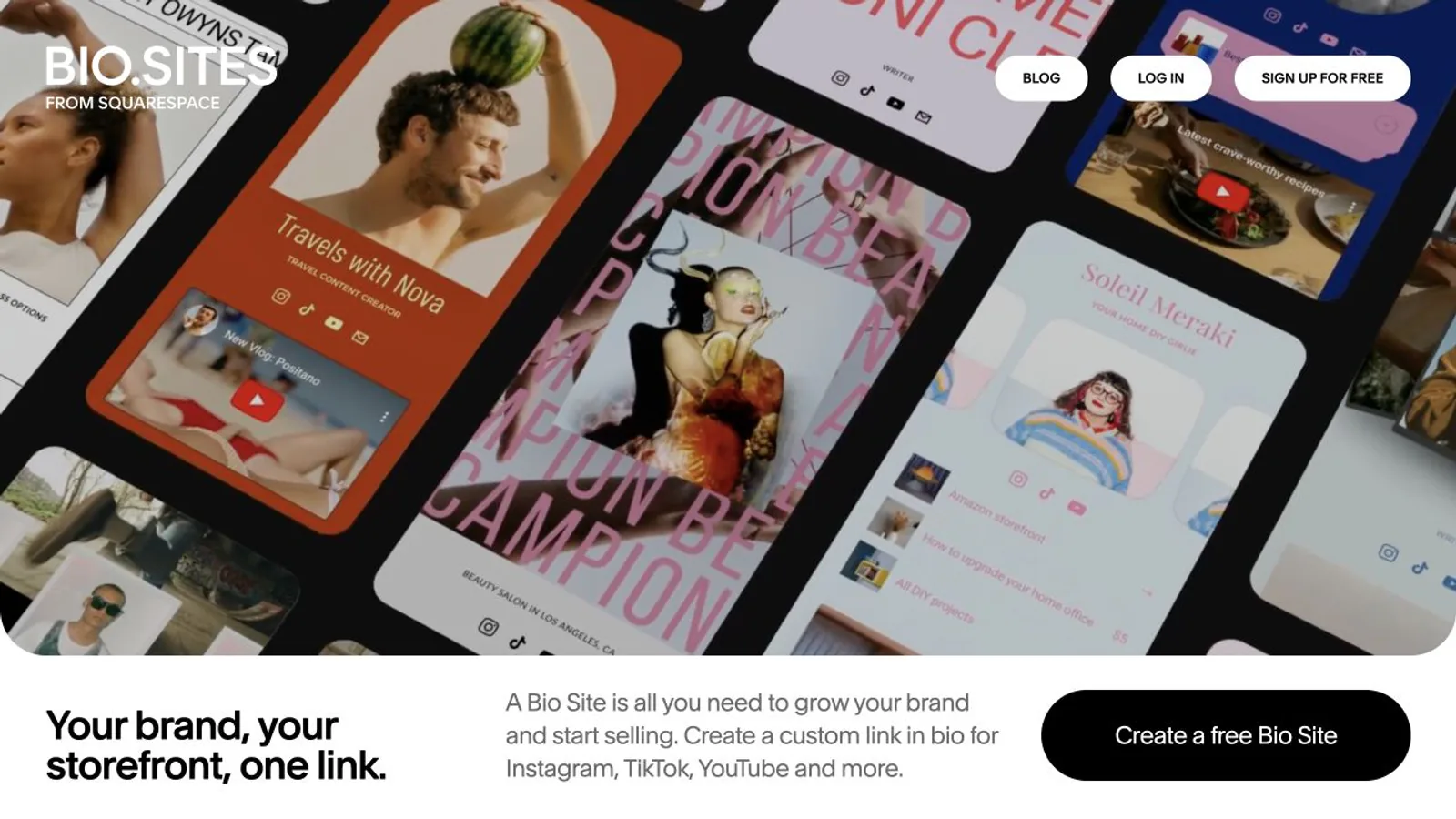
Bio Sites is Squarespace’s bio-site product and emphasizes quickly building a polished page from guided design options. It may appeal to creators who want a structured template workflow.
Evaluate how its templates, selling features, branding, and account ecosystem fit your existing tools. As with every option here, confirm current details on the official site.
Official product page: Bio Sites. Accessed July 26, 2026.
Five more link-in-bio tools worth shortlisting
6. Liinks.co: block-based profiles with custom forms
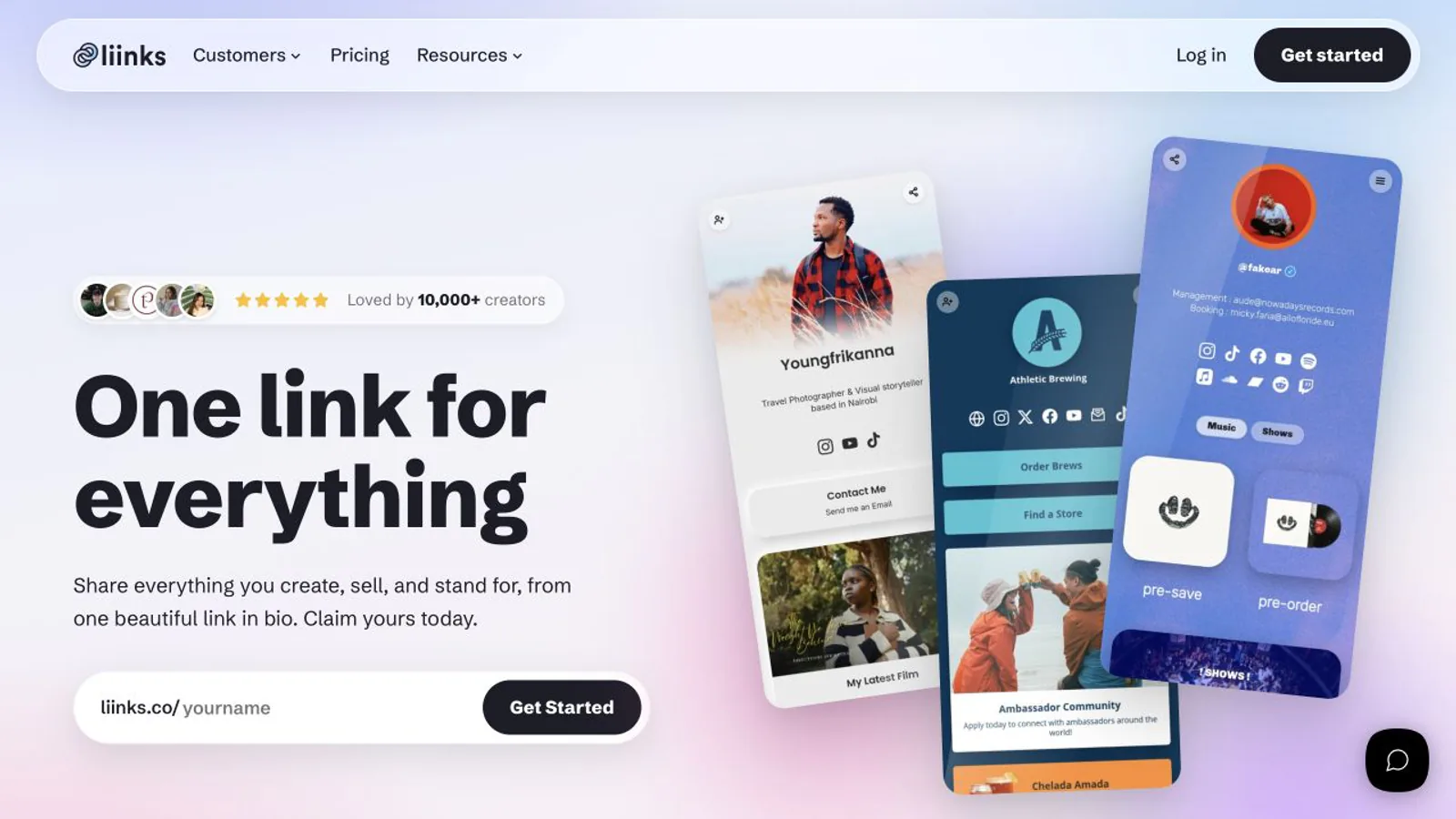
Liinks.co uses a block-based editor for links, images, video, music, text, folders, social icons, and contact forms. Its public site lists Starter and Pro publishing plans, with custom domains and multiple profiles on Pro. Shortlist it when forms or a conventional stacked profile matter more than an image-led grid. Details checked on August 5, 2026.
7. Lnk.Bio: simple link hubs with one-time paid plans
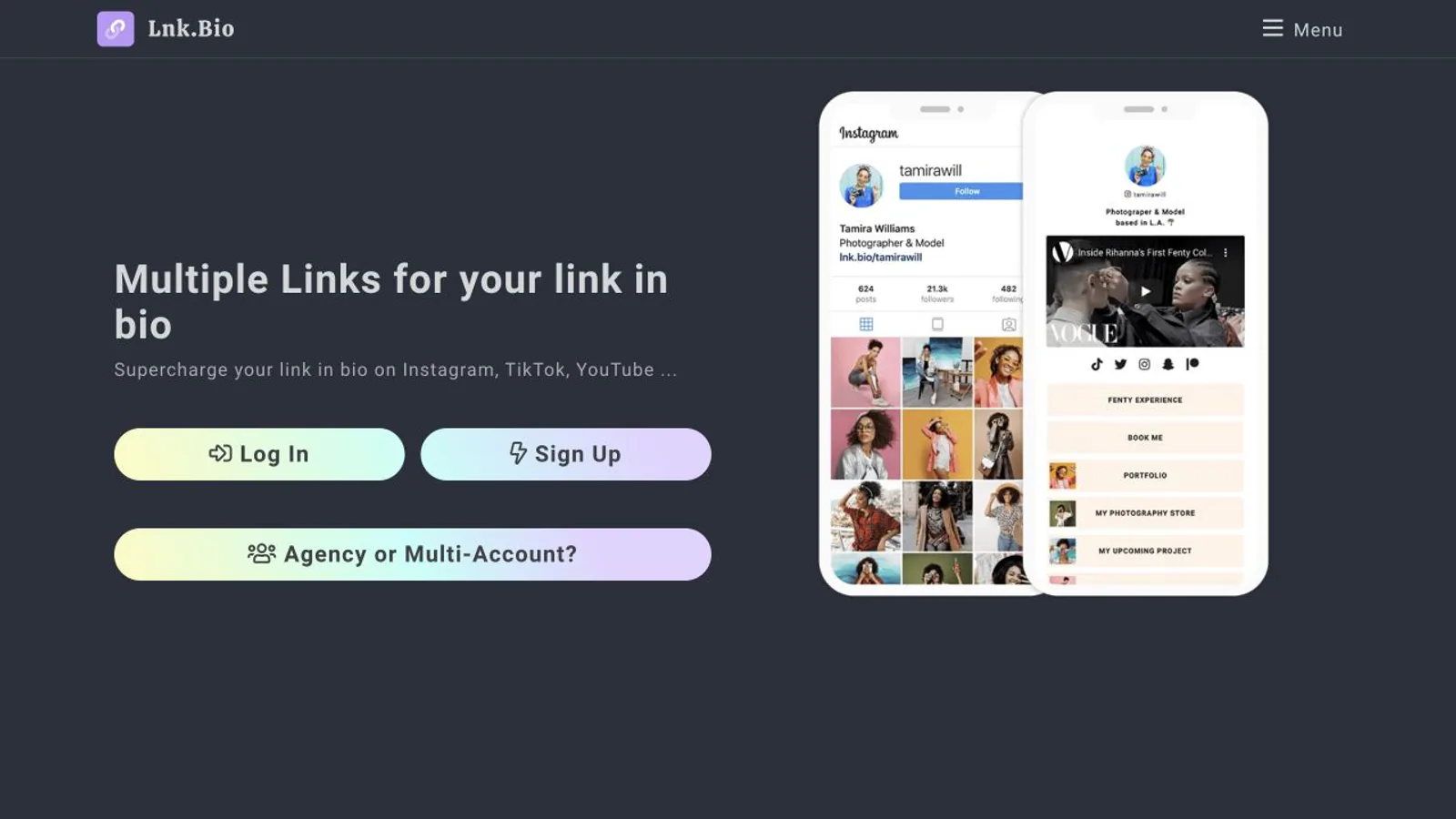
Lnk.Bio focuses on a straightforward multi-link page with layouts, media embeds, and basic analytics. Its official site currently offers a free plan and unusual one-time paid tiers alongside a monthly option. Shortlist it when a simple hub and low recurring cost matter more than a portfolio-style layout. Details checked on August 5, 2026.
8. Milkshake: mobile-first swipeable mini-sites
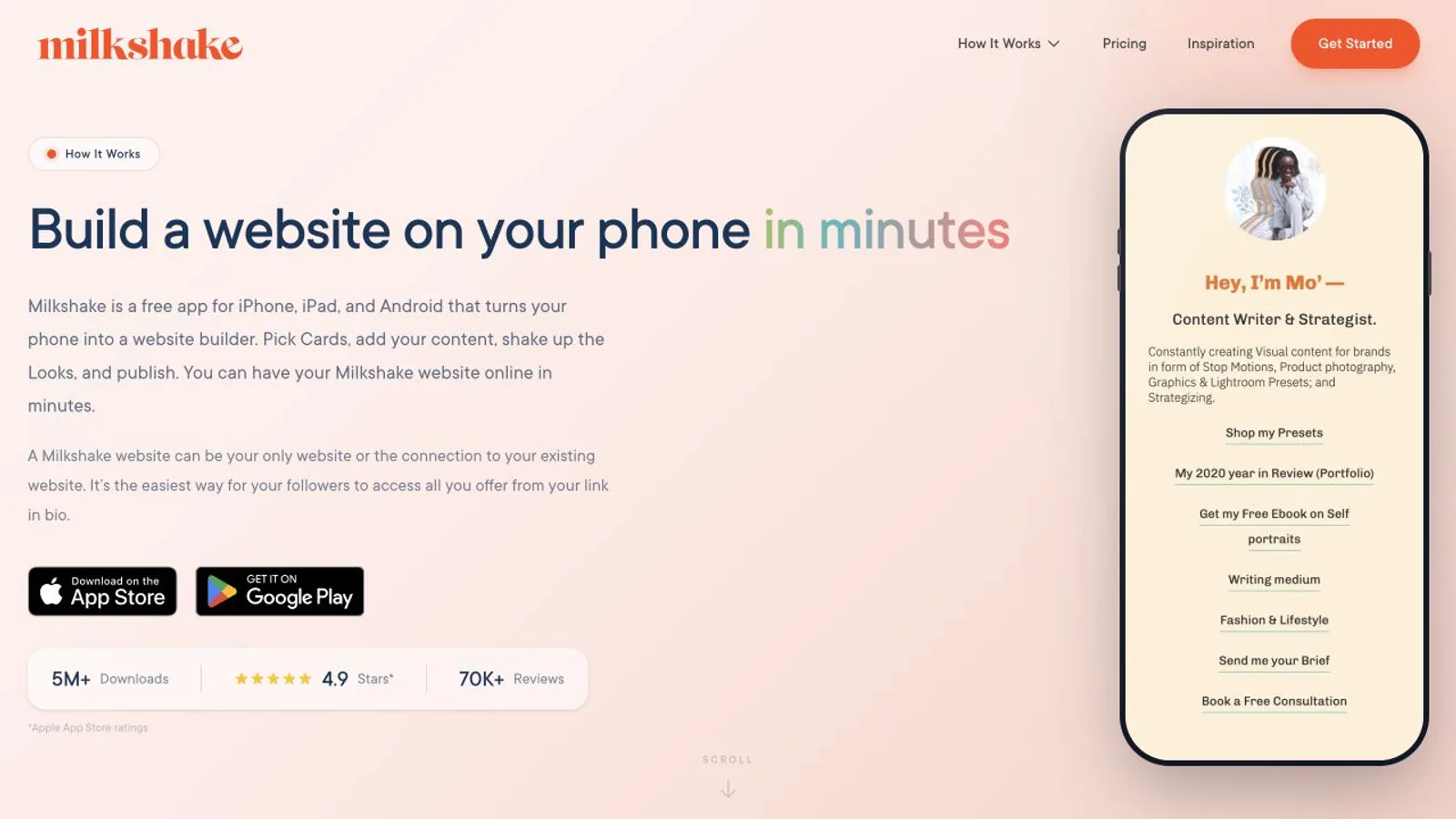
Milkshake is a mobile-first website builder whose pages are swipeable Cards. Its official product page says creators build and publish from iOS or Android, with text, images, GIFs, videos, podcast episodes, contact details, and links. Shortlist it when phone-only editing and story-like navigation fit your audience. Its pricing page (checked October 9, 2026) lists a free plan, Lite at US$2.99 a month, Pro at US$6.99 a month or US$59.99 a year, and Pro+ at US$29.99 every three months or US$99.99 a year; Milkshake takes 12% of sales on Free and Lite, 9% on Pro and 7% on Pro+. Details checked on August 5, 2026.
9. Campsite.bio: rich link types and team workflows
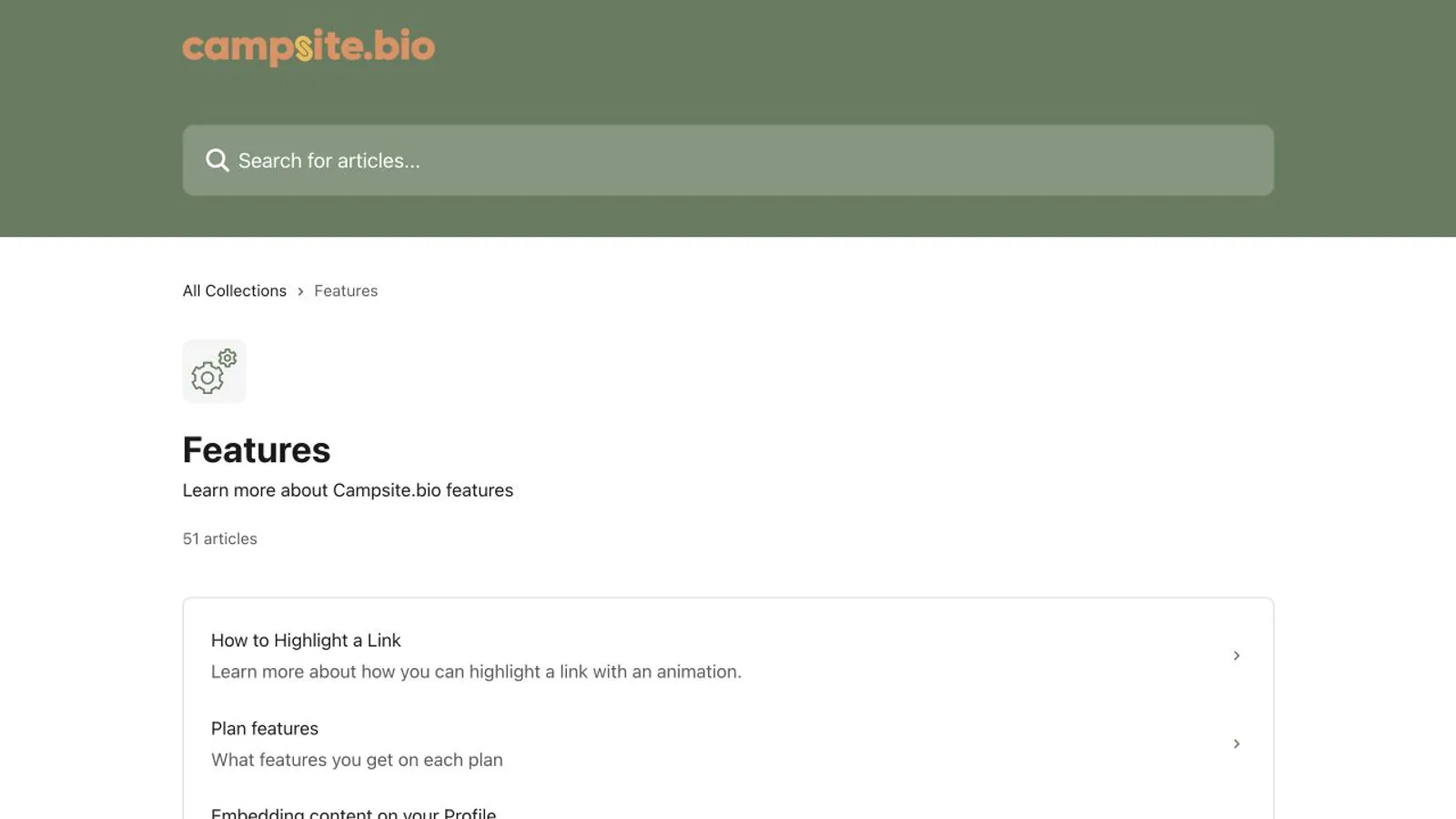
Campsite.bio supports more than standard links: its help center documents embeds, carousels, forms, opt-ins, image grids, feeds, tip jars, contact details, and scheduled or gated links, with organization features for teams. Shortlist it when specialized blocks or multi-profile management outweigh a simpler editor. Plan availability varies. Details checked on August 5, 2026.
10. Later Link in Bio: linked Instagram and TikTok posts
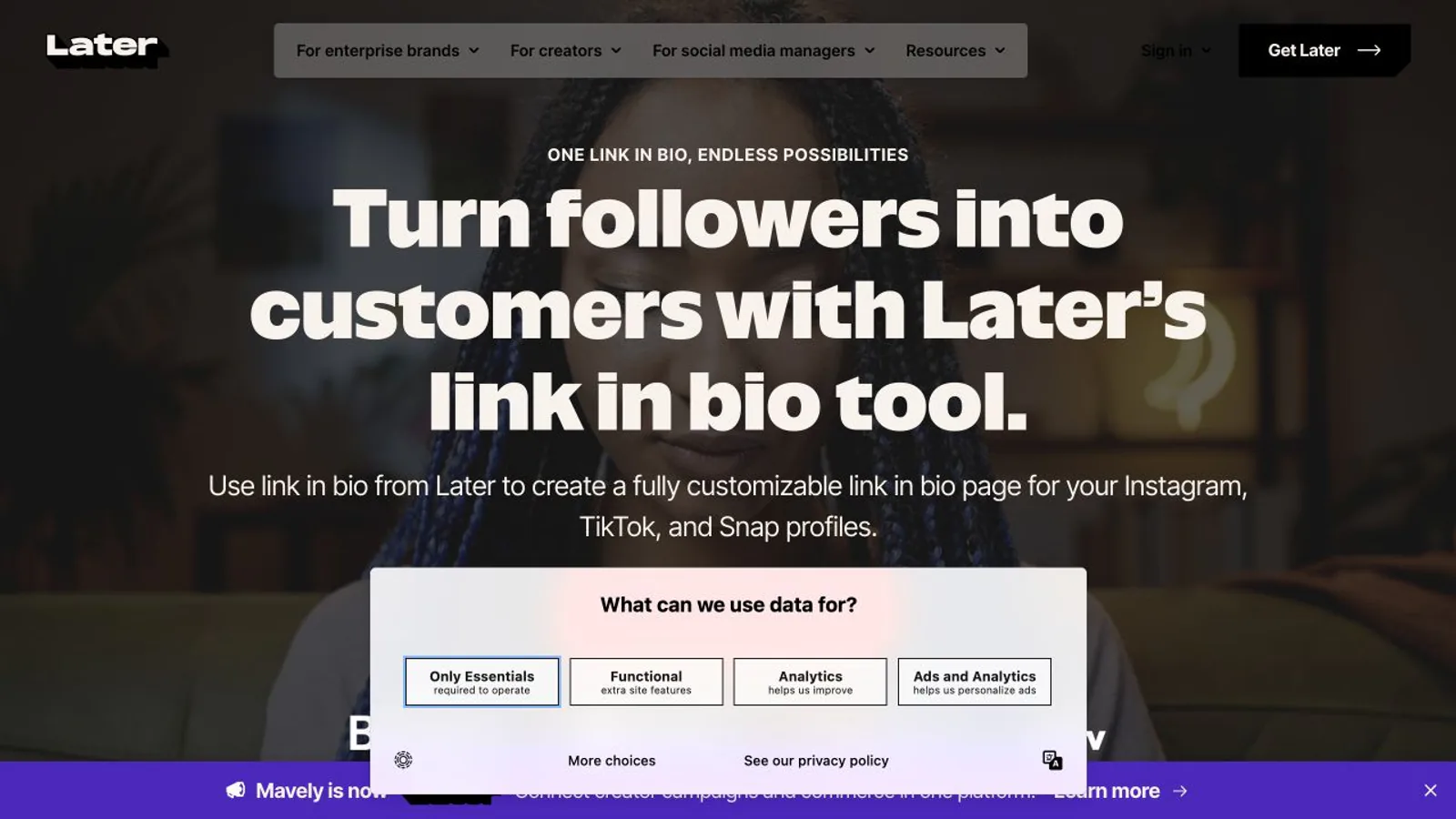
Later Link in Bio is integrated with Later social management. Its official help center says users can add buttons and featured media, connect links to Instagram and TikTok posts, and manage the page from Later web or mobile apps. Shortlist it when a clickable social feed and scheduling workflow belong together. Plan limits vary. Details checked on August 5, 2026.
Official sources for the added shortlist
Liinks.co product page — checked August 5, 2026.
Lnk.Bio product guide — checked August 5, 2026.
Milkshake product page — checked August 5, 2026.
Campsite.bio feature help — checked August 5, 2026.
Later Link in Bio help — checked August 5, 2026.
Liinks.co pricing — checked October 10, 2026.
Lnk.Bio plans — checked October 10, 2026.
Milkshake pricing — checked October 9, 2026.
Campsite.bio pricing — checked October 10, 2026.
Later pricing — checked October 10, 2026.
How to choose without overbuying
Features that matter more than the longest checklist
How to test the shortlist
Build the same five-link draft in two shortlisted tools, test both in the social app in-app browser, and keep the page that is clearest to update. To test the Liink visual-grid approach, start a free Liink page from a template and use the same copy, images, and destinations in both drafts.
Compare the leading alternatives in depth
Read our Linktree alternatives guide for an 11-tool comparison, free and paid options, and a practical migration checklist.
Read our Carrd alternatives guide when you need a focused comparison of one-page site builders, bio pages, and creator tools.
Read our Beacons alternatives guide to compare profile-first tools with broader creator-business platforms.
Which link-in-bio tools are actually free?
A permanent free publishing tier is not the same as a free trial, free draft, or no monthly subscription with seller fees. The table below uses official product pages re-checked on October 8 to 10, 2026. Recheck branding, destination limits, analytics history, custom URLs, forms, commerce fees, and regional availability before committing your page.
Free can be the right choice for a small page, but it is not automatically the lowest-cost choice for a creator who sells. Model subscription, seller fee, payment processing, domain, email, migration, and maintenance together.
Linktree pricing and free-plan details — checked October 9, 2026.
Beacons plans and seller-fee details — checked October 9, 2026.
Bio Sites free publishing and selling fees — checked October 10, 2026.
Lnk.Bio product and free-plan guide — checked October 10, 2026.
Carrd free and Pro feature summary — checked October 10, 2026.
Liink pricing and current checkout terms — the live checkout is authoritative for price and billing terms.
Bio Sites payments help — checked October 10, 2026.
Best link-in-bio fit by creator business model
Build the same real five-destination page in two finalists. Test editing, loading, accessibility, checkout, and export with your own workflow. Keep the tool that remains clear after the launch-day excitement wears off.
Visual artists can use the artist bio examples and templates to write a factual introduction before organizing portfolio links.
If Linktree is on your shortlist and starting cost is the open question, read Is Linktree free? for the current plan, fee, and verification checklist.
For a mobile-first visual builder comparison, read Milkshake vs Linktree and test the card sequence against a familiar scrolling link hub.
Link-in-bio tools customization comparison
Customization should serve recognition and task completion, not decoration. Compare the exact controls you will operate: layout, typography, color, imagery, card hierarchy, custom domains, mobile behavior, accessibility, and how quickly a non-designer can keep the page current. A flexible builder is not better when the team cannot maintain it; a constrained template is not better when every profile becomes indistinguishable.
Link-in-bio tools analytics and conversion comparison
Analytics are useful only when the metric matches the business question. Page views reveal exposure, outbound clicks reveal routing, and a destination system records the completed subscription, booking, checkout, donation, or application. Compare unique-visitor definitions, referrers, campaign parameters, history, exports, consent, retention, integrations, and bot filtering. No link-in-bio dashboard alone proves incremental conversion; run the same offer, record a baseline, and reconcile qualified outcomes in the destination system.
Frequently asked questions
Are free link-in-bio tools enough?
A free plan can be enough for a small set of links. Check the current limits on branding, layouts, publishing, integrations, and data before investing time in a page you may outgrow.
Do I need built-in commerce or booking?
Only if you want the bio tool to operate that workflow. Linking to an existing store or booking provider can be simpler and keeps the specialist service as the system of record.
Should I switch tools for more features?
Switch when a missing capability blocks a real audience or maintenance need. More unused features do not make a profile page clearer.
Try the visual-grid approach
If your profile should feel more like a compact portfolio than a list, create a Liink draft and compare it with another shortlisted tool using the same content. Keep the one that is easiest to understand and maintain.
Create a visual Liink page, or review the
Liink alternatives hub for intent-specific comparison guides.


