

Milkshake vs Linktree: Which Link-in-Bio Tool Fits You?

Choose Milkshake when you want to build a swipeable, card-based mini website from a phone. Choose Linktree when you want a familiar, vertically scrolling link hub with a wider catalog of audience, social-publishing, analytics, and monetization tools. Both can publish a free page, so the deciding factor is the visitor experience and workflow you will actually maintain—not a universal winner.
This comparison is published by Liink and is not independent. Liink competes in the link-in-bio category and is unaffiliated with Milkshake and Linktree. Official product, pricing, and help pages were checked October 9, 2026. Plans, prices, fees, limits, and regional availability can change; verify the current checkout and help center before moving a live page or selling through either service.
Milkshake vs Linktree at a glance
This table is a decision summary, not a promise that every listed feature is available in every country or plan. Rebuild the same small page in both tools and test the published result in the social-app browsers your audience uses.
The core difference is cards versus a link hub
Milkshake: a swipeable mini website
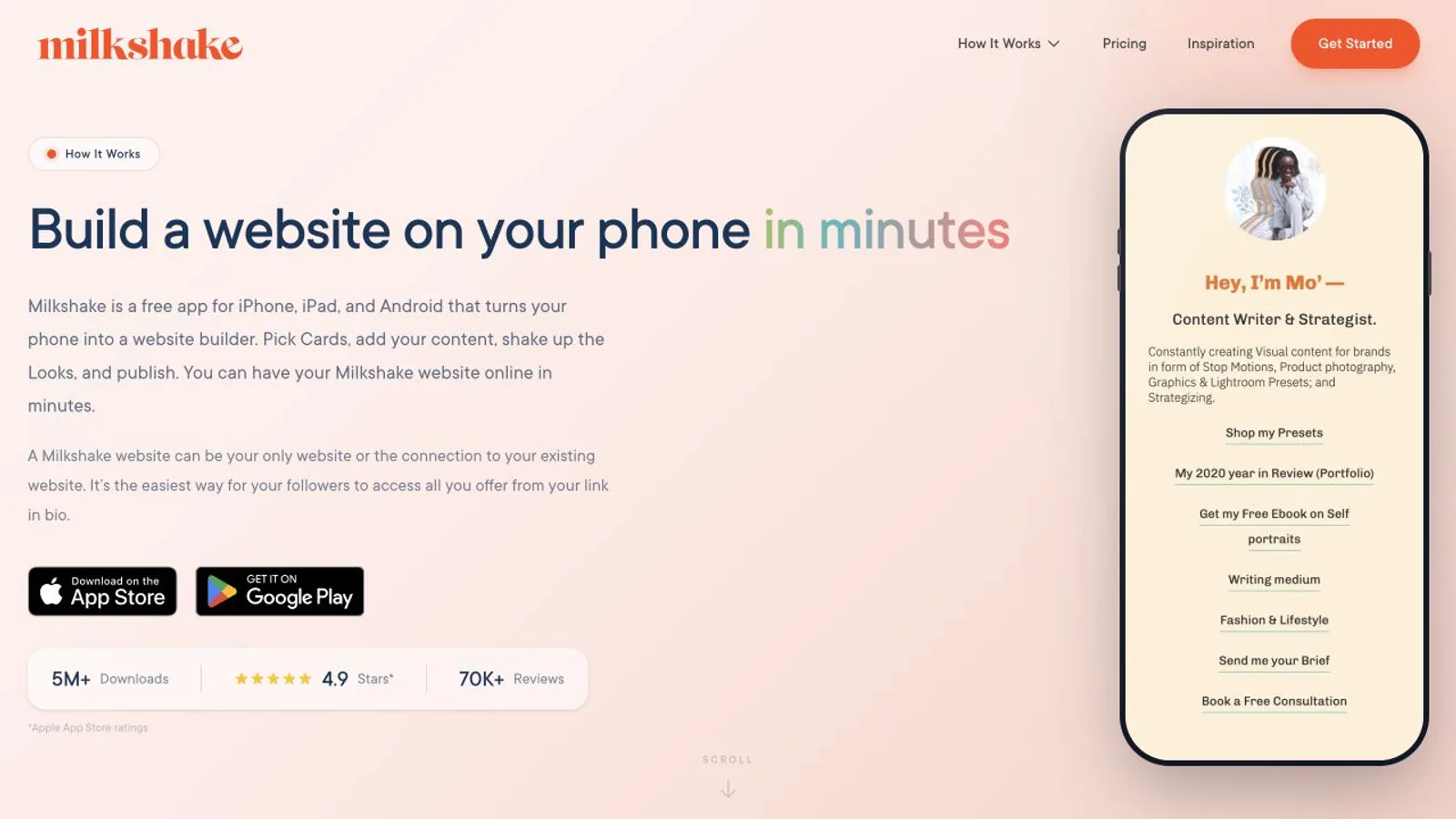
Milkshake describes its sites as a sequence of Cards. A Splash Card can introduce the person or brand, while other card types can present links, selected items, YouTube content, images, or calls to action. Visitors swipe between full-page cards in a pattern that feels closer to stories than to a traditional list. That can create a stronger visual narrative, but every extra card is also another decision and gesture.
Linktree: a recognizable destination list
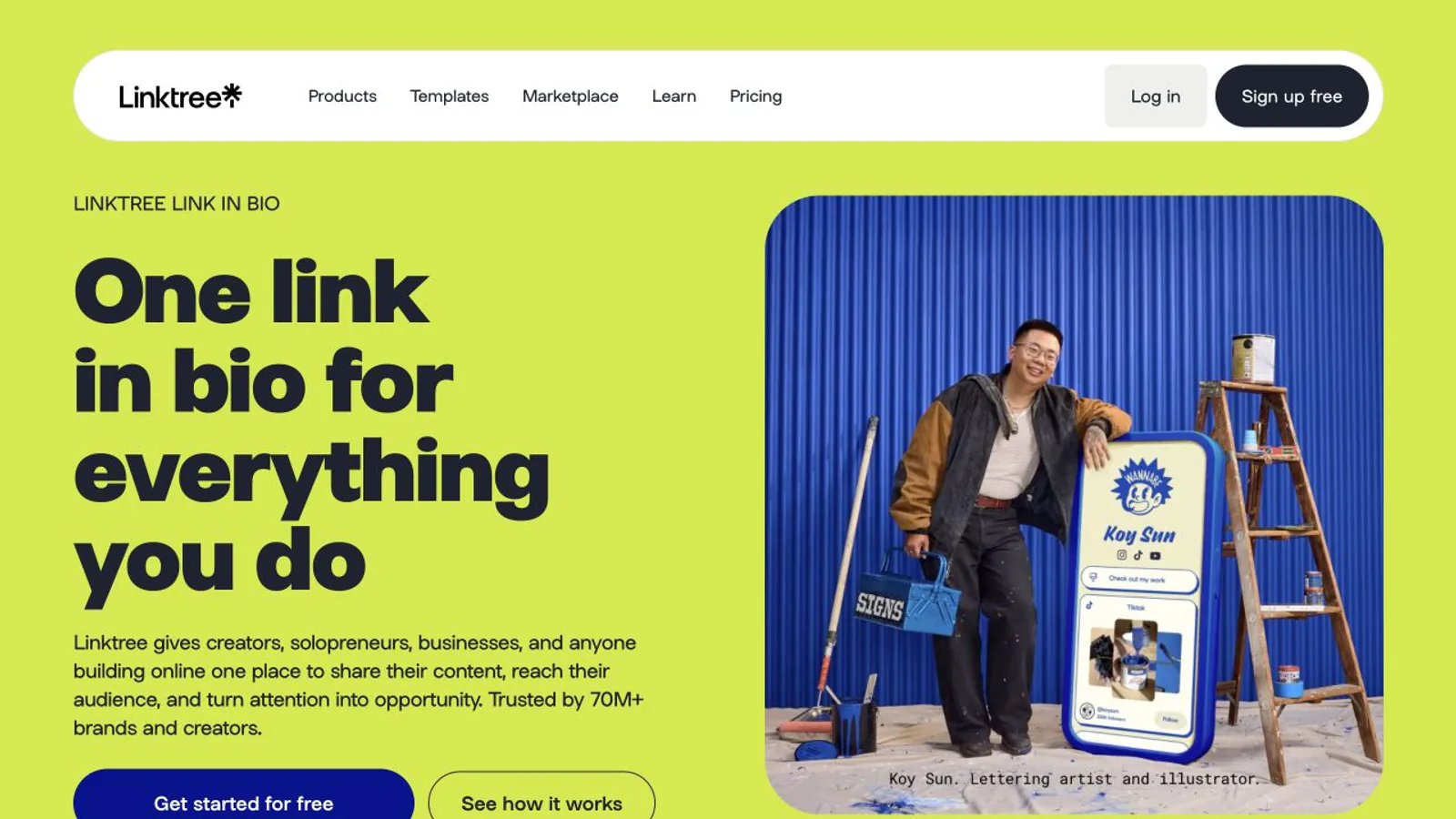
Linktree starts from a scrolling profile page. Links, featured layouts, collections, videos, social icons, products, courses, audience capture, QR sharing, and analytics sit around that core. Visitors generally see multiple choices without swiping through separate pages. This is useful when speed and familiar navigation matter more than a story-like presentation.
Free plans: compare the complete usable page
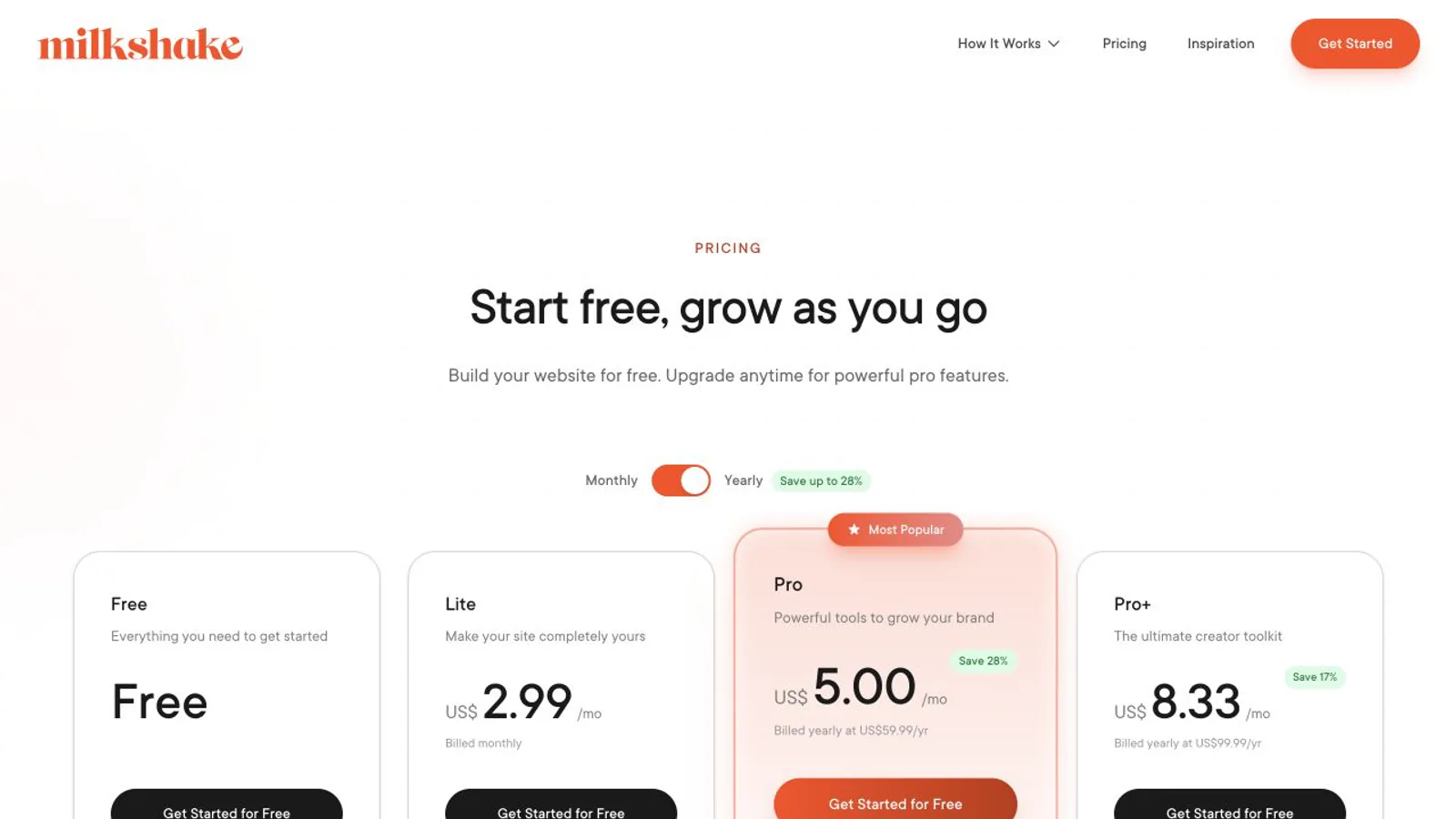
Milkshake's official pricing page currently lists free hosting, unlimited links and Cards, professional templates, color and font customization, social icons, QR sharing, 30 days of Insights analytics, and the ability to sell digital files through Stripe. Milkshake says no credit card is required for the free plan. Removing its branding is a paid Lite feature.
Linktree's pricing page lists unlimited basic links and email and phone sign-ups on Free, with 28 days of analytics. Starter adds unlimited featured links and 90 days of analytics, Pro removes Linktree branding and adds custom designs, and Premium adds all-time analytics, data export and social media scheduling.
Do not choose from the word free alone. Publish a realistic page, open it while signed out, test every destination, and note branding, analytics history, data export, seller fees, accessibility, load behavior, and how much work it takes to keep the page current. The best free tier is the one that supports the complete job without hidden operational friction.
Milkshake vs Linktree pricing
Both tools have a free plan and three paid tiers. These are the prices each official pricing page showed on October 9, 2026.
Milkshake shows prices in US dollars and bills through the App Store or Google Play, and it says actual prices may vary by country and platform. Linktree shows prices in your local currency: the euro prices above are what its pricing page showed to a visitor in France. Check the price at checkout before you subscribe.
Customization, domains, and brand control
Milkshake's free tier emphasizes templates plus deep color and font customization. Its current pricing places branding removal in Lite, SEO controls and social-sharing imagery in Pro, and custom domains plus Google Analytics integration in Pro+. Because subscriptions are handled through mobile app stores, the current local price can differ from the headline annual equivalent shown on the website.
Linktree's paid catalog includes custom themes, advanced design controls, full-screen visuals, logo options, featured links, longer analytics ranges, pixels, UTM support, and Google Analytics integration on qualifying plans. If a custom domain is mandatory, verify the precise current Linktree offering rather than assuming a similarly named design or branded-link feature means domain hosting.
Analytics and audience growth
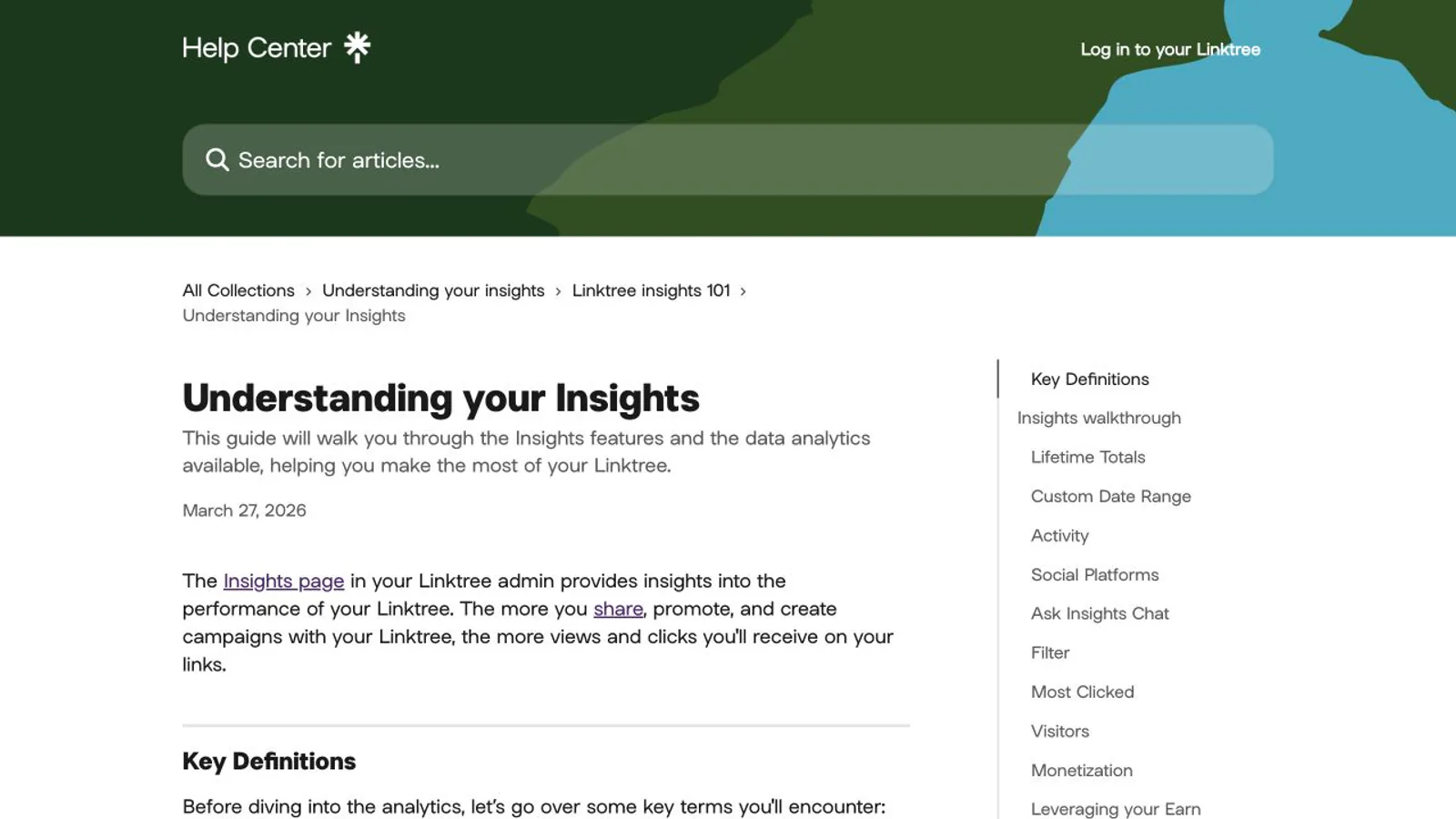
Milkshake currently lists 30 days of Insights on Free and 365 days plus export on Pro. Pro also lists contact forms, mailing-list integrations, Meta pixel tracking, and a marketing campaign builder; Pro+ adds Google Analytics integration. Confirm which events are recorded and whether the data answers the question you care about, such as which destination generated a booking or sale.
Linktree currently documents a 28-day analytics range on Free, 90 days on Starter, 365 days on Pro, and lifetime access on Premium. Its help center describes views, unique views, clicks, unique clicks, locations, referrers, devices, subscribers, and monetization insights, with capabilities varying by plan. Audience integrations, pixels, and Google Analytics are also plan-dependent.
Neither dashboard proves business value by itself. Add campaign parameters to important destinations, define the next conversion, and compare downstream bookings, purchases, downloads, or subscriptions. A higher page click count can still be worse if visitors select low-priority destinations or never complete the real goal.
Selling digital products
Milkshake says selling digital files works on every plan, through Stripe. Its pricing page lists a Milkshake fee of 12% of each sale on Free and Lite, 9% on Pro and 7% on Pro+, plus Stripe's standard processing fee.
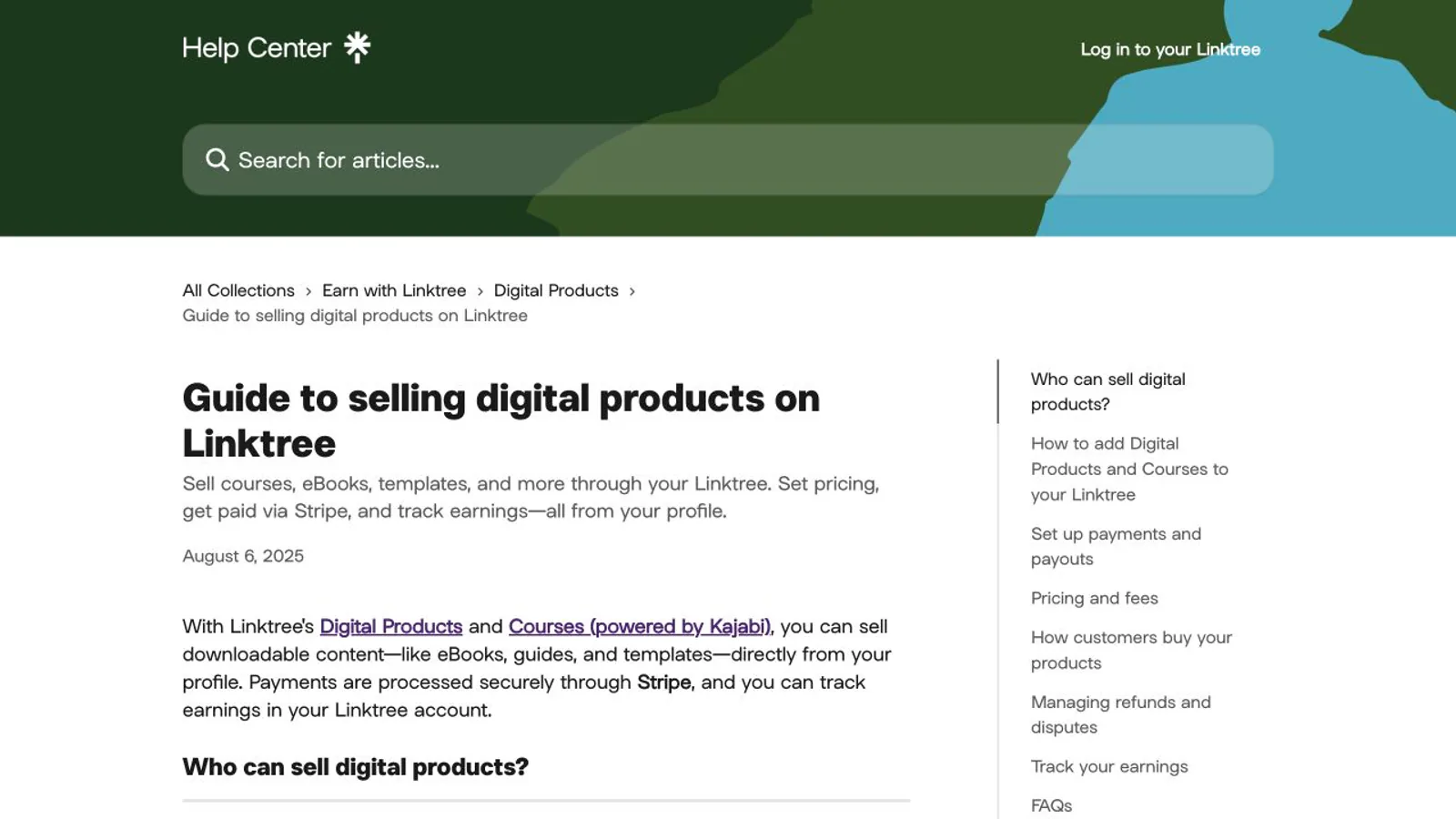
Linktree's own pages disagree on selling. The Pro plan card says "Sell and earn with 0% fees", the full feature table lists digital-product and course fees of 12% on Free, 9% on Starter and Pro and 0% on Premium, and the help center says selling digital products is available on Pro and Premium in selected countries. Stripe adds its processing fee, typically 2.9% + $0.30 per sale according to Linktree's help center. Check the fee shown in your account before you sell.
Model the total cost using expected sales, refunds, subscription cost, platform fee, payment processing, tax obligations, file delivery, and support. A visually better page is not automatically a better store, and a lower platform fee is not automatically cheaper when the paid plan contains tools you will not use.
Which tool fits each use case?
The recommendation should change when the job changes. A photographer may prefer a visual sequence; a restaurant may need the menu, booking, and directions visible immediately; a musician may prioritize current releases and streaming services; a consultant may need one booking action above everything else.
A safe side-by-side test
Frequently asked questions
Is Milkshake better than Linktree?
Milkshake is the better first test for a swipeable, visual, card-based website created mainly from a phone. Linktree is the better first test for a familiar scrolling link hub and a broader set of audience, social, analytics, and earn features. Test the actual visitor task instead of choosing by popularity.
Are Milkshake and Linktree free?
Yes, both have free plans. Milkshake's includes unlimited links and Cards, templates, customization, QR sharing, 30 days of Insights and digital-file selling. Linktree's includes unlimited basic links, email and phone sign-ups and 28 days of analytics. Paid features and selling fees differ.
Can I use a custom domain?
Milkshake currently places custom-domain connection in Pro+. For Linktree, verify the exact current plan and domain capability directly because branded links, profile URLs, and custom-domain hosting are different features and can change.
Which is better for selling digital products?
Both currently support digital-product workflows. Compare the product format, supported countries, checkout, delivery, refunds, platform fee, payment processing, subscription, data access, and support using a low-risk test product before moving a real catalog.
How much does Milkshake cost?
Milkshake is free to start. Lite costs US$2.99 a month, Pro US$6.99 a month or US$59.99 a year, and Pro+ US$29.99 every three months or US$99.99 a year, according to its pricing page on October 9, 2026. Billing goes through the App Store or Google Play, so local prices can differ.
What fee does Milkshake take when you sell?
Milkshake's pricing page says it takes 12% of each sale on Free and Lite, 9% on Pro and 7% on Pro+, plus Stripe's standard processing fee.
Official sources checked
Review the current Milkshake plans and pricing for free and paid features, billing notes, analytics ranges, selling, branding removal, and custom domains; checked October 9, 2026.
See how Milkshake Cards work for the mobile editor, swipeable Cards, and published-page structure; checked October 9, 2026.
Review the current Linktree plans and pricing for free features, plan boundaries, analytics ranges, and selling fees; checked October 9, 2026.
Read Linktree's Insights documentation for metric definitions and plan-specific history; checked October 9, 2026.
Check the Linktree digital-product guide for current checkout, eligibility, and fee details; checked October 9, 2026.
Read Linktree's guide to transaction and processing fees for Stripe's processing fee on each sale; checked October 9, 2026.
Compare the wider market before deciding
Compare more options in the Linktree alternatives guide if neither workflow matches the page you need.
Use the best link-in-bio tools comparison to choose by job instead of by brand recognition.
Read the social media landing-page guide for message hierarchy, testing, accessibility, and conversion checks.
If an image-led block grid better matches your use case, you can also create a Liink page on the permanent free plan. Liink is another option, not the default answer for every reader.


