Beacons vs Linktree: Which Link-in-Bio Tool Fits You?
Choose Linktree when you want a familiar, dedicated link hub with a broad publishing and creator-feature catalog. Choose Beacons when the link page must sit inside a wider creator-business workspace for email, media kits, selling, affiliate links, and automation. Neither is universally better: the right answer depends on the workflow you will actually maintain.
This comparison is published by Liink and is not independent. Liink is unaffiliated with Beacons and Linktree. Product pages and help documentation were checked August 5, 2026; features, prices, fees, currencies, limits, and regional availability can change, so verify the current checkout before moving a revenue-producing page.
Beacons vs Linktree at a glance
The table summarizes public product positioning, not every feature or plan boundary. A missing row does not prove a feature is unavailable. Use the official sources below and test the editor, published page, checkout, exports, and support path yourself.
What each product is designed to do
Linktree: a recognizable profile-link workflow
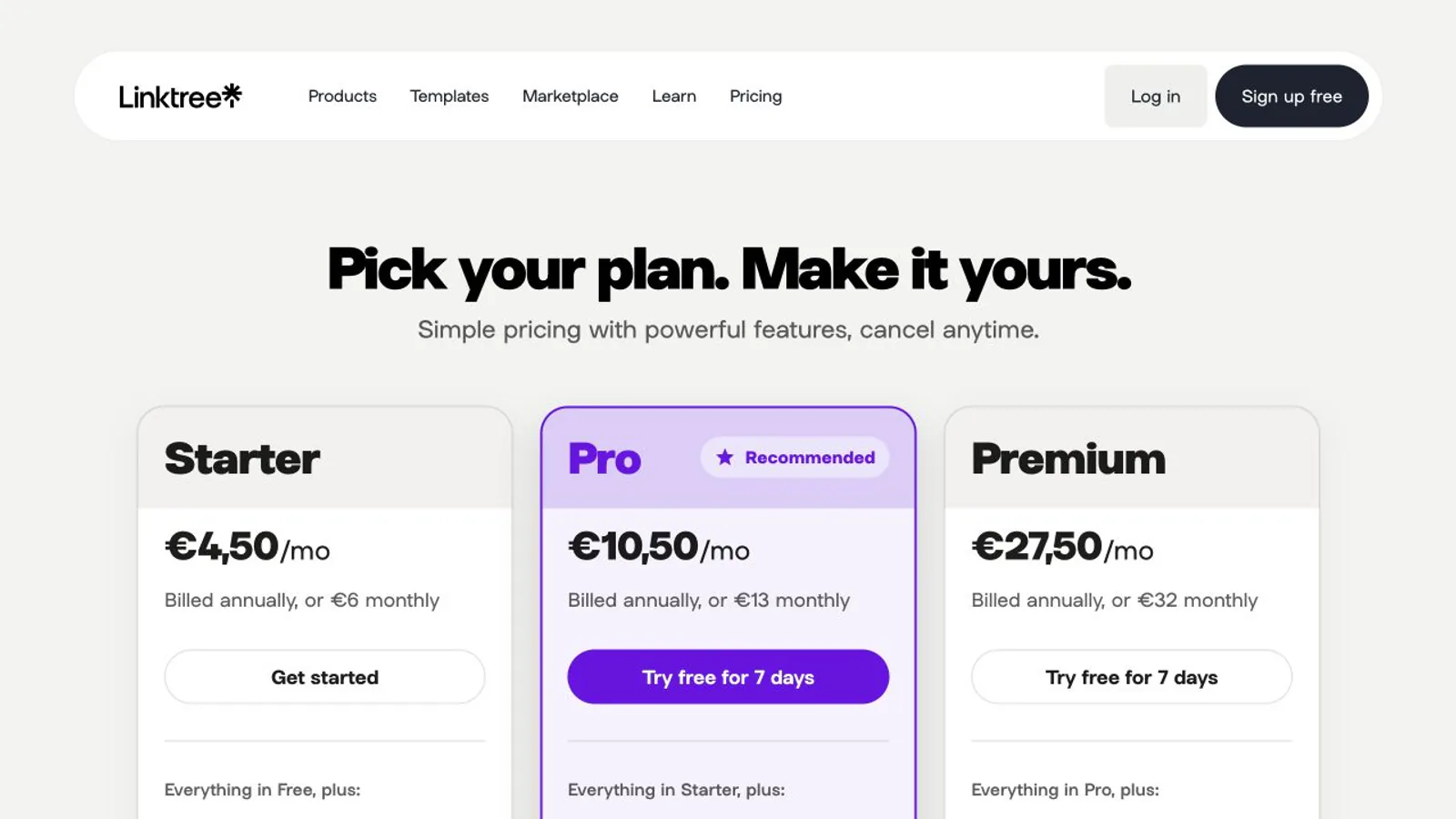
Linktree starts from the public profile link: destinations, media, collections, QR sharing, audience capture, analytics, scheduling, Instagram replies, and selling features are organized around that hub. It is a practical benchmark when visitors already understand the conventional Linktree page pattern.
Beacons: a broader creator-business workspace
Beacons connects the public bio page to a store, media kit, email marketing, audience records, affiliate tools, Instagram automations, and AI-assisted creator workflows. That breadth can reduce integrations, but it also means the real comparison is the whole creator operation rather than the appearance of one page.
Free and paid tiers: compare the usable workflow
Linktree currently advertises unlimited basic links, social icons, video and embeds, essential analytics, a QR code, and selected selling features on Free. Paid plans add deeper design, analytics, audience, automation, and seller-fee benefits. Some commerce features depend on country or eligibility.
Beacons currently advertises a free customizable link page, daily-updating media kit, digital-product selling, affiliate links, 50 email sends per month, Instagram auto-DM, and real-time analytics. Paid tiers expand domains, AI usage, email volume, selling economics, websites, and support.
Do not compare only the subscription headline. Record platform seller fees, payment processing, email volume, domain needs, branded footers, integrations, export, and the cost of recreating a page. A free tier can be economically expensive when sales fees or migration work dominate.
Selling and monetization fees
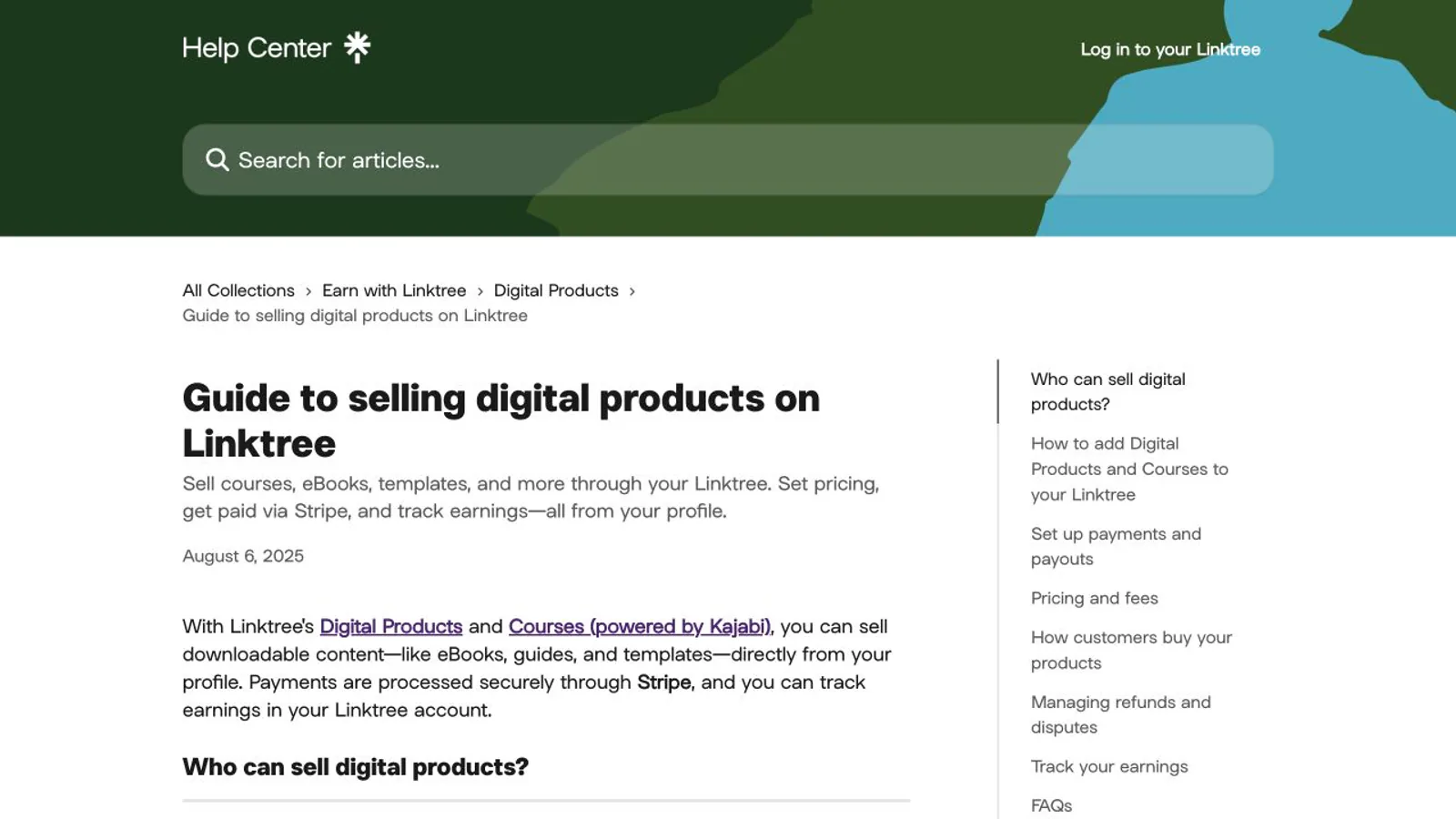
Linktree documents direct digital products and courses powered through a Stripe-connected workflow. Its help center currently lists a Linktree fee of 12% on Free, 9% on Starter and Pro, and 0% on Premium for those direct sales, with payment processing separate and country eligibility applying.
Beacons documents unlimited digital products on Free and a 9% Beacons seller fee on Free and Creator. Creator Plus and Creator Max currently list 0% Beacons seller fees, while payment processing remains a separate cost. Higher tiers also add courses, memberships, email volume, and other selling capabilities.
Model a realistic month before choosing: sales count, average order value, refunds, payment-processing rate, platform percentage, subscription, tax obligations, and fulfillment. A lower percentage is not automatically cheaper if the paid plan or unused suite costs more than the savings.
Email, analytics, and page maintenance
A safe migration checklist
Where Liink fits—and where it does not
Liink is a narrower option for an image-led visual profile with text, sections, destination cards, social links, files, and supported audio or video embeds. It does not replace Beacons or Linktree commerce, native email marketing, checkout, social automation, media kits, custom domains, or automatic imports.
Use Liink only when your store, booking, newsletter, and payments already live in specialist tools and the public profile itself is the missing piece. Rebuild manually with media and links you control; Liink does not claim one-click migration.
Frequently asked questions
Is Beacons or Linktree cheaper?
It depends on the tier, sales volume, seller fee, processing, email needs, and workflows replaced. Calculate a representative month using current checkout terms instead of comparing only the advertised subscription.
Is Beacons free?
Beacons currently documents a free-forever tier with a customizable link page and creator tools. Free selling carries a stated Beacons seller fee, and other limits apply, so free publishing is not the same as zero business cost.
Which is better for selling digital products?
Both document digital-product workflows. Compare supported countries, product types, checkout, fee totals, customer export, email automation, fulfillment, refunds, and the paid tier needed for your expected volume.
Official sources checked
Linktree plan comparison — checked August 5, 2026.
Linktree paid-feature overview — checked August 5, 2026.
Linktree digital-product guide — checked August 5, 2026.
Beacons plan comparison — checked August 5, 2026.
Beacons Link in Bio product page — checked August 5, 2026.
Compare one focused visual-profile option
If you need only a visual public profile, build the same small draft in Liink and one finalist. Keep the page your audience understands and your team can maintain.
Create a visual Liink page without pretending it replaces the wider creator-business suites.
Need more options? Compare the Linktree alternatives guide or the dedicated Beacons alternatives guide.
For a closer creator-commerce matchup, continue with Beacons vs Stan Store and compare the complete selling and audience workflow rather than the bio page alone.