Written by Benjamin · Founder of LiinkPublished October 9, 2026 · Updated October 10, 2026
A bio template is a sentence with blanks: you keep the structure and fill in your own role, details and link. Pick a template that matches where your bio will appear, replace every part in [brackets] with something true and specific, then cut it to fit the platform limit. The 40 templates below cover work, social media, creators and small businesses.
Disclosure: Liink publishes this guide and makes a link-in-bio page builder. The templates and the filled-in example in this guide are original and fictional. Platform limits were checked on official help pages in October 2026, and can change.
How to use a bio template
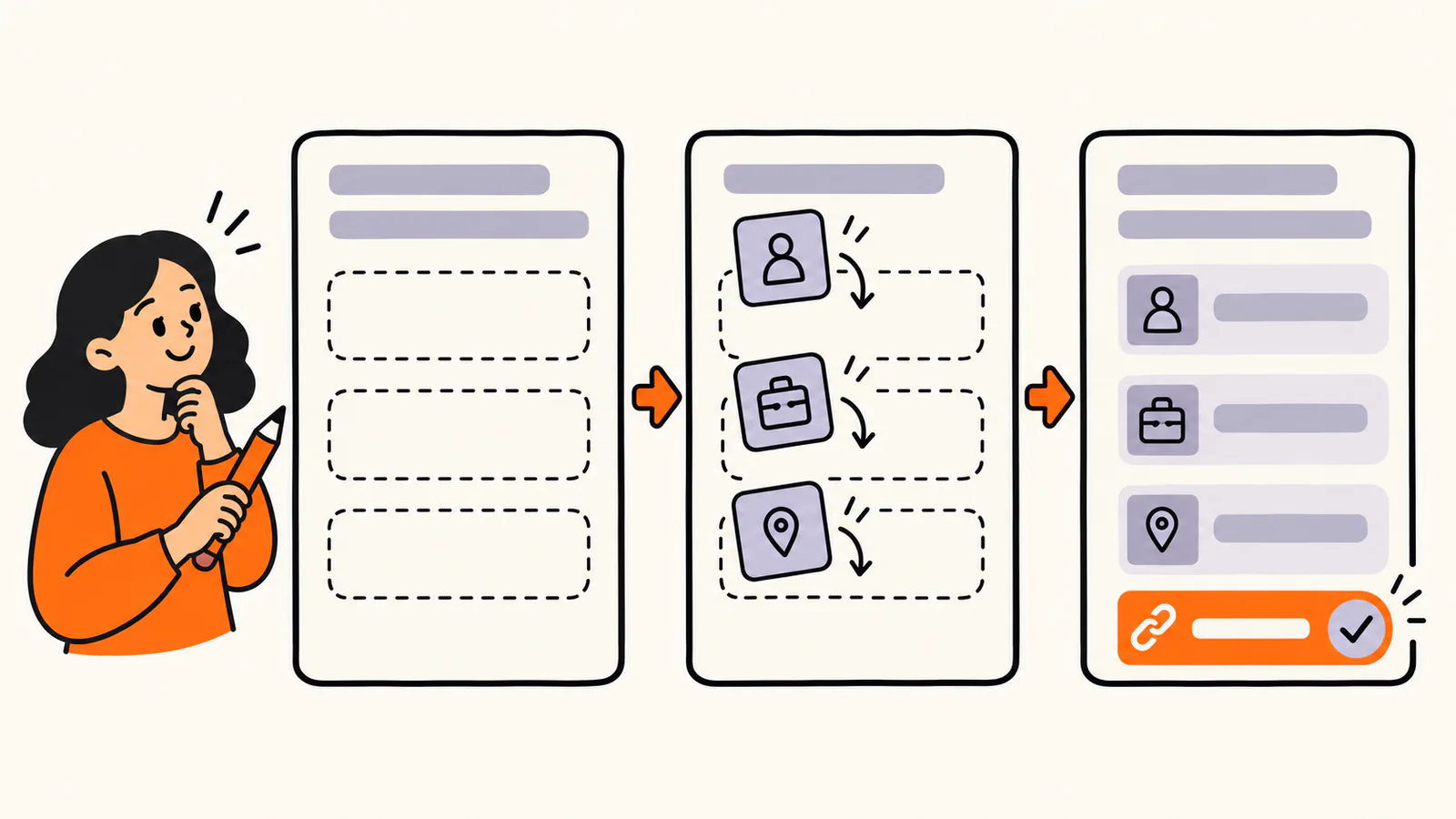
Pick a template, fill each bracket with a true and specific detail, and finish with where people can find you.
1.
Choose the template group for where your bio will appear: work, social media, creative work or a business.
2.
Replace every part in [brackets] with your own details. Delete any part that does not apply.
3.
Make one part specific: a place, a result, a schedule or a personal detail.
4.
Check the length against the platform limit below.
5.
Read it as a stranger would. If it could describe anyone, add one more specific detail.
A template only gives you the shape. What makes a bio work is the detail you put in it, so spend most of your time on the brackets. For example, "[Name] is a [role] at [company] who helps [who] [do what]" becomes:
Fictional example: Maya Chen is a product designer at Brightside Health who helps clinics turn long paper forms into simple apps.
40 bio templates you can copy
Every template below was written for this guide. Replace anything in [brackets], and keep a claim only if it's true for you.
Bio templates for work
•
[Name] is a [role] at [company] who helps [who] [do what].
•
I'm a [role] with [number] years of experience in [field], focused on [specialty].
•
[Name] leads [team or function] at [company], where [he, she or they] [main responsibility].
•
I help [who] [solve what problem] through [service or method].
•
[Role] · [specialty] · [city or remote]
•
[Name] is a [role] who has [result or project]. [He, she or they] lives in [place].
•
I'm a [role] and I'm looking for [kind of role] in [field or place].
•
[Name] speaks about [topic] and works as a [role] at [company].
•
[Role] at [company] | [what you work on] | [one personal detail]
•
[Name] · [role] · [phone or email] · [one link]
Bio templates for Instagram and TikTok
•
[What you post] for [who] · new [posts or videos] every [day] ↓
•
[Role] in [city] · [what you offer] · book ↓
•
✦ [interest] · [interest] · [interest] ✦
•
[Funny line about yourself] · [one true detail]
•
[What you make] · [where to buy or see it] ↓
•
☾ [vibe word] [noun] · [vibe word] [noun] ☾
•
[Topic] tips for [who] · start here ↓
•
[City] · [what you do] · [how to reach you]
Bio templates for X, LinkedIn and Discord
•
[Role] · I post about [topic] and [topic]
•
[What you share] · new [thread or issue] every [day]
•
[Role] | [specialty or who you help] | [result or credential]
•
[Role] | Open to [kind of role] in [field or place]
•
I help [who] [do what]. Over [time], I've [result]. Right now I'm [current focus].
•
[Games or interests] · [time zone] · DMs [open or closed]
•
[Role] of [server topic] · [what members do there] · ask in [channel]
•
[What you do] · [one personal detail] · [where to find you]
Bio templates for creators and artists
•
[Medium] artist making [subject] · [prints or commissions] [open or closed] ↓
•
[Name] is a [genre] [musician or band] from [city]. [Latest release] is out now.
•
[Kind of photographer] in [city] · [style] · booking [season] ↓
•
[Name] writes [genre] about [theme]. [Book or newsletter] is out now.
•
[Kind of creator] making [what] for [who] · new [content] every [day]
•
I make [what] by hand in [place] · next [drop, market or show]: [date]
•
[Name] is a [role] whose work explores [theme]. [He, she or they] lives in [place].
Bio templates for small businesses
•
[Business type] in [neighborhood] · [what makes it different] · open [days]
•
Family-run [business type] since [year] · [signature product] · order ↓
•
[What you sell], made in [place] · new [products] every [day]
•
We help [who] [do what] · book a [call or visit] ↓
•
[Business name] · [service] for [who] in [area] · [phone or booking link]
•
[Product] for [who], made by [how many people] in [place]
•
[Business type] · [hours] · [address or area] · [how to order]
Make a template look like you
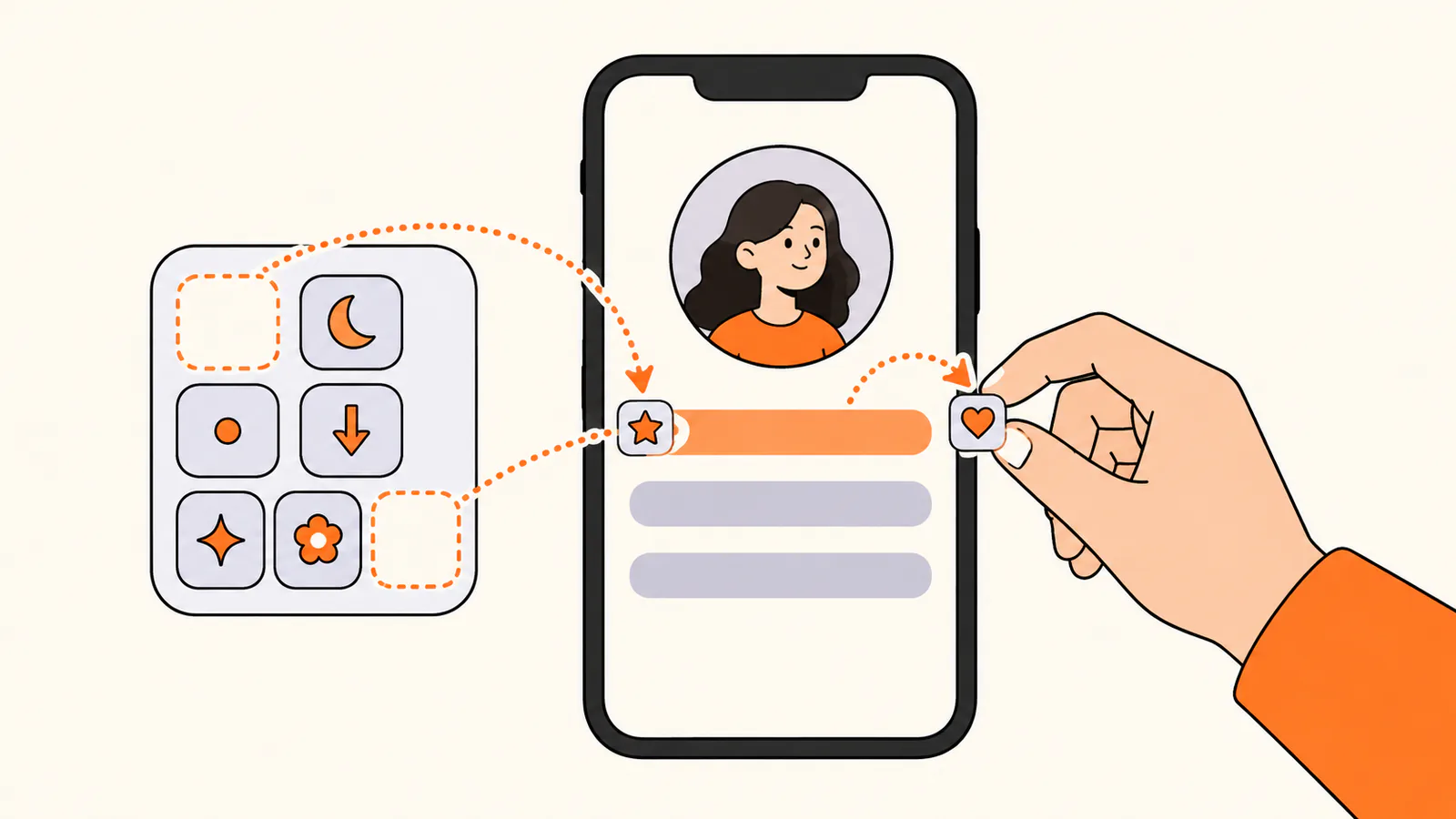
One or two symbols can make a social bio easier to scan. Keep most of the palette unused and let the words carry the meaning.
Symbols can make a social bio easier to scan. A few that work well as separators and pointers are the middle dot (·), the arrows ↓ and ➜, and small decorations such as ✦, ☾, ♡ and ✿. Use one or two, not a whole row:
•
Use a middle dot or a vertical bar to separate ideas on one line.
•
Use a downward arrow at the end of the last line to point to your link.
•
Put decorations at the start and end of one line, not between every word.
•
Screen readers may read symbols and emojis aloud, so keep the words carrying the meaning.
On LinkedIn, in work bios and anywhere someone else will publish your bio, skip the decorations and let the words do the work.
Check the character limit
Social profiles set hard limits. These are the limits on official help pages, checked in October 2026:
Where it appears
Limit
Which templates fit
Instagram bio
Up to 150 characters
Instagram and TikTok templates, short work templates
TikTok bio
Up to 80 characters
The shortest Instagram and TikTok templates
X (Twitter) bio
Up to 160 characters
X, LinkedIn and Discord templates
Discord About Me
Up to 190 characters
X, LinkedIn and Discord templates
LinkedIn About section
Up to 2,600 characters
Work templates, expanded into short paragraphs
LinkedIn's limit comes from LinkedIn's Talent Blog; the others come from each platform's help center. Website, speaker and team-page bios usually set a word count instead, so ask the organizer or editor.
Bio template mistakes to avoid
•
Leaving a bracket or a placeholder in the final bio.
•
Filling every blank with a general word such as "things", "stuff" or "people".
•
Adding claims you can't back up just to fill a slot.
•
Using decorative symbols in work bios, where plain words read better.
•
Copying a template without checking it against the platform limit.
•
Using the same bio everywhere. Adjust it to each place and reader.
Find more bio examples
Want finished examples instead of templates? See our 30 short bio examples, with links to a guide for every platform.
Most bio templates end with a link. If you have more than one place to send people, a link-in-bio page can hold your bio, your work and your links under one address. Liink is one option: the Free plan includes one public page with unlimited links and QR code sharing, and Pro ($7.99/month or $79.90/year) adds custom domains and detailed analytics. Liink does not write your bio or guarantee clicks.
Frequently asked questions
What is a bio template?
A sentence or short paragraph with blanks, such as "[Name] is a [role] who helps [who] [do what]". You keep the structure and fill in your own details.
How do I fill in a bio template?
Replace every part in brackets with something true and specific, delete parts that do not apply, then check the result against the platform limit and read it aloud.
Can I copy and paste these bio templates?
Yes. Every template here was written for this guide and is meant to be copied. Just make sure no brackets are left in the final bio.
What is a good bio template for work?
"[Name] is a [role] at [company] who helps [who] [do what]." It works for team pages, speaker programs and email introductions.
What is a good Instagram bio template?
"[What you post] for [who] · new [posts or videos] every [day] ↓". It says what you share, who it is for and points to your link, within Instagram's 150-character limit.
Should I use symbols in my bio?
One or two can help on social profiles, as separators or to point to your link. Skip them in work bios, and remember that screen readers may read them aloud.
Official sources checked
The platform limits in this guide come from these official pages, checked in October 2026:
Search demand was checked in the Semrush US database on October 9, 2026. Volumes are research estimates, not traffic guarantees. All 40 templates were written for this guide.