

LinkedIn Summary Examples: 20 About Section Templates

A good LinkedIn summary, which LinkedIn now calls the About section, tells readers what you do, who you help, what you have achieved and what you want next, in a few short paragraphs written in the first person. Open with a line that makes the right reader keep going, back it up with one or two specific results, and end with how to reach you. LinkedIn's Talent Blog puts the maximum at 2,600 characters, but most strong summaries use far fewer.
Disclosure: Liink publishes this guide and makes a link-in-bio page builder. Liink is not affiliated with LinkedIn. LinkedIn's Help Center was checked on October 9, 2026. Menus can change, so trust the current help page if your profile looks different. Every example and template below is original and fictional: names, employers, numbers and results are illustrative, not testimonials.
What to put in your LinkedIn summary
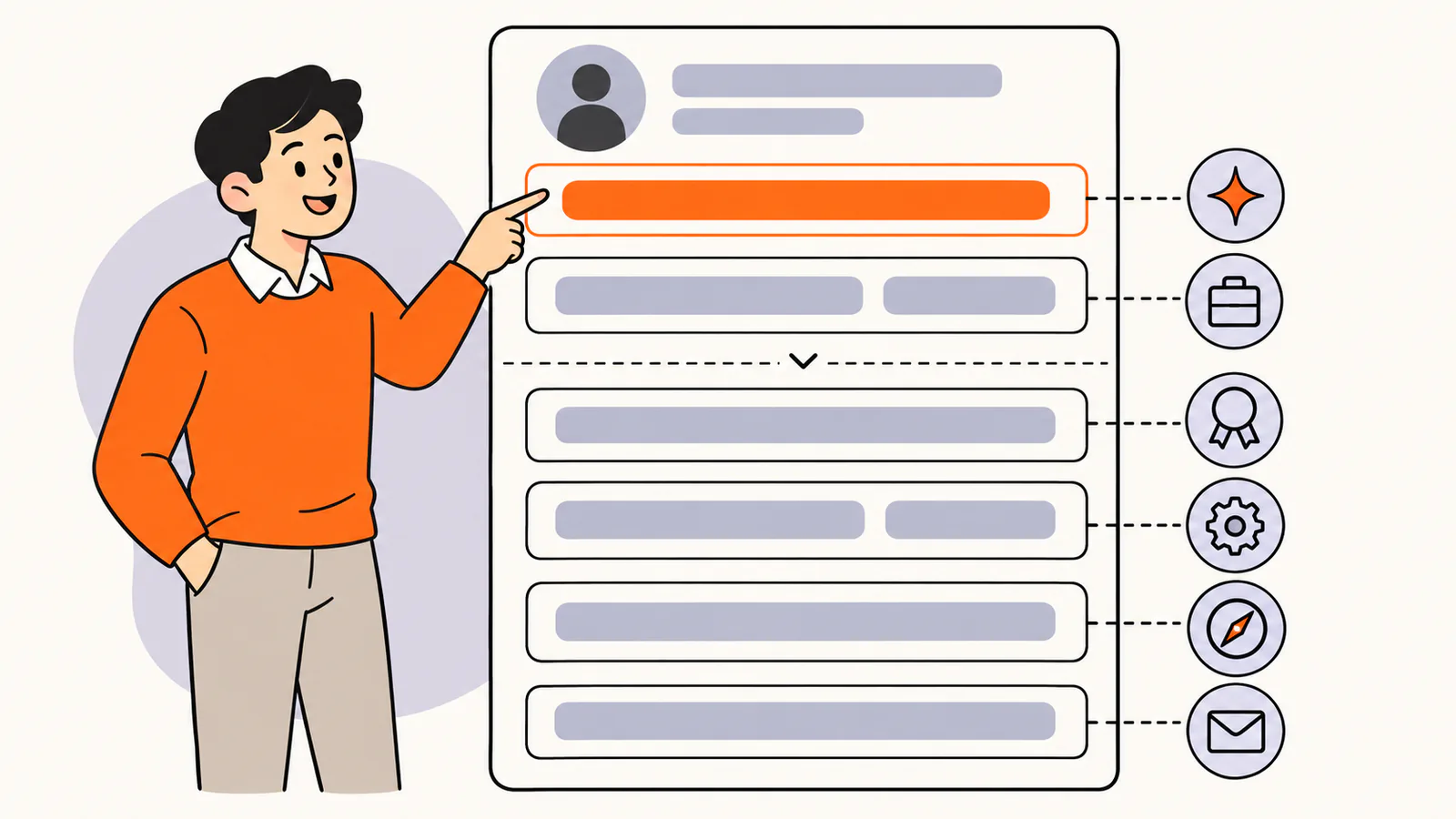
LinkedIn's Help Center describes the About section as the place to express your mission, motivation and skills to people who view your profile. It is separate from your headline, the short line under your name. A strong summary covers these parts:
Make the opening line count
Most readers decide from the first sentence whether to keep reading, so lead with the sentence that matters most. "I help early-stage startups turn messy data into weekly decisions" does more work than "I am a results-driven professional with a passion for excellence".
Length
LinkedIn's Talent Blog describes the About section as an open-ended space with a maximum of 2,600 characters. Three to five short paragraphs are usually enough. Use line breaks between them so the summary is easy to scan on a phone.
How to write a LinkedIn summary in 6 steps
Write in the first person. "I lead a team of five designers" sounds like a person; "Sam leads a team of five designers" sounds like a press release.
LinkedIn summary template
Fill in the brackets and delete any part that doesn't apply:
I help [who you help] [achieve what] by [how you do it]. Over [time], I've [proof: result, project or credential]. I'm known for [how you work or what colleagues value]. Right now I'm [current focus or what you're open to]. If you're [who should get in touch], message me or [another way to reach you].
Here is the same template filled in for a fictional data analyst:
Fictional example: I help retail teams turn sales and stock data into decisions they can act on every week. Over six years, I've built the dashboards store managers use to order stock, and I cut the time our team spends on weekly reports from a day to an hour. Colleagues know me for plain-English charts and for asking what decision a report is supposed to support. Right now I'm learning forecasting methods and mentoring two junior analysts. If you're working on retail analytics, I'd be glad to compare notes.
20 LinkedIn summary examples
These examples are fictional. Copy the structure, not the claims, and replace every detail with facts you can verify.
1. Student
Fictional example: I'm a third-year economics student at [university] who likes turning messy questions into clear numbers. I've analyzed survey data for a student housing project and led the data team for our case competition. I'm looking for a summer internship in market research or consulting where I can learn from experienced analysts.
2. Recent graduate
Fictional example: I recently graduated in graphic design and love building clear visual systems for small organizations. During my studies I redesigned the signs for a community library and created the identity for a student-run food bank. I'm looking for a junior designer role on a team that cares about accessibility as much as aesthetics.
3. Career changer
Fictional example: After ten years as a high school science teacher, I moved into project coordination. Teaching taught me to plan a year in weekly steps, explain complex ideas simply and keep thirty people on track. Today I coordinate software releases for a small product team, and I'm working toward a project management certification.
4. Job seeker
Fictional example: I'm a customer success manager with seven years of experience helping business software customers get value fast. At my last company, I built the onboarding program our team still uses and managed a portfolio of 60 accounts. I'm looking for my next customer success role, ideally in education or health technology. Message me if you're hiring.
5. Software engineer
Fictional example: I build backend systems for subscription businesses: billing, payments and the reliability work that keeps them boring. I care about clear logs, small deployments and on-call rotations that let people sleep. I maintain a small open-source library for time zones and write about testing on my blog.
6. Data analyst
Fictional example: I help public health teams understand what their data is telling them. I clean, model and visualize program data, then turn it into short briefings decision-makers actually read. My favorite projects start with a question someone has been stuck on for months.
7. Marketing manager
Fictional example: I lead content marketing for business software companies, turning customer questions into articles, guides and videos that bring in qualified signups. My team publishes two in-depth guides a month and updates our most-visited pages every quarter. I started as a technical writer, so clarity comes first.
8. Sales professional
Fictional example: I help mid-sized manufacturers choose inventory software that fits how their warehouses really work. I spend more time listening than presenting, and I measure success by how many customers renew, not just how many sign. If you're rethinking your inventory process, let's talk.
9. Recruiter
Fictional example: I recruit designers and researchers for remote product teams. I believe candidates deserve clear job descriptions, honest salary ranges and a reply within a week, even when the answer is no. I post open roles every Friday, so follow along if you're looking.
10. HR professional
Fictional example: I help growing companies build people practices that still feel human at 200 employees: fair pay bands, onboarding people finish and managers who know how to give feedback. I've spent twelve years in HR across retail and software companies.
11. Project manager
Fictional example: I run complex projects without making them feel complex. Over eight years I've delivered construction, IT and office-move projects on time by agreeing on scope early and sharing one simple status update every week. I'm a certified project manager and a firm believer in short meetings.
12. Teacher
Fictional example: I teach primary school in [city] and specialize in helping children who find reading hard. I use small-group lessons, lots of read-alouds and weekly notes home so parents can help too. I also mentor student teachers each spring.
13. Nurse
Fictional example: I'm a registered nurse working in emergency care, where clear communication matters as much as clinical skill. I train new nurses on our unit's handover process and serve on the hospital's patient safety committee. Outside work, I volunteer at a free community health clinic.
14. UX designer
Fictional example: I design health apps people can actually finish using. I start every project by watching real people use the product, then simplify until the next step is obvious. My case studies show the messy middle, not just the polished end.
15. Freelancer
Fictional example: I'm a freelance copywriter for business software companies. I write website pages, product emails and help-center articles in plain language that customers understand on the first read. I'm booking projects for next month; my portfolio is linked in my contact info.
16. Consultant
Fictional example: I help companies with 10 to 100 employees set up the HR basics growing teams usually skip: clear job descriptions, fair pay bands and onboarding that new hires finish. Before starting my practice, I spent a decade in HR roles at software and retail companies.
17. Founder
Fictional example: I'm the founder of a small company that builds scheduling software for physical therapy clinics. I started it after watching my sister spend her evenings fixing double bookings. We now serve clinics in three states, and we're hiring our first support specialist.
18. Executive
Fictional example: I lead operations for a regional logistics company with three depots and 200 employees. My focus is calm, predictable work: clear handoffs, shared schedules and team leads who can fix problems before they reach customers. I'm especially interested in how small logistics teams can use simple software well.
19. Customer service professional
Fictional example: I help customers solve problems quickly and leave them feeling looked after. I've handled phone, chat and email support for a home appliance brand for five years and trained new team members on our troubleshooting guides. I'm happiest when a frustrated caller ends up laughing.
20. Returning to work
Fictional example: After four years caring for family, I'm returning to my career in accounting. Before my break, I managed month-end close for a mid-sized manufacturer. I've refreshed my skills with an updated certification and I'm looking for a part-time or full-time accounting role in [city].
Short LinkedIn summary examples
If you're short on time, a two-sentence summary still beats an empty About section. These short versions each say what you do and what you want next:
Adapt your summary to your goal
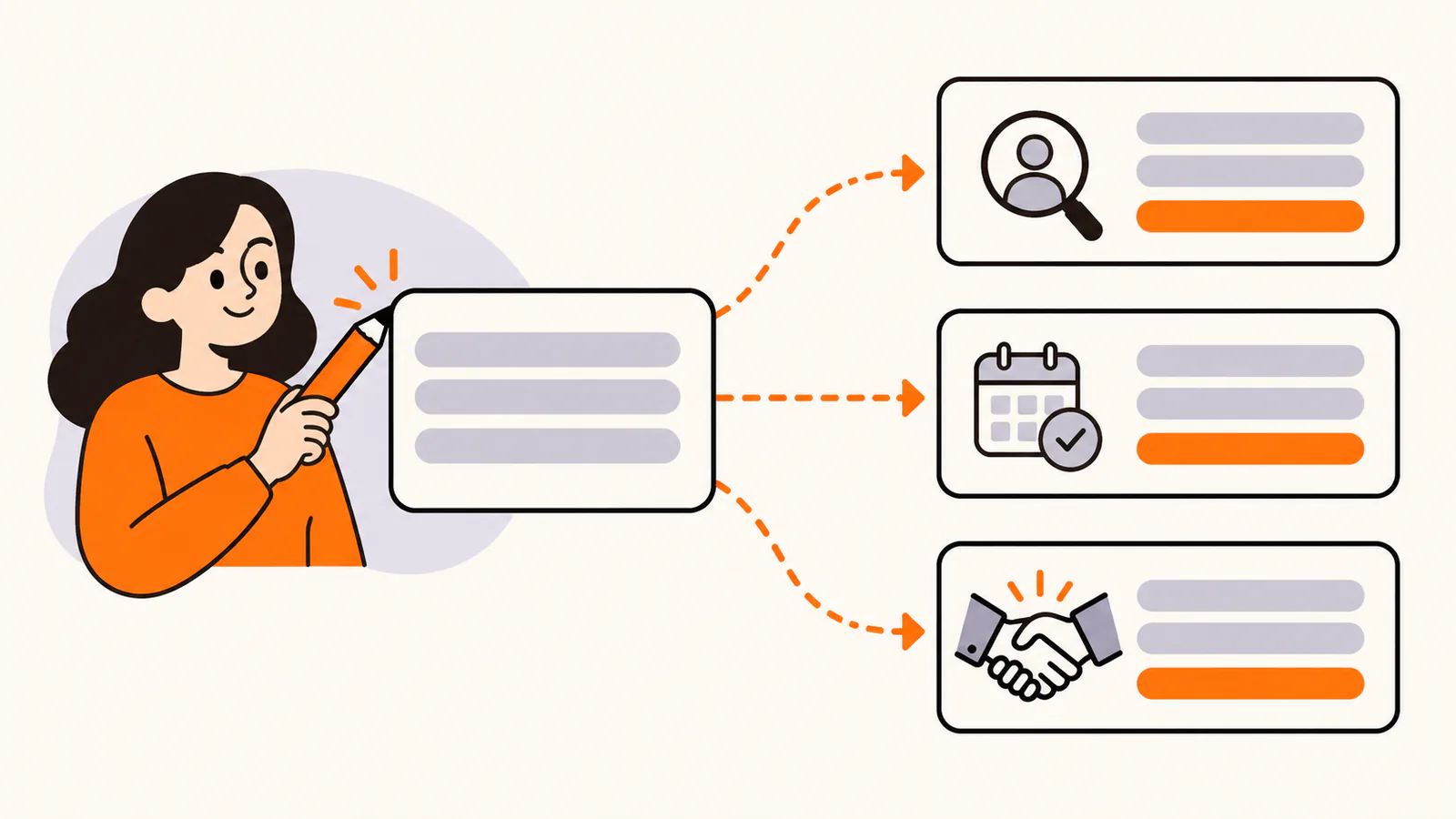
The same facts can lead to different next steps. Keep the opening and the proof, then change the ending to match what you want readers to do.
How to edit your LinkedIn About section
These steps follow LinkedIn's Help Center as checked on October 9, 2026.
On a computer
In the LinkedIn app
If your changes don't appear, LinkedIn's Help Center suggests checking that you are editing the right language version of your profile.
LinkedIn summary mistakes to avoid
Link to your work
LinkedIn's Help Center lists a Website field in the Contact info section of your profile, alongside your email and phone number, and notes that some of this information is visible only to your connections.
If you want one link that shows your portfolio, case studies, booking page and other profiles together, a link-in-bio page can sit behind that Website field. Liink is one option: the Free plan includes one public page with unlimited links and QR code sharing, and Pro ($7.99/month or $79.90/year) adds custom domains and detailed analytics. Liink does not write or verify your summary.
Next, write the line under your name with our LinkedIn headline examples.
Need a bio for a website, speaker introduction or proposal? See our professional bio examples.
Frequently asked questions
What should I write in my LinkedIn summary?
What you do, who you help, one or two results you can back up, how you work, what you're focused on now and how to reach you, in a few short paragraphs written in the first person.
How long can a LinkedIn summary be?
LinkedIn's Talent Blog gives a maximum of 2,600 characters for the About section. Three to five short paragraphs are usually enough.
Is the LinkedIn summary the same as the About section?
Yes. LinkedIn renamed the summary to About. LinkedIn's Help Center still uses "profile summary" in the address of its About section help page.
Should a LinkedIn summary be in the first or third person?
First person. It is your own profile, and "I" reads more naturally and more confidently than your name.
What do I write in my LinkedIn summary if I have no experience?
Lead with what you want to do and why, then use studies, projects, volunteering or part-time work as proof. End with the kind of role or opportunity you are looking for.
Can I use these LinkedIn summary examples?
Yes. Every example and the template are original and fictional, written to be adapted. Replace every detail with your own facts before you publish.
Official sources checked
The LinkedIn facts in this guide were checked against these LinkedIn pages on October 9, 2026:
Search demand was checked in the Semrush US database on October 9, 2026. Volumes are research estimates, not traffic guarantees. All 20 examples, the short summaries and the template were written for this guide and are fictional.


