Written by Benjamin · Founder of LiinkPublished October 9, 2026 · Updated October 10, 2026
A good LinkedIn headline says what you do, who you help and one thing that sets you apart, in a single line under your name. LinkedIn shows your headline in search results, and it can be different from your job title, so use it to describe your expertise rather than just repeating your position. Copy an example below, swap in your own details, and keep the most important words at the start.
Disclosure: Liink publishes this guide and makes a link-in-bio page builder. Liink is not affiliated with LinkedIn. LinkedIn's Help Center was checked on October 9, 2026. Menus can change, so trust the current help page if your profile looks different. Every example headline in this guide is original and fictional.
What to put in your LinkedIn headline
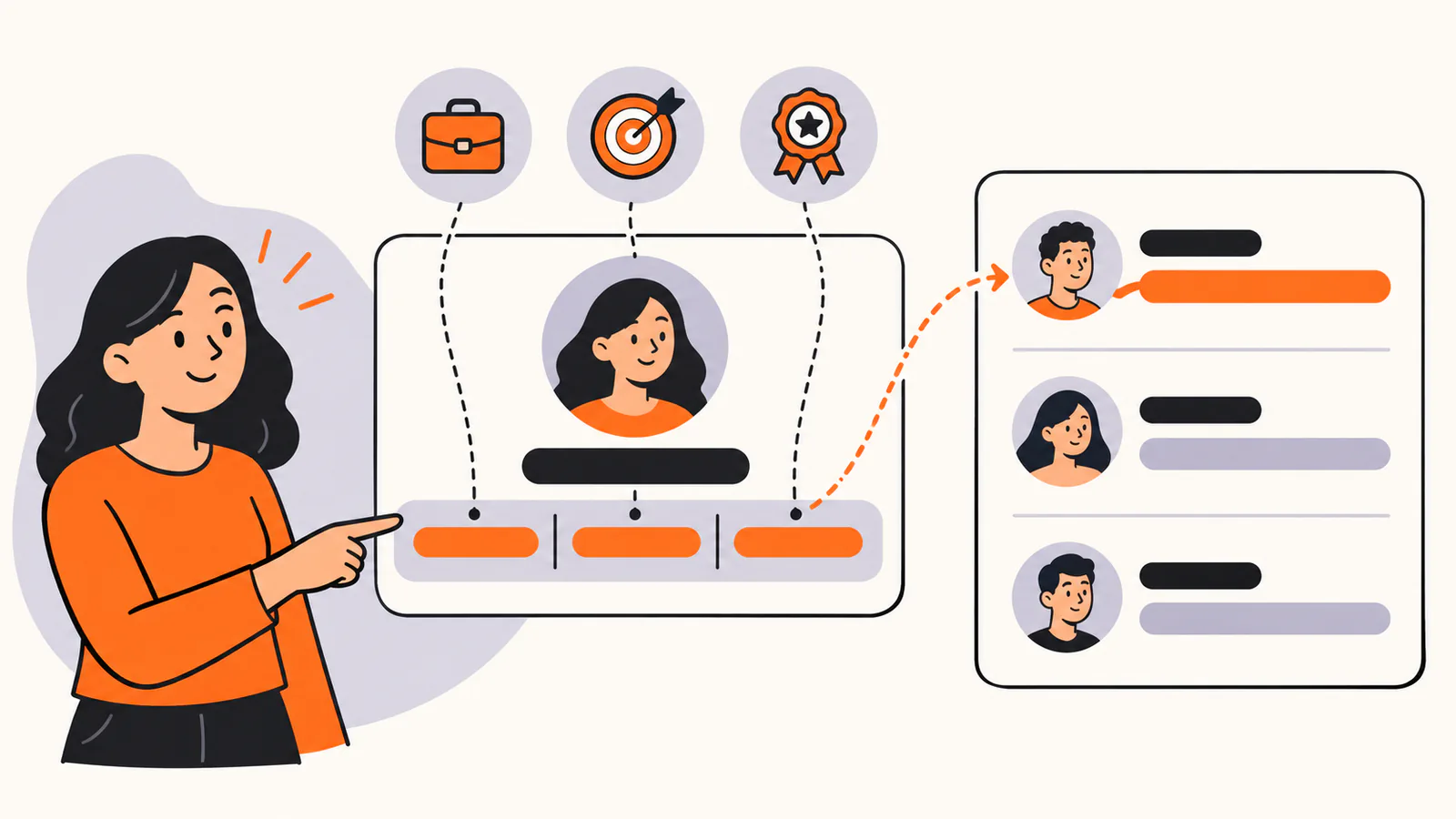
Combine your role, your specialty or who you help, and one piece of proof. LinkedIn also shows the headline in search results.
LinkedIn's Help Center describes the headline as the text below your name in the introduction section of your profile. It is displayed in search results, it can be separate from the title of your current position, and you can use it to promote an area of expertise. A strong headline usually combines three parts:
•
Your role or field, in the words people search for.
•
Your specialty or who you help.
•
One piece of proof or one thing that makes you different.
LinkedIn's Help Center also says you can use the headline for other professional statuses, for example if you're unemployed or retired. If you're looking for work, say what kind of role you want rather than only "open to work".
Keep the important words first
LinkedIn's Help Center doesn't publish a character limit for the headline. Whatever the length, readers scan from the left, so put your role and specialty first and the extras last. Every example in this guide is 120 characters or fewer.
How to write a LinkedIn headline
1.
Write down the role or field you want to be found for.
2.
Add who you help or what you specialize in.
3.
Add one piece of proof: a result, a credential or a notable kind of work.
4.
Separate the parts with a vertical bar or a middle dot so the line is easy to scan.
5.
Read it as a stranger would and cut anything vague, such as passionate or results-driven.
60 LinkedIn headline examples
Every example below was written for this guide and is fictional. Replace anything in [brackets], and keep a claim only if it's true for you.
Headlines for job seekers
•
Customer success manager | Onboarding programs that cut churn | Open to roles in edtech
•
Data analyst | SQL, Python and dashboards people use | Looking for my next analytics role
•
Project coordinator moving into product management | Certified Scrum Master
•
Operations manager | Logistics and scheduling | Open to opportunities in [city]
•
Accountant returning to work | Month-end close and reporting | Seeking part-time roles
•
Frontend developer | React and accessibility | Open to remote roles
•
Marketing coordinator | Email, social and events | Ready for my next challenge in B2B
•
Bilingual customer service lead | English and Spanish | Looking for team lead roles
Headlines for students and graduates
•
Economics student at [university] | Data and market research | Seeking summer internship
Computer science student | Building small web apps | Interested in backend roles
•
Nursing student | Clinical placement in emergency care | Graduating [year]
•
MBA candidate | Operations and supply chain | Former logistics coordinator
•
Journalism graduate | Local news and data stories | Open to reporting roles
•
Engineering student | Robotics club lead | Looking for mechanical engineering internships
Headlines for tech and engineering
•
Backend engineer | Billing and payments for subscription businesses
•
Software engineer | Python, cloud and calm on-call weeks
•
Data scientist | Forecasting for retail and e-commerce
•
Security engineer | Helping small teams stay safe without slowing down
•
Engineering manager | Hiring, mentoring and shipping steady releases
•
Mobile developer | iOS and Android apps for health care
•
DevOps engineer | Faster deploys, fewer surprises
•
QA engineer | Test automation that catches bugs before customers do
Headlines for marketing and sales
•
Content marketing lead | Guides that turn questions into signups
•
SEO specialist | Search strategy for B2B software companies
•
Account executive | Inventory software for mid-sized manufacturers
•
Social media manager | Short video and community for consumer brands
•
Growth marketer | Lifecycle email and onboarding experiments
•
Sales development rep | Opening conversations in health tech
•
Brand manager | Food and beverage | Launching products people remember
•
Email marketing specialist | Campaigns, automation and clean lists
Headlines for design and creative roles
•
Product designer | Health apps people actually finish using
•
UX researcher | Turning user interviews into product decisions
•
Brand designer | Identities for independent restaurants and cafés
•
Copywriter | Plain-language website copy for software companies
•
Video editor | Long and short videos for creators and brands
•
Illustrator | Editorial and children's book illustration
•
Photographer | Brand and food photography in [city]
Headlines for healthcare, education and public service
•
Registered nurse | Emergency care | Training new nurses on safe handovers
•
Primary school teacher | Reading support and small-group lessons
•
Physical therapist | Sports injuries and return-to-run programs
•
Public health analyst | Program data that informs real decisions
•
Nonprofit program manager | Affordable housing in [region]
•
Librarian | Digital literacy classes for adults
•
School counselor | Helping students plan life after high school
Headlines for freelancers and consultants
•
Freelance copywriter for SaaS | Website pages, emails and help centers
•
HR consultant for companies with 10 to 100 employees
•
Bookkeeper for creative studios | Clean books and calm tax seasons
•
Freelance UX designer | Booking projects for [month]
•
Marketing consultant for local businesses | Google profiles, email and social
•
Translator | French to English | Legal and technical documents
•
Career coach for first-time managers | Free intro call
•
Web developer for small businesses | Fast, accessible websites
Headlines for founders and leaders
•
Founder at [company] | Scheduling software for physical therapy clinics
•
COO | Logistics operations across three depots | Calm, predictable work
•
Head of People | Building fair pay and better onboarding
•
CEO of a family bakery chain | Fresh bread in [region] since [year]
•
VP of Engineering | Small teams, steady releases, good documentation
•
Nonprofit executive director | Affordable housing and community programs
•
Co-founder | Climate data tools for small farms
LinkedIn headline formulas you can adapt
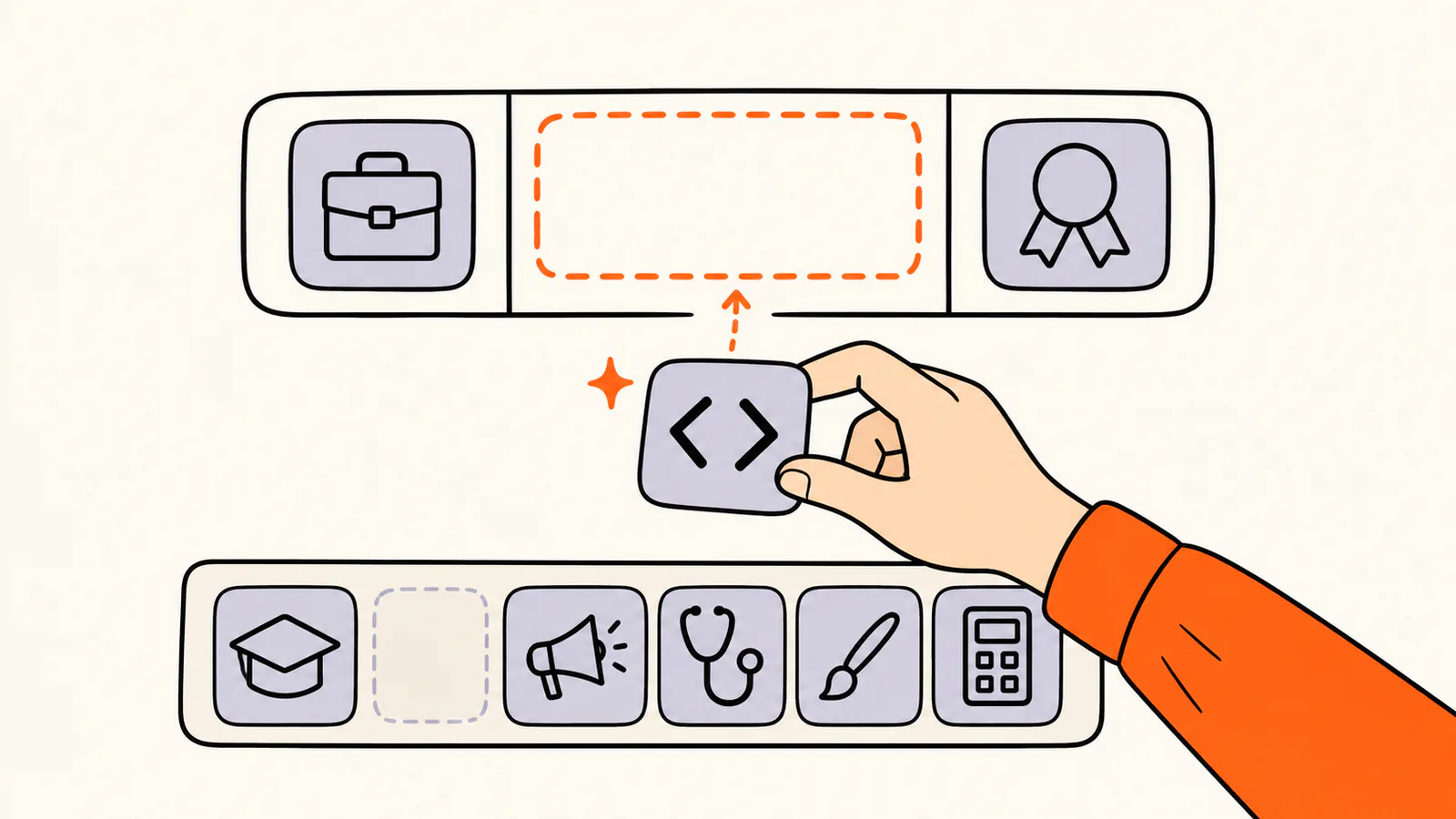
Keep the formula and swap the part that describes your field, from engineering and teaching to health care, design or finance.
A formula gives you a shape to fill in. Keep the structure, swap the part that describes your field, and read the result as a stranger would.
Formula
Template
Works well for
Role + specialty
[Role] | [what you specialize in]
Most professionals
Role + who you help
[Role] | Helping [who] [do what]
Consultants, coaches and service roles
Role + proof
[Role] | [result, credential or notable work]
Experienced professionals
Role + goal
[Role] | Open to [type of role] in [field or place]
Job seekers
Study + interest
[Degree or program] at [school] | [interest] | Seeking [opportunity]
Students and graduates
Company + mission
[Title] at [company] | [what the company does]
Founders and leaders
The vertical bar (|) and middle dot (·) are optional separators. If a formula makes you add something that isn't true, pick another one.
How to edit your LinkedIn headline
These steps follow LinkedIn's Help Center as checked on October 9, 2026.
On a computer
1.
Click the Me icon at the top of your LinkedIn homepage.
2.
Click View Profile.
3.
Click the Edit icon in your introduction section.
4.
In the Edit intro window, change the Headline field.
5.
Click Save.
In the LinkedIn app
1.
Tap your profile picture, then tap View Profile.
2.
Tap the Edit icon in your introduction section.
3.
Change the Headline field on the Edit intro page.
4.
Tap Save in the upper right.
LinkedIn's Help Center adds a few notes: if your headline and current position are the same, your current position isn't displayed in the top section of your profile; editing the headline doesn't change the Current, Previous and Education lines; and your network isn't notified when you change your introduction section.
LinkedIn headline mistakes to avoid
•
Only your job title. LinkedIn lets the headline differ from your position, so use it to say what you do well.
•
Buzzwords such as passionate, visionary or results-driven with nothing to back them up.
•
Claims you can't support, such as top performer without data you can share.
•
Stuffing in every skill. Pick the two or three that matter most to the people you want to reach.
•
Forgetting to update it when your role, focus or job search changes.
Add a link to your LinkedIn profile
Your headline can't hold a clickable link, but your profile can. LinkedIn's Help Center lists a Website field in the Contact info section of your introduction section, and notes that some of this information is visible only to your connections.
If you want that one link to show your portfolio, case studies, booking page and other profiles, a link-in-bio page can sit behind it. Liink is one option: the Free plan includes one public page with unlimited links and QR code sharing, and Pro ($7.99/month or $79.90/year) adds custom domains and detailed analytics. Liink does not write your headline or guarantee clicks.
Writing short bios for other platforms too? Try our Twitter bio ideas and professional bio examples.
Frequently asked questions
What is a LinkedIn headline?
The text below your name in the introduction section of your profile. LinkedIn's Help Center says it is displayed in search results and can be separate from the title of your current position.
What should I put in my LinkedIn headline?
Your role or field, your specialty or who you help, and one piece of proof. If you are job hunting, add the kind of role you want.
How long can a LinkedIn headline be?
LinkedIn's Help Center doesn't publish a limit. Put the most important words first; every example in this guide is 120 characters or fewer.
Can my headline be different from my job title?
Yes. LinkedIn's Help Center says the headline can be separate from the title of your current position and can promote an area of expertise.
What should my headline say if I am unemployed or retired?
LinkedIn's Help Center says you can use the headline to call out statuses like these. Say what you do and what you are looking for, for example "Data analyst | Open to analytics roles in retail".
Does LinkedIn notify my network when I change my headline?
LinkedIn's Help Center says your network isn't notified when you make changes to the introduction section on your profile, which is where the headline lives.
Official sources checked
The LinkedIn facts in this guide were checked against LinkedIn's Help Center on October 9, 2026:
•
LinkedIn Help: Edit your headline (what the headline is, edit steps and notes), checked October 9, 2026.
Search demand was checked in the Semrush US database on October 9, 2026. Volumes are research estimates, not traffic guarantees. All 60 example headlines were written for this guide and are fictional.