

How to Create a WhatsApp Link

To create a WhatsApp link, put your full phone number in international format, digits only, after https://wa.me/. For example, +1 (555) 555-0123 becomes https://wa.me/15555550123. Anyone who taps it gets a chat with you, without saving your number first. Add ?text= and a message to fill in their first message, then put the link in your bio, on your link-in-bio page or behind a QR code.
Disclosure: Liink publishes this guide and makes a link-in-bio page builder. Liink is not affiliated with WhatsApp or Meta. The WhatsApp Help Center was checked on October 20, 2026. Phone numbers in this guide are fictional examples from ranges set aside for fiction, so don't message them.
What is a WhatsApp link?
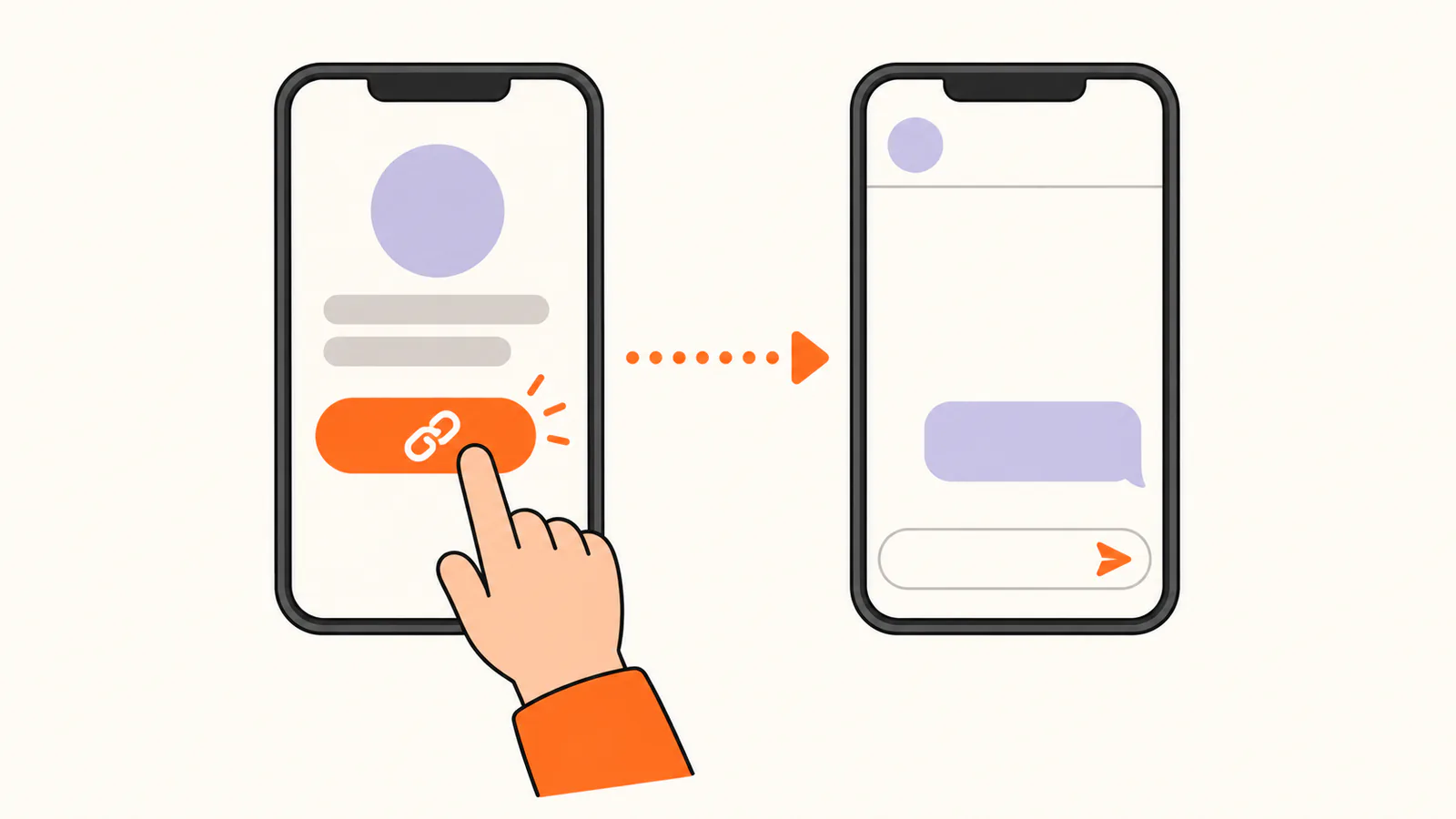
WhatsApp calls it click to chat. A link in the form https://wa.me/ followed by a phone number opens a chat with that number, even if the person tapping it hasn't saved it as a contact. The number needs an active WhatsApp account. WhatsApp's help page says click to chat works on phones and on WhatsApp Web.
That makes a WhatsApp link a good contact button: in an Instagram or TikTok bio, on a link-in-bio page, in an email signature or on a website's contact page.
How to create a WhatsApp link
These steps follow the WhatsApp Help Center as checked on October 20, 2026:
WhatsApp's own example of what not to use is a link with a plus sign, leading zeros, brackets and dashes, such as https://wa.me/+001-(XXX)XXXXXXX. Use your number's international format: in the UK, for example, the 0 that starts a local mobile number is dropped, so 07700 900123 becomes 447700900123.
Test your WhatsApp link
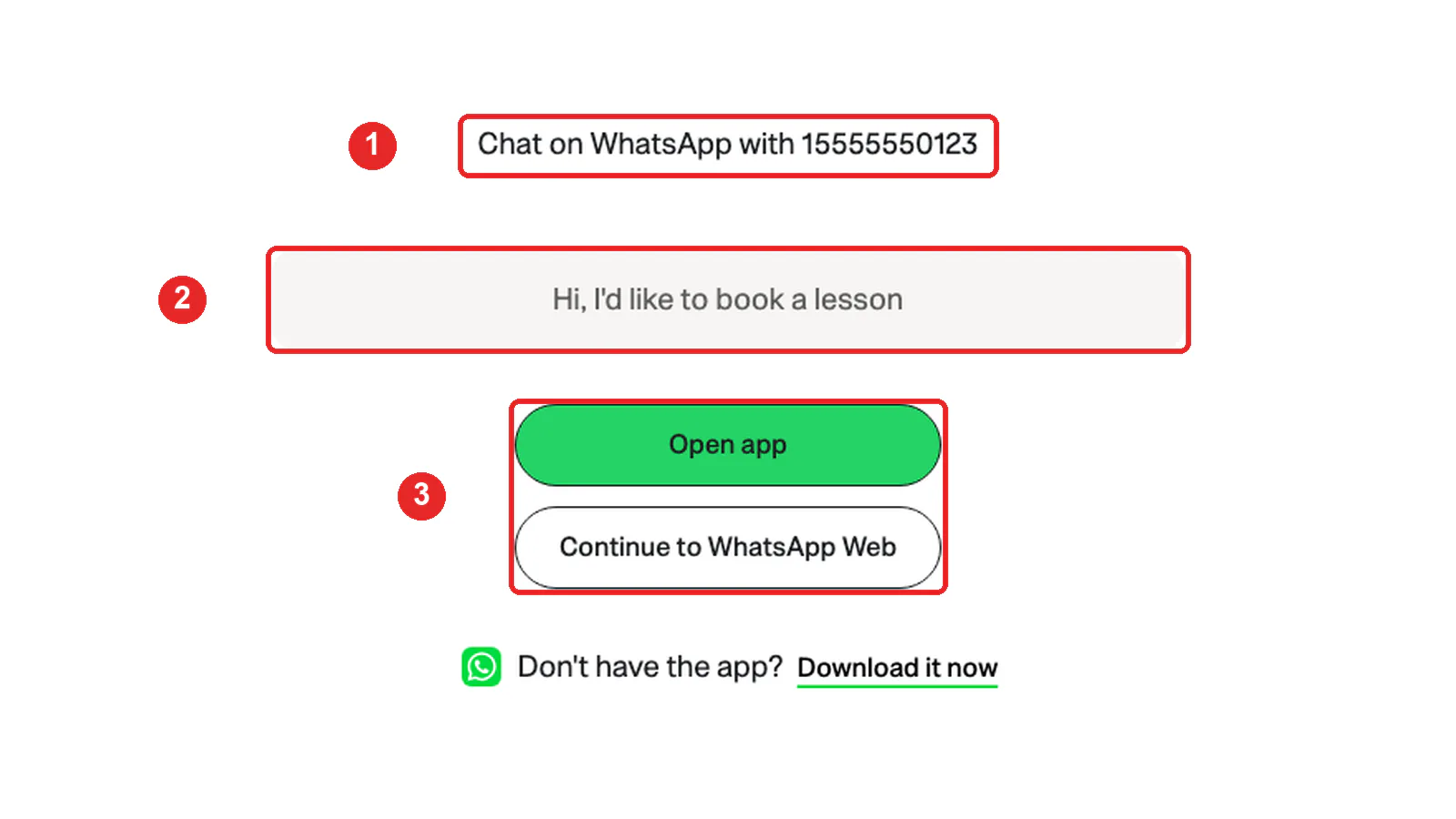
Open your link on your phone and on a computer. WhatsApp's page should show:
If something is missing or wrong, see WhatsApp link not working? below.
How to add a pre-filled message to your WhatsApp link
Add ?text= to the end of your link, followed by your message. WhatsApp puts the message in the chat's text box, so the person can change it before sending. Links can't contain plain spaces or some punctuation, so write them as codes:
For example, https://wa.me/15555550123?text=Hi%2C%20I%27d%20like%20to%20book%20a%20lesson opens a chat with the message "Hi, I'd like to book a lesson" ready to send.
A link with only a message and no number, such as https://wa.me/?text=Have%20you%20seen%20this%3F, works differently: WhatsApp asks the person which contact to send the message to. Use that for share buttons, not for a contact link.
WhatsApp Business: your short link and QR code
The WhatsApp Business app creates a short link for your business automatically when you set up your account. WhatsApp's help page says you'll find it under the Tools tab, in Short link. From there you can:
Your business QR code is on the same screen: tap View QR code, then Share code, or tap Share link. WhatsApp also suggests printing the code for a shop counter or sharing it by text or email. When someone scans it, they can send your default message to start the chat. WhatsApp notes that its in-app camera only scans official WhatsApp QR codes.
How to share your personal WhatsApp QR code
Without a business account, WhatsApp gives you a personal QR code instead of a short link. These steps follow the WhatsApp Help Center:
WhatsApp warns that anyone you send your QR code to can forward it, and anyone who scans it can add you as a contact. Only share it with people you trust. The Help Center also explains how to reset your QR code.
Where to put your WhatsApp link
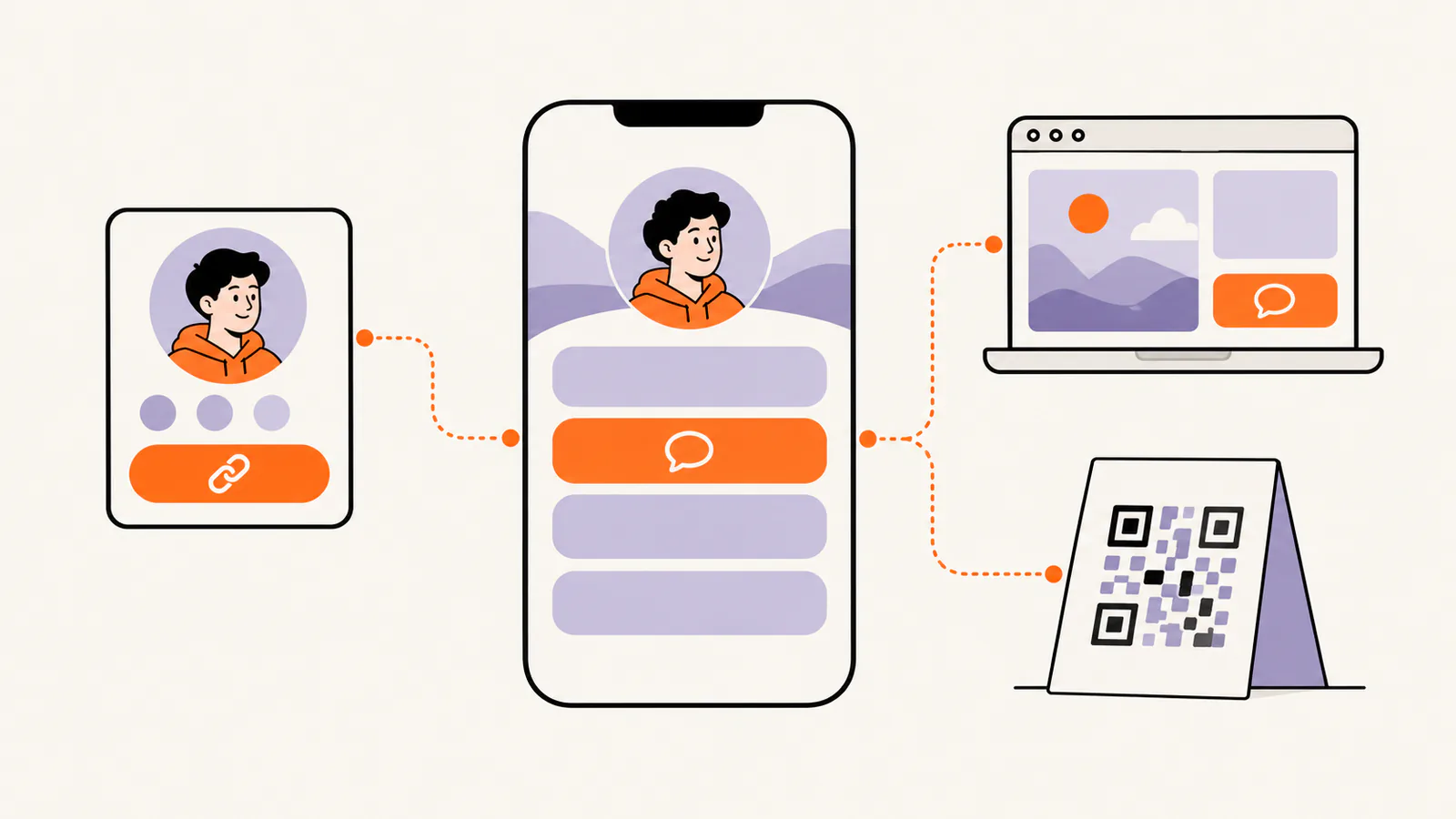
Put the link where people already look for a way to contact you:
Give the button a label that says what happens, such as "Book on WhatsApp" or "Ask about an order", so people know a chat will open.
Your phone number is in the link
A wa.me link contains your phone number, and the page it opens shows it. Anyone who sees the link can save your number and message you. If you don't want your personal number public, use a separate number for WhatsApp Business, and keep your personal QR code for people you know.
WhatsApp link not working?
The chat opens with the wrong number or none at all
Check the digits after wa.me/: no plus sign, no 00, no brackets, dashes or spaces, and the number written in international format (in the UK, without the 0 that starts local numbers). Then check that the number has an active WhatsApp account.
The message is cut off or looks wrong
A plain space can end the link early when it is pasted into a bio, and an & or # cuts the message off. Replace them with their codes, %20, %26 and %23.
The QR code won't scan in WhatsApp
WhatsApp's in-app camera only scans official WhatsApp QR codes. Share the code from WhatsApp itself, or use your phone's normal camera for other QR codes.
Add your WhatsApp link to a Liink page
Paste your wa.me link into a Liink link block and it shows with the WhatsApp icon, next to your other links.
Building a link-in-bio page? Liink is one option: the Free plan includes one public page with unlimited links and QR code sharing, and Pro ($7.99/month or $79.90/year) adds up to 5 public pages, custom domains and detailed analytics. Liink does not change how WhatsApp works or guarantee messages.
Frequently asked questions
How do I create a WhatsApp link?
Type https://wa.me/ followed by your full phone number in international format, digits only, with no plus sign, zeros, brackets or dashes. For example: https://wa.me/15555550123.
How do I add a message to my WhatsApp link?
Add ?text= and your message to the end of the link, with %20 for each space, for example https://wa.me/15555550123?text=Hi%20there. The message appears in the chat box, ready to send.
Do I need a WhatsApp link generator?
No. A WhatsApp link is WhatsApp's own address plus your number, which you can type yourself. Test it by opening it before you share it.
How do I make a QR code for my WhatsApp?
On WhatsApp Business, open Tools, then Short link, then View QR code. On a personal account, open Settings and tap the QR code next to your name.
Does someone need to save my number to message me?
No. WhatsApp's click to chat opens a chat with you without saving your number first. Your number needs an active WhatsApp account.
Can I put a WhatsApp link in my Instagram bio?
Yes. Paste your wa.me link into Instagram's link field: Edit profile, then Links, then Add external link.
Official sources checked
The WhatsApp and Instagram facts in this guide were checked on October 20, 2026:
Search demand was checked in the Semrush US database on October 20, 2026. Volumes are research estimates, not traffic guarantees. The screenshot was captured on October 20, 2026 in a fresh browser, using a fictional number.


