

How to Build a Resume Website That Gets You Hired

A useful resume website answers four recruiter questions quickly: who are you, what role can you do, what proof supports that claim, and how can someone contact you? Start with one focused page containing a role-specific headline, concise evidence, selected work, a downloadable resume, and a professional contact path. Add separate pages only when the work needs deeper case studies, writing, talks, or search visibility. A visual Liink profile can serve the compact version; it is not a replacement for a full portfolio CMS when the evidence needs substantial depth.
Disclosure: Liink publishes this guide and offers a visual-profile product. Liink does not provide recruiting, employment, credential verification, applicant tracking, legal, accessibility, or privacy advice, and it cannot guarantee interviews or employment. Google and W3C sources were checked September 2, 2026; hiring practices and regional requirements vary.
Choose the right resume website format
Use the smallest format that proves fit. A developer may need source code and two case studies; a designer may need annotated project outcomes; an operator may need a concise scope, metrics with context, and process evidence; a student may need coursework, projects, and availability. Do not imitate a portfolio category that hides the evidence your target role evaluates.
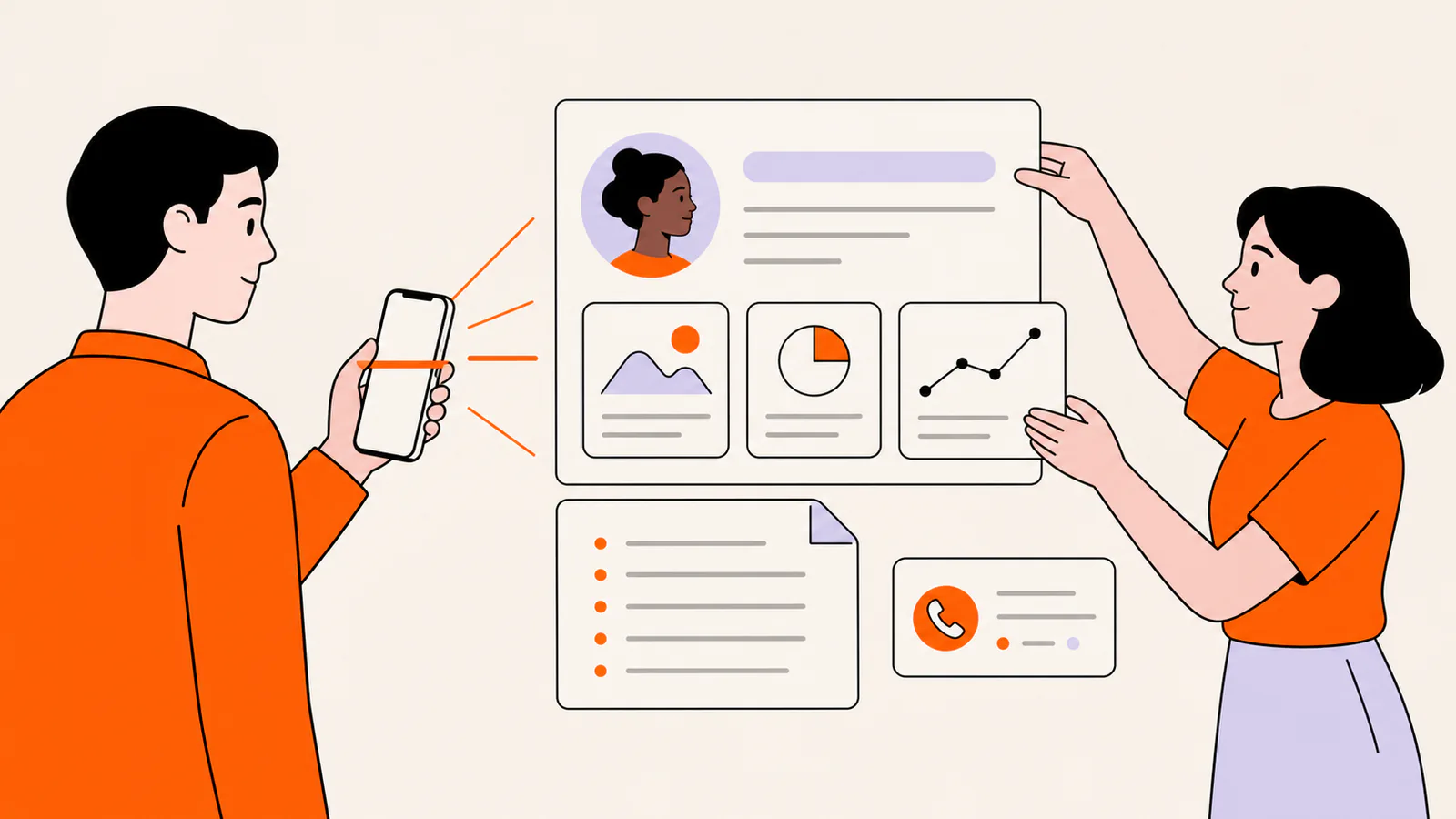
Plan the first recruiter scan
Resume website structure
Need the short introduction at the top of the page? Our professional bio examples include one-line, short and long versions you can adapt.
Turn portfolio items into evidence
For each selected project, state the situation, your exact responsibility, the constraints, the work you performed, and the result you can substantiate. Separate team outcomes from your contribution. Add dates or context to metrics, avoid confidential client details, and link to public artifacts only when you are authorized to share them. A screenshot without an explanation is decoration; an explanation without proof is a claim.
Make the page readable and accessible
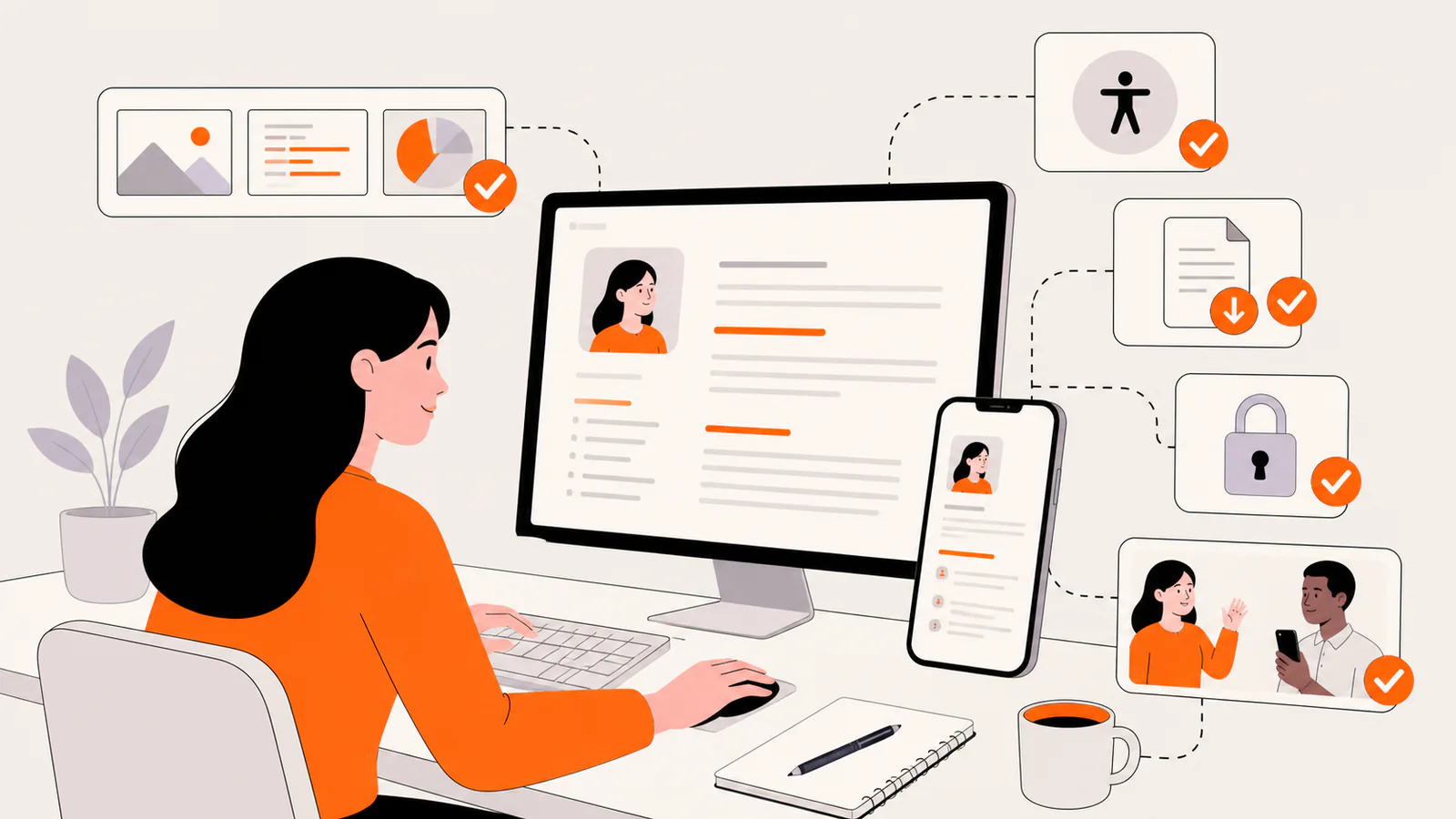
Use semantic headings, descriptive link labels, readable contrast, visible keyboard focus, meaningful image alternatives, and a logical reading order. Do not place essential experience only inside images or PDFs. Check the page at narrow mobile widths, 200 percent zoom, keyboard-only navigation, and with images unavailable. The Web Content Accessibility Guidelines organize these needs under content that is perceivable, operable, understandable, and robust.
Primary source: W3C Web Content Accessibility Guidelines 2.2 — W3C Recommendation checked September 2, 2026.
Resume website SEO basics
Use a concise title and visible main heading that identify your name and professional specialty. Write crawlable text around projects instead of relying on image galleries, add stable internal links when the site has multiple pages, publish a descriptive meta description, and keep one canonical public URL. Google explains that title links can draw from the title element, main visible title, headings, prominent text, anchor text, and WebSite structured data; none of those signals guarantees a ranking.
Primary source: Google Search Central title-link guidance — checked September 2, 2026.
Privacy and publishing checklist
Frequently asked questions
Do I need a resume website?
No. Build one when controlled presentation, public proof, or a stable professional identity helps the role. Follow the requested application format first; a website should support the resume and application, not make a recruiter reconstruct basic qualifications.
Can I use Liink as a resume website?
Liink can serve as a compact visual resume or portfolio hub with profile content and destination cards. It is not a full multi-page CMS, applicant-tracking system, credential verifier, or guarantee of recruitment results. Use a fuller site when case studies require substantial structure or long-form content.
What should the domain be?
Use a short, professional, stable URL you can keep current. A name-based domain can help recognition but is not required. Avoid a clever label that obscures identity, and verify the current product plan if a custom domain is important.
Publish a compact first version
If a focused visual profile matches your evidence, start from the Liink freelancer portfolio template and replace every placeholder with truthful, authorized work.
To test the structure at no cost, create a free Liink profile. Liink does not guarantee search rankings, recruiter attention, interviews, or employment.


