

YouTube Channel Description Examples: 20 Templates

A good YouTube channel description tells a new viewer what your channel is about, who it's for and why they should subscribe, and it says the most important part first. The channel header and channel search results show only the opening of your description, so make the first sentence count, then add your upload schedule and a way to reach you. Pick a template below and fill it in with your own details.
Disclosure: Liink publishes this guide and makes a link-in-bio page builder. Liink is not affiliated with YouTube or Google. YouTube's Help Center and public channel pages were checked on October 9, 2026. Menus can change, so trust the current help page if YouTube Studio looks different. Every example description in this guide is original and fictional.
What to put in your YouTube channel description
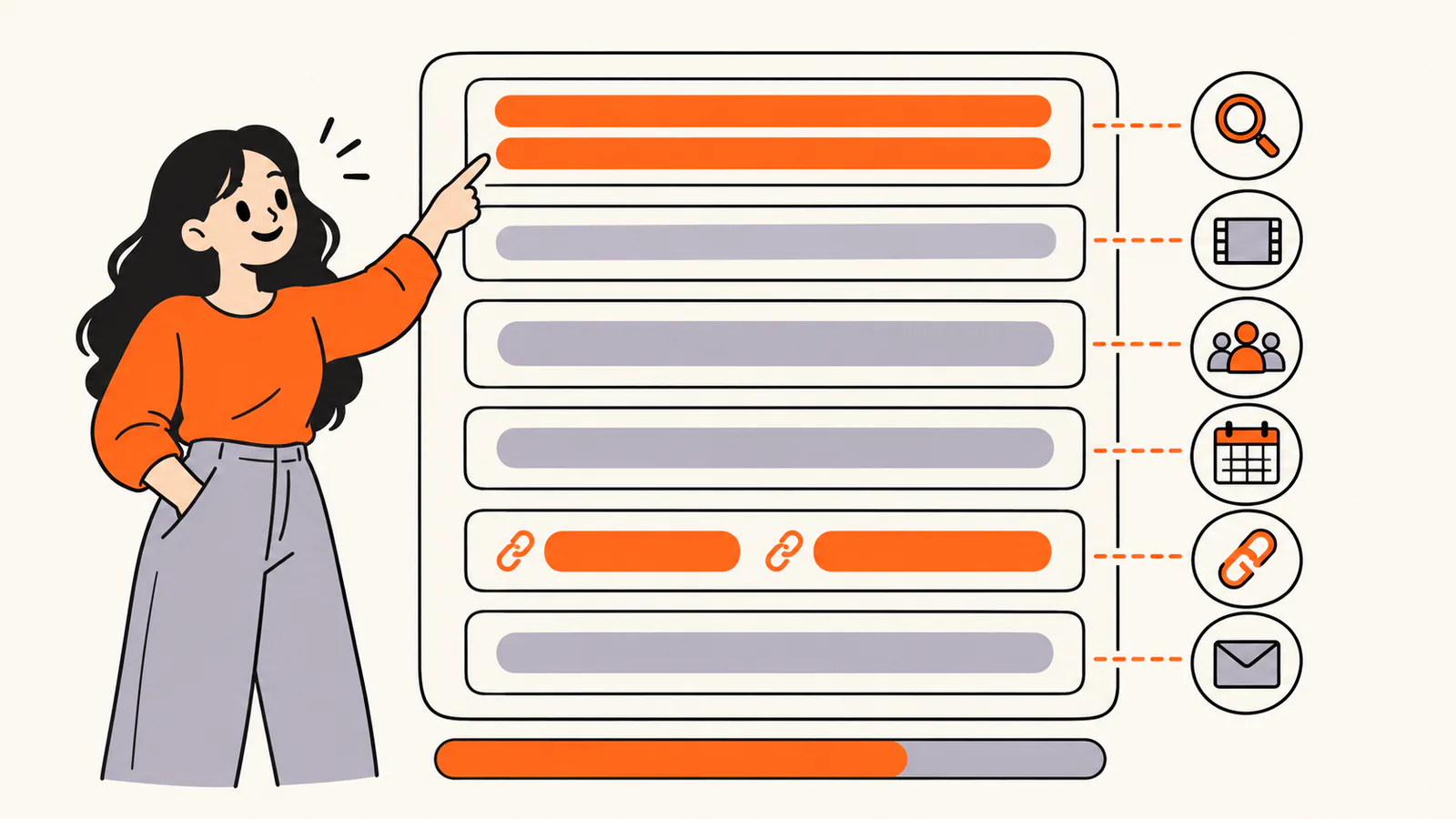
YouTube keeps your channel name, handle, description and links on the Profile tab of Customization in YouTube Studio. YouTube's Help Center says your description is accessible in the channel header. A strong description covers these parts, in this order:
Links belong in the Links section rather than in the description text. YouTube lets you add up to 14 links: the first one appears in your channel header near the Subscribe button, and the rest appear when viewers open the full list.
Put the important part first
On a public channel page, the header shows the opening of the description followed by "...more", and channel results in YouTube search show only the first line or two. Viewers see the rest only when they open the full description. Start with the sentence that would make the right person subscribe, not with "Welcome to my channel".
Length
YouTube's Help Center doesn't publish a character limit for the channel description. You rarely need much room anyway: three to six short sentences cover what most viewers want to know.
Steps to write your channel description
YouTube channel description template
Fill in the brackets and delete any part that doesn't apply:
[Channel name] is where [who it is for] learn to [what they get] through [kind of videos]. Every [day of the week], I post [type of video] about [topics]. [One sentence about you or why you started]. Subscribe if you want [the result viewers get]. For business enquiries, use the contact details on this channel.
Here is the same template filled in for a fictional channel:
Fictional example: Pan to Plate is where busy home cooks learn to make weeknight dinners in 30 minutes or less, with no special equipment. Every Sunday, I post one full recipe video and a short version you can cook along with. I'm a former line cook who now cooks for a family of five. Subscribe if you want dinner sorted without a long shopping list.
20 YouTube channel description examples
These examples are fictional. Copy the structure, not the claims, and replace every detail with your own.
1. Gaming channel
Fictional example: Cozy Quest plays relaxing farming and life-sim games, with tips for players who want to build a beautiful save file without stress. New let's-play episodes go up every Tuesday and Friday, and I stream on Saturday evenings. Pull up a chair and bring a snack.
2. Cooking channel
Fictional example: Five Ingredient Kitchen shows you how to cook full meals with five ingredients or fewer, plus salt, pepper and oil. Expect quick recipes, pantry tips and honest taste tests. New videos every Sunday.
3. Fitness channel
Fictional example: Strong at Home helps beginners build strength with 20-minute workouts that need only a pair of dumbbells. I'm a certified personal trainer, and every workout comes with easier and harder options. New workouts every Monday and Thursday.
4. Tech review channel
Fictional example: Plain Specs reviews phones, laptops and headphones for people who don't want to read spec sheets. Every review answers one question: who should buy this, and who should skip it? New reviews every week.
5. Education and study channel
Fictional example: Study With Sam explains high school chemistry one topic at a time, with clear diagrams and practice questions at the end of each lesson. Lessons follow the usual school-year order, so you can learn along with your class.
6. Language learning channel
Fictional example: Slow Spanish Stories tells short stories in clear, slow Spanish with subtitles in Spanish and English. Each story is made for learners who know the basics and want to understand real conversations. A new story every Wednesday.
7. Beauty channel
Fictional example: Five Minute Face shares quick makeup looks for school, work and nights out, using affordable products you can find in most drugstores. I have sensitive skin, so I always mention what worked for me and what didn't.
8. Travel vlog channel
Fictional example: Two Backpacks travels slowly by train and bus and shows what each place really costs, from hostels to street food. New travel diaries every other Friday, plus budget breakdowns in the community tab.
9. Music artist channel
Fictional example: The official channel of [artist name], a singer-songwriter from [city] writing quiet songs about loud feelings. Here you'll find music videos, acoustic sessions and behind-the-scenes clips from the studio. New music is out now.
10. Podcast channel
Fictional example: Second Act is a weekly podcast about people who changed careers after 40. Each episode is a long conversation about what they left, what they learned and what they would tell their younger selves. Full episodes on Mondays, short clips during the week.
11. DIY and home channel
Fictional example: Fix It Friday teaches simple home repairs anyone can do with basic tools: dripping taps, squeaky doors, patchy walls. Every video starts with the tools you need and the mistakes to avoid. A new fix every Friday.
12. Personal finance channel
Fictional example: Pocket Plans explains budgeting, saving and debt in plain language, without get-rich-quick promises. Videos are general education, not personal financial advice. New explainers every Tuesday.
13. Small business channel
Fictional example: The official channel of [business name], a family-run candle studio in [city]. Watch how we pour each batch, see new scents before they launch and learn how to make your candles burn evenly. Shop links are in our channel links.
14. Nonprofit channel
Fictional example: [Organization name] helps families in [region] find safe, affordable housing. On this channel, you'll hear from the people we work with, see where donations go and learn how to get involved as a volunteer.
15. Comedy and sketch channel
Fictional example: Bad Ideas Club makes short sketches about office life, group chats and everything that goes wrong on a Monday. New sketches every Thursday. No useful information whatsoever.
16. Book review channel
Fictional example: Shelf Talk reviews one novel a week without spoilers in the first half, so you can decide whether to read it, then talks through the ending in the second half. Mostly mysteries, literary fiction and the occasional fantasy series.
17. Gardening channel
Fictional example: Balcony Harvest shows how to grow vegetables and herbs in small spaces, from window boxes to tiny balconies. I garden in a rented apartment, so every project is renter-friendly. New videos through the growing season.
18. Car channel
Fictional example: Daily Drivers reviews ordinary used cars that real people buy, with honest notes on reliability, running costs and what to check before you buy. New reviews every other week.
19. Photography tutorial channel
Fictional example: Light First teaches photography basics with any camera, including your phone. Each tutorial covers one skill, such as light, composition or editing, with a short assignment at the end. New lessons every Saturday.
20. Kids crafts channel for parents
Fictional example: Paper and Glue shares easy crafts that parents and young children can make together from things already in the recycling bin. Each video lists materials first and takes less than 15 minutes. Made for parents to watch with their kids.
Opening lines that work in search
Because search results and the channel header show only the start of your description, the first line has to work on its own. These openings each say what the channel is and who it is for:
Where your channel description shows up
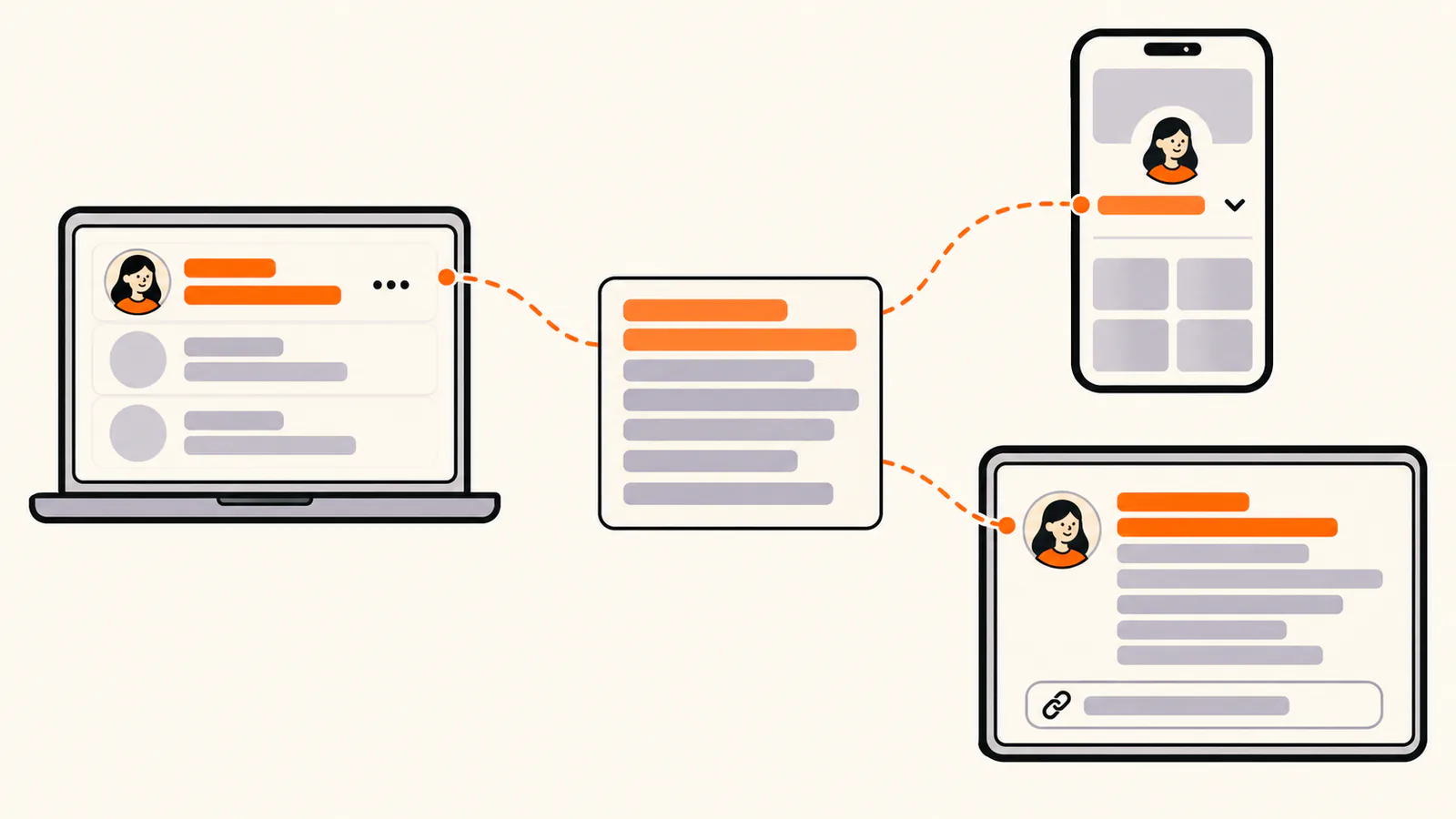
YouTube's Help Center says you can add translations of your channel name and description to reach a wider audience. The header and search observations above come from public YouTube pages viewed on October 9, 2026.
How to edit your YouTube channel description
On a computer
In the YouTube app
The YouTube Studio app works too: tap your profile picture, tap Edit, then edit the description and tap Save. YouTube's Help Center also says you can change your channel name and handle twice in a 14-day period, so take your time with those.
Channel description mistakes to avoid
Add links to your YouTube channel
For the steps to add up to 14 channel links, and what to do when links in video descriptions or Shorts are not clickable, see our guide to adding links to your YouTube channel.
If you have more destinations than you want in the header, a link-in-bio page lets you use one link for everything and update the page behind it. Liink is one option: the Free plan includes one public page with unlimited links and QR code sharing, and Pro ($7.99/month or $79.90/year) adds custom domains and detailed analytics. Liink does not write your description or guarantee clicks.
Writing short bios for other platforms too? Try our Twitter bio ideas and Instagram bio ideas.
Frequently asked questions
What should I write in my YouTube channel description?
Say what the channel is about and who it's for in the first sentence, then the kind of videos you make, your upload schedule and how to reach you for business.
How long should a YouTube channel description be?
Three to six short sentences cover what most viewers want. YouTube's Help Center doesn't publish a character limit for it.
Where does my channel description appear?
In your channel header, where viewers see the opening followed by "...more", and in channel results in YouTube search, which show the first line or two.
Can I put links in my channel description?
Use the Links section of your channel profile instead. YouTube lets you add up to 14 links, and the first one appears in the channel header near the Subscribe button.
How do I change my YouTube channel description?
On a computer, go to YouTube Studio, select Customization, then Profile, edit the description and click Publish. In the YouTube app, open your channel, tap Edit under the description, change it and tap Save.
Can I copy these YouTube channel description examples?
Yes. Every example and the template are original and fictional, written to be adapted. Replace every detail with your own before you publish.
Official sources checked
The YouTube facts in this guide were checked against YouTube's Help Center on October 9, 2026:
Search demand was checked in the Semrush US database on October 9, 2026. Volumes are research estimates, not traffic guarantees. All 20 examples, the opening lines and the template were written for this guide and are fictional.


