

Snapchat Bio Ideas: 40 Examples You Can Copy


A Snapchat bio is a short line on your Public Profile that tells people who you are or what you post. You add it by editing your Public Profile, which Snapchat offers to eligible accounts, starting at age 16. Keep it to one short line, make it sound like you, and update it when your Stories change. Pick an example below and make it yours.
Disclosure: Liink publishes this guide and makes a link-in-bio page builder. Liink is not affiliated with Snap Inc. Snapchat Support was checked on October 9, 2026. Snapchat changes menus often, so trust the current help page if your app looks different. Every example bio in this guide is original and fictional.
What to put in your Snapchat bio
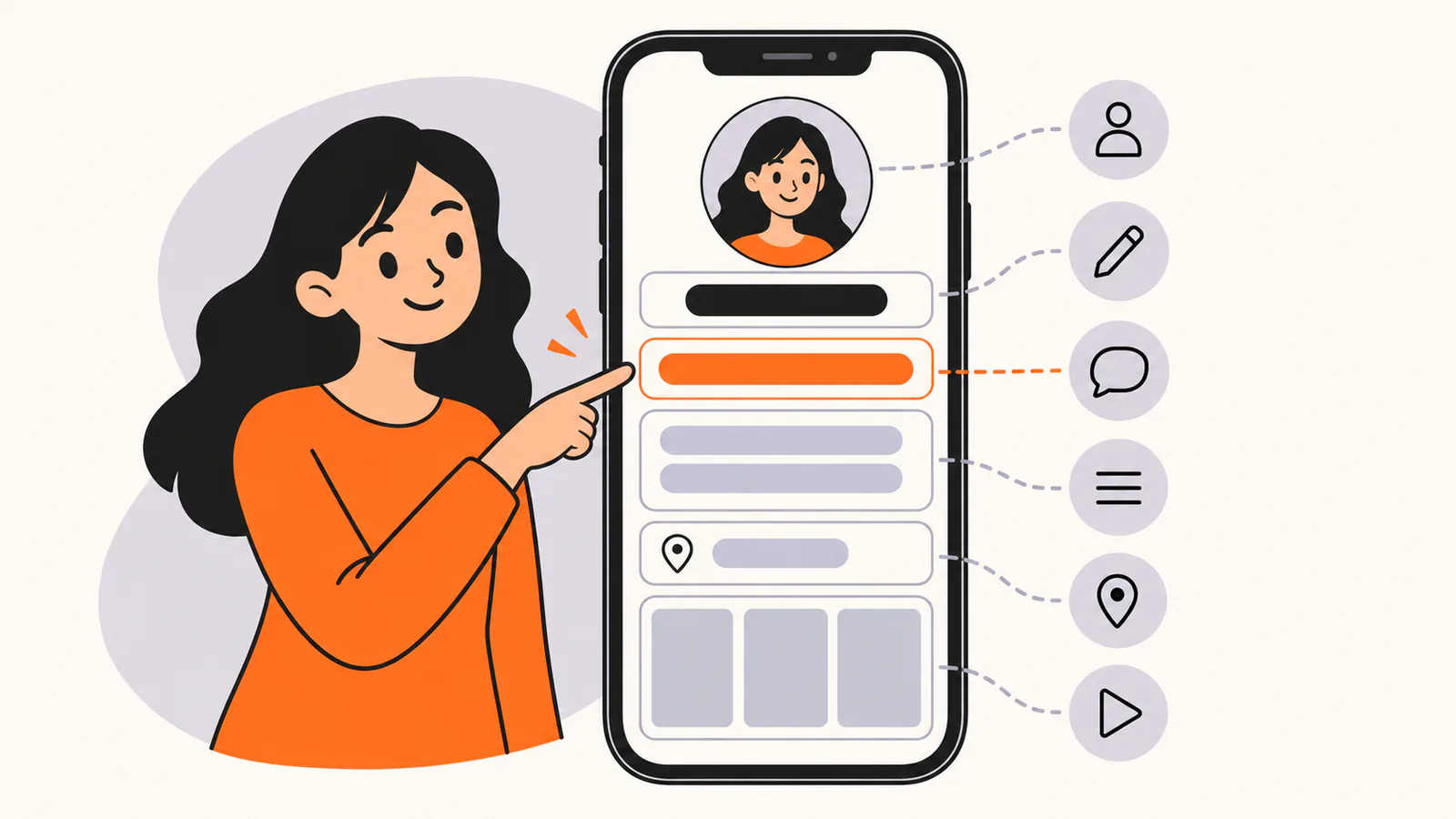
Snapchat Support says a Public Profile lets you add a photo, bio, description, location, Stories and Lenses. The bio is the short line people read first, so give it one job:
Keep it short
Snapchat's help pages don't state a character limit for the bio. A Public Profile is read on a phone, so one short line works best. Every example in this guide is 80 characters or fewer.
Who can add a Snapchat bio
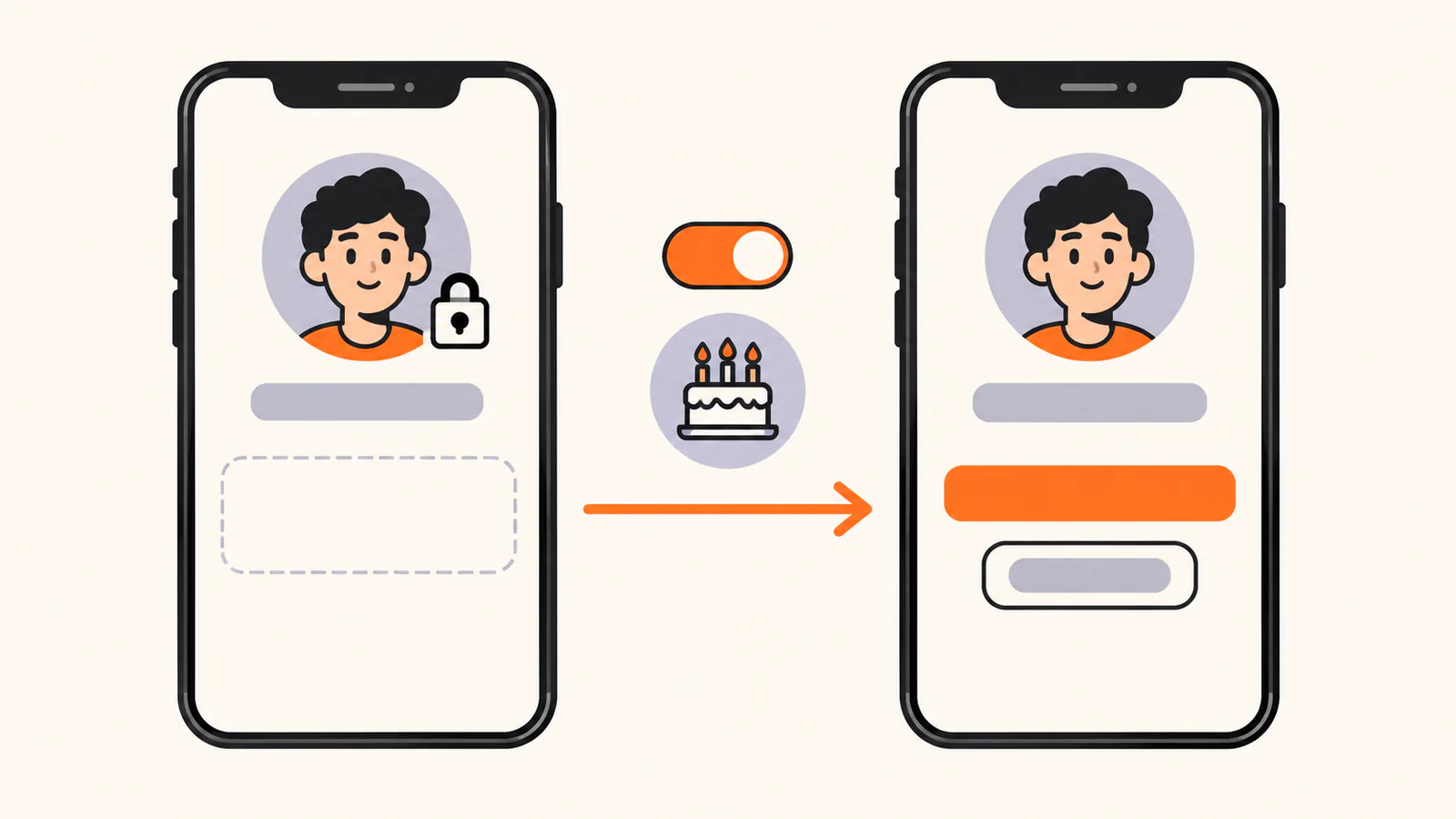
The bio lives on your Public Profile, and not every account has one. Snapchat Support says the minimum age for a Public Profile is 16, though laws where you live may set a different minimum age. It also says you may not have a Public Profile if you have broken Snapchat's Community Guidelines, and that if you qualify but don't see one, you may need to set your birthday in your Snapchat settings.
A standard Public Profile can't add a website or public email. Snapchat's feature table lists those for Creator Accounts and Business Profiles.
40 Snapchat bio ideas you can copy
Every example below was written for this guide and is fictional. Each one is 80 characters or fewer. Replace anything in [brackets], and keep a claim only if it's true for you.
Short Snapchat bio ideas
Funny Snapchat bio ideas
Aesthetic Snapchat bio ideas
Creator Snapchat bio ideas
Small business Snapchat bio ideas
Want bios for other platforms? Our bio examples hub links a guide for every platform.
How to edit your Snapchat bio
These steps follow Snapchat Support as checked on October 9, 2026:
If you don't see Public Profile, check the eligibility notes above. Snapchat Support also says creating a Public Profile doesn't change your existing contact or Story privacy settings.
Snapchat bio mistakes to avoid
Add a link to your Snapchat profile
Profile websites depend on your account type. For which accounts can add one, how to share your profile link and how to attach links to Snaps, see our guide to adding a link on Snapchat.
If you can add a website, a link-in-bio page lets you point it at one address and update the page behind it. Liink is one option: the Free plan includes one public page with unlimited links and QR code sharing, and Pro ($7.99/month or $79.90/year) adds custom domains and detailed analytics. Liink does not write your bio or guarantee clicks.
Frequently asked questions
How do I add a bio on Snapchat?
Tap your Bitmoji or Story icon to go to your Profile, tap Public Profile, then tap the pencil icon to edit it and add your bio.
Why can't I add a bio on Snapchat?
The bio is part of a Public Profile. Snapchat Support says the minimum age for a Public Profile is 16, or a different age where local laws require it, and that you may need to set your birthday in settings.
How long can a Snapchat bio be?
Snapchat's help pages don't state a limit. Keep it to one short line; every example in this guide is 80 characters or fewer.
What should I put in my Snapchat bio?
What you post or what you are about, plus one detail that sounds like you. Use the description for anything longer.
Can I put a link in my Snapchat bio?
A standard Public Profile can't add a website. Snapchat's feature table lists the website for Creator Accounts and Business Profiles.
Can I copy these Snapchat bios?
Yes. Every example here is original and written to be copied. Replace the parts in brackets and keep only claims that are true for you.
Official sources checked
The Snapchat facts in this guide were checked against Snapchat Support on October 9, 2026:
Search demand was checked in the Semrush US database on October 9, 2026. Volumes are research estimates, not traffic guarantees. All 40 example bios were written for this guide and are fictional.


