

Linktree for Nonprofits: A Safe Donor and Volunteer Hub?

Linktree can work for a nonprofit as a campaign and social-routing hub, but it should point supporters to authoritative, organization-controlled destinations for donating, volunteering, services, events, financial transparency, and contact. It should not become the only source of truth for urgent services, legal disclosures, donor privacy, receipts, or program eligibility. The strongest setup is a short decision page with one primary campaign action and durable trust links.
Disclosure: Liink publishes this guide and offers a competing visual-profile product. Liink is not affiliated with Linktree, the IRS, or W3C. This is operational guidance, not legal, tax, fundraising, accessibility, or data-protection advice. Official sources were checked September 1, 2026. Nonprofits should verify rules with qualified advisers and the relevant regulator in every jurisdiction where they solicit or serve people.
What should a nonprofit link hub do?
A nonprofit hub should help a visitor identify the correct next step without having to understand the organization chart. Donors need a trusted donation path and evidence. Volunteers need current roles, requirements, location, and contact. People seeking services need eligibility, availability, language, accessibility, and safe contact information. Partners and journalists need mission, leadership, reports, policies, and press contacts. A single undifferentiated button list makes these audiences compete for attention.
Recommended information architecture
Order links according to the active campaign, but preserve durable trust and service paths. If an emergency or high-risk audience uses the page, publish direct crisis or service contacts visibly and maintain an escalation process. Do not route urgent needs through an unmonitored social inbox or an analytics redirect that can fail.
Donation trust and tax-status claims
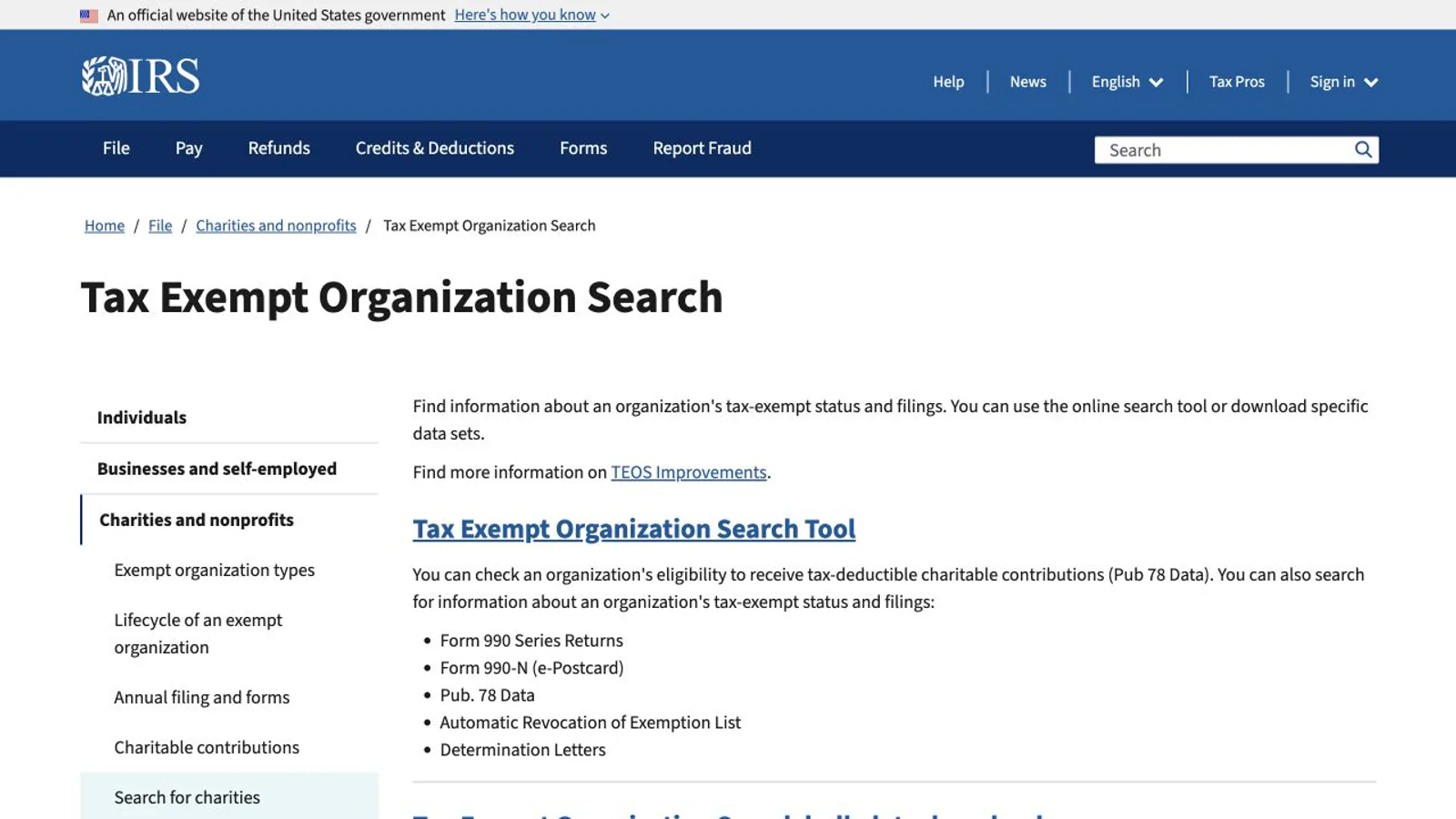
In the United States, the IRS Tax Exempt Organization Search lets the public review information about an organization's federal tax status and filings. A nonprofit can link to its own transparency or annual-report page and, where appropriate, explain how supporters can verify status. Do not imply that every payment is tax-deductible, that an organization is registered everywhere, or that a platform badge is government approval. Receipts and donor notices belong in the controlled donation workflow.
Primary source: IRS Tax Exempt Organization Search — checked September 1, 2026.
Accessibility is a donor and service requirement
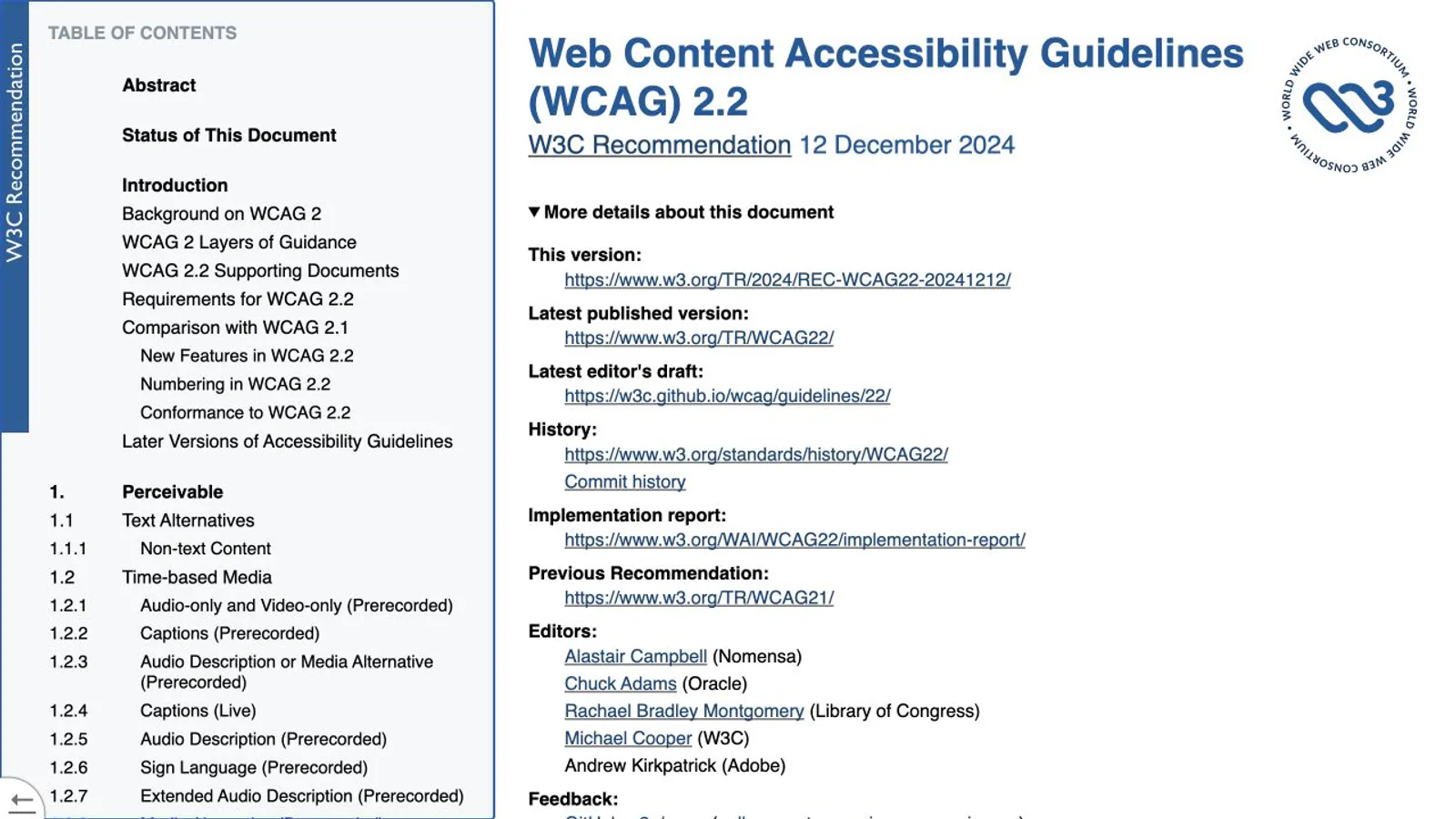
W3C's Web Content Accessibility Guidelines organize accessibility under four principles: content should be perceivable, operable, understandable, and robust. For a link hub, practical work includes descriptive labels, readable contrast, visible focus, keyboard operation, meaningful image alternatives, clear error messages, language identification, and avoiding instructions that depend only on color or position. The destination pages and donation form must also work; an accessible hub cannot repair an inaccessible checkout.
Primary source: W3C Web Content Accessibility Guidelines 2.2 — W3C Recommendation checked September 1, 2026.
Privacy, consent, and campaign measurement
Nonprofit audiences can include donors, minors, patients, survivors, people seeking benefits, and other sensitive groups. Collect only information needed for a stated purpose, separate required from optional fields, explain who receives it, and define retention. Avoid putting sensitive status, identity, or free-text disclosures into URL parameters. Before adding advertising pixels or audience tools, review consent and platform terms with the organization’s privacy owner.
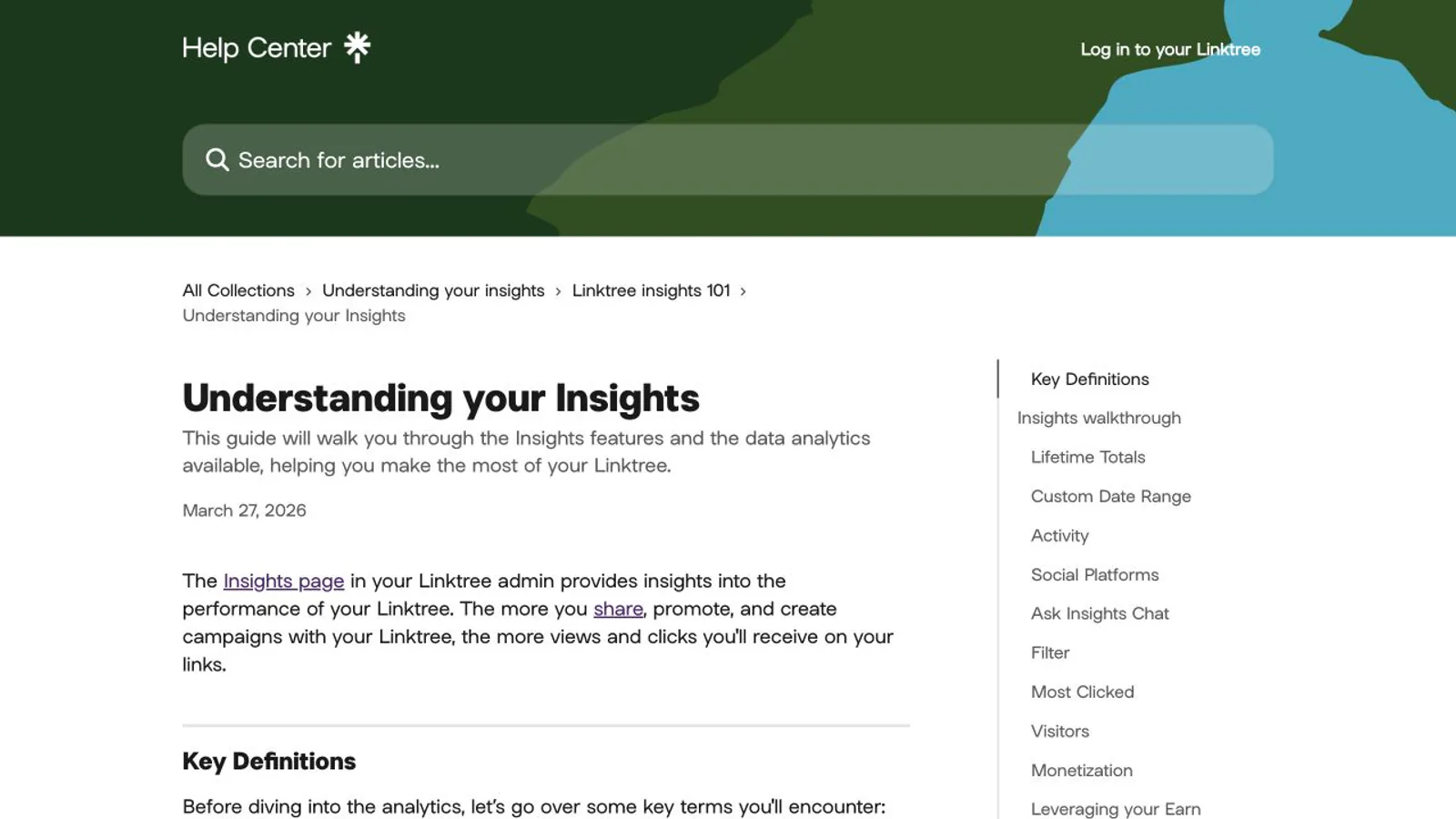
Linktree's Insights documentation describes profile views, clicks, referrers, locations, devices, audience data, and monetization reporting with plan-dependent features. Use those metrics to identify broken routing or campaign interest, not to infer impact. A click is not a volunteer placement, service delivered, or donation completed. Reconcile Linktree events with the destination system using privacy-safe campaign naming.
Official source: Understanding Linktree Insights — published March 27, 2026 and checked September 1, 2026.
Governance checklist before publishing
Best for—and not best for
Linktree is best for a nonprofit with active social traffic, a small set of current campaigns, reliable organization-controlled destination pages, and a staff member who can maintain the routing layer. It is not best as the sole repository for program eligibility, emergency instructions, governance evidence, donor records, or detailed policy. A substantive nonprofit website and secure operational systems remain separate jobs.
Frequently asked questions
Can a nonprofit use Linktree for donations?
A nonprofit can link to its official donation flow. The team should verify processor ownership, organization identity, tax and receipt language, recurring terms, fees, privacy, accessibility, refunds, and confirmation. Native product or payment features should be evaluated under current eligibility and fee rules rather than assumed from another account or country.
What should be the first nonprofit link?
The first link should match the current audience and campaign, not always say donate. During volunteer recruitment it may be current roles; during an emergency it may be verified service information; during a fundraising campaign it may be the controlled donation page. Keep organization verification and contact reachable regardless of order.
Does Liink provide nonprofit fundraising tools?
No. Liink can present content and destination cards, but it is not a donation processor, donor CRM, volunteer system, receipt engine, crisis service, accessibility certification, or legal-compliance product. A nonprofit must connect and govern specialist systems for those functions.
Related planning resources
For a broader explanation of what belongs between a social profile and several destinations, read the social media landing page guide.
To compare a visual routing layout with the same controlled nonprofit destinations, create a Liink prototype. Liink does not guarantee donations, volunteers, reach, accessibility compliance, or fundraising eligibility.


